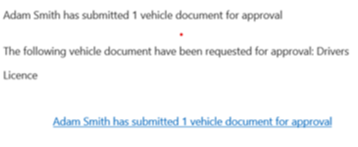
When a user submits a duty of care document, it is sent to their line manager or a nominated approver for approval. The approver receives an email notification containing a link to the document.
Approving or rejecting a document
Click the link in the email notification, or go to Documents > Approval.
Select the checkbox next to the relevant document.
Select Approve or Reject from the right-hand action menu.
If you select Reject, a free text field allows you to enter a reason for rejection.
.png)
See also: Submitting a vehicle document.