To help you quickly get on board with Expenses functionality, we’ve created a series of bite-sized videos that explain a specific area or feature in only a couple of minutes.
Expand any of the categories in the table of contents on the left to view what videos are available. These videos are also added to the relevant articles and we’ll be publishing more videos all the time.
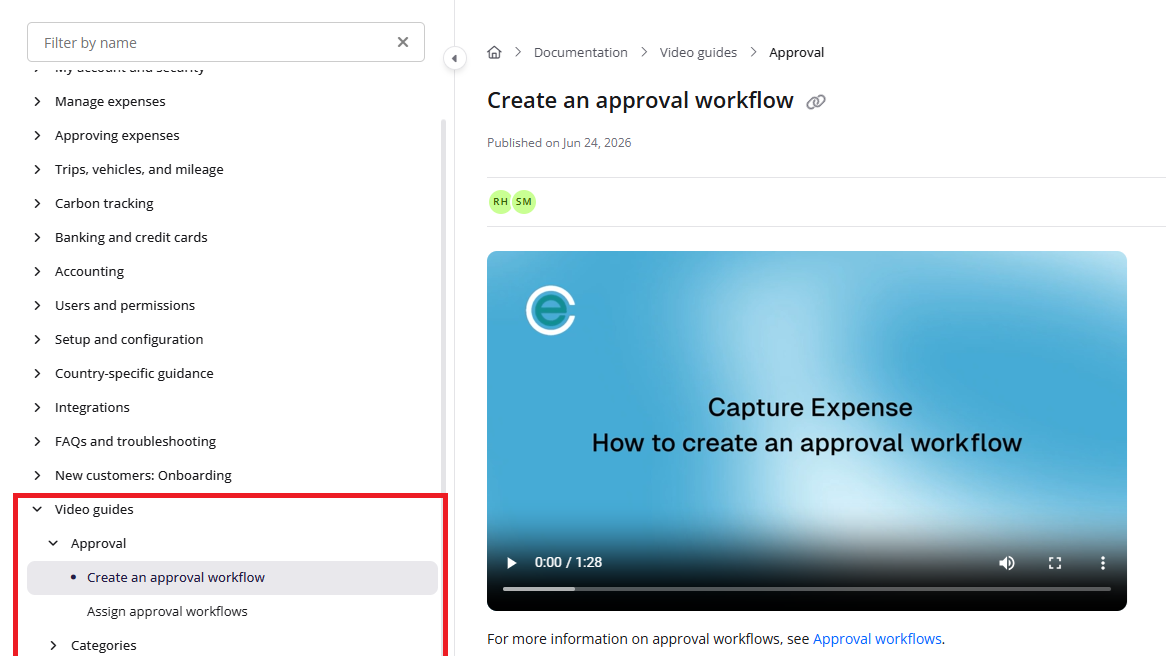
These videos were recorded in Capture Expense. Some screens and labels may look slightly different in Expenses, but the steps remain the same.