Available in:
HR Essentials
HR Advanced
Who can do this:
HR Manager
Administrator
Introduction
Greenhouse is an Applicant Tracking System (ATS) that aids recruitment and hiring processes.
You can integrate Greenhouse with Cintra People HR to benefit from the following:
Notifications when a candidate has been hired in Greenhouse
Import hired candidates into Cintra People HR to set them up as new employees
To make use of the Greenhouse Integration, you first need to set it up. Take a look at the following guide on how to do this: Setting up the Greenhouse Integration.
Adding Employees
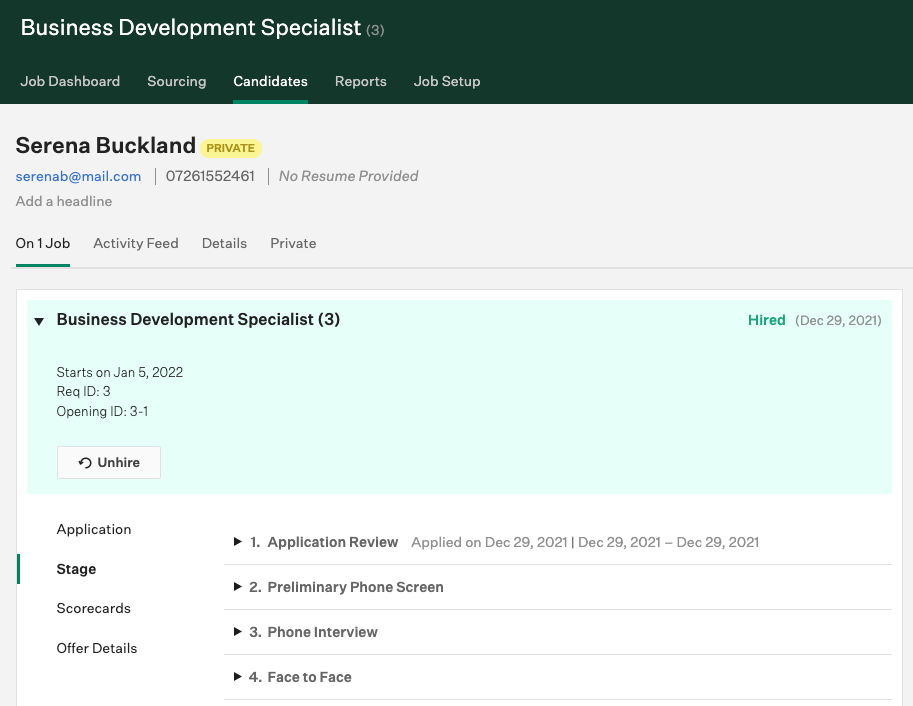
When a candidate has been marked as Hired in Greenhouse, a notification will be triggered and you will be able to import them into Cintra People HR .
To view and import them, go to Organisation > Employees > Offer Accepted.
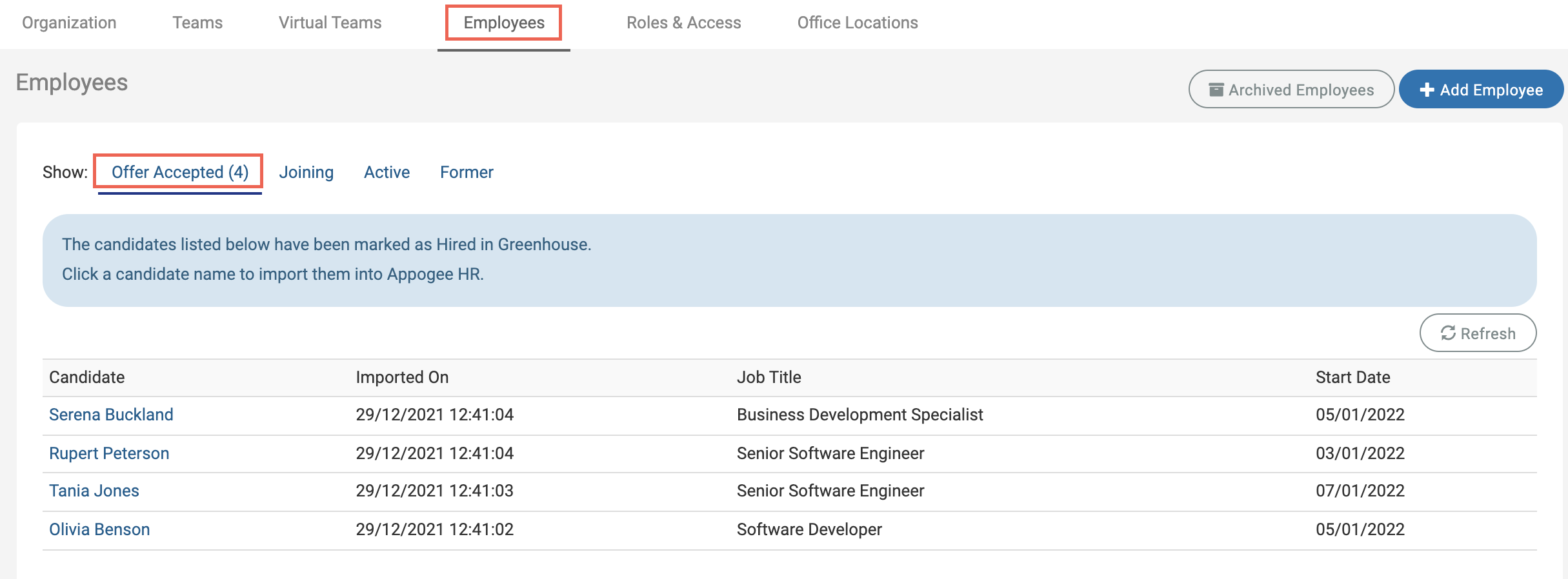
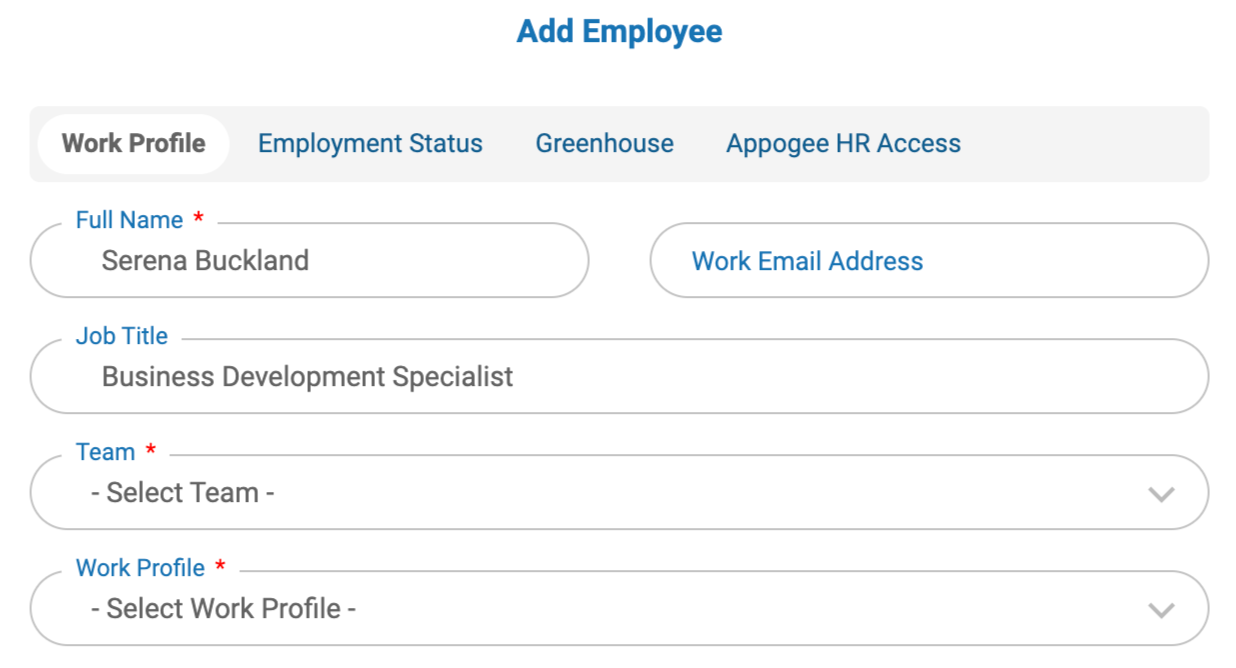
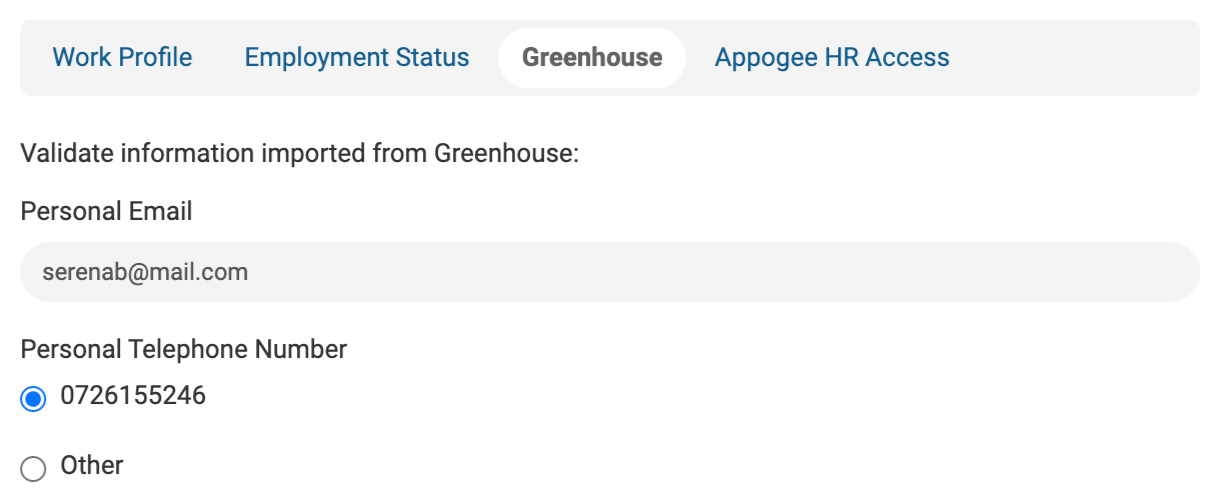
Click on the employee you want to import, some of their information will have pulled through from Greenhouse.
Add their Team and Work Profile and click Next.
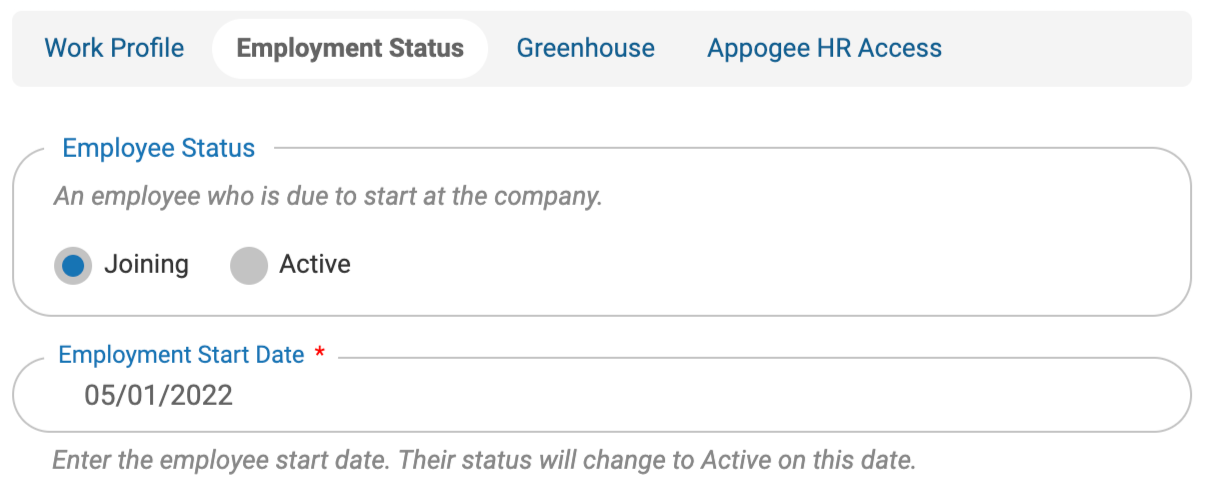
Their start date will be populated with the start date from Greenhouse. Either change it here or just click Next.
Edit or add their contact details, or just click Next.
Finally, select the access you wish them to have and whether you want to set up the Onboarding Portal for them, then click Next.
.png)
The employee will be successfully imported.