Who can do this:
HR Manager
Administrator
If you want to delete a team:
It must have no members and
It must not be a parent team.
Move a team’s employees to another team by going to Organisation > Employees. If the team has child teams, reassign these by going to Organisation > Teams.
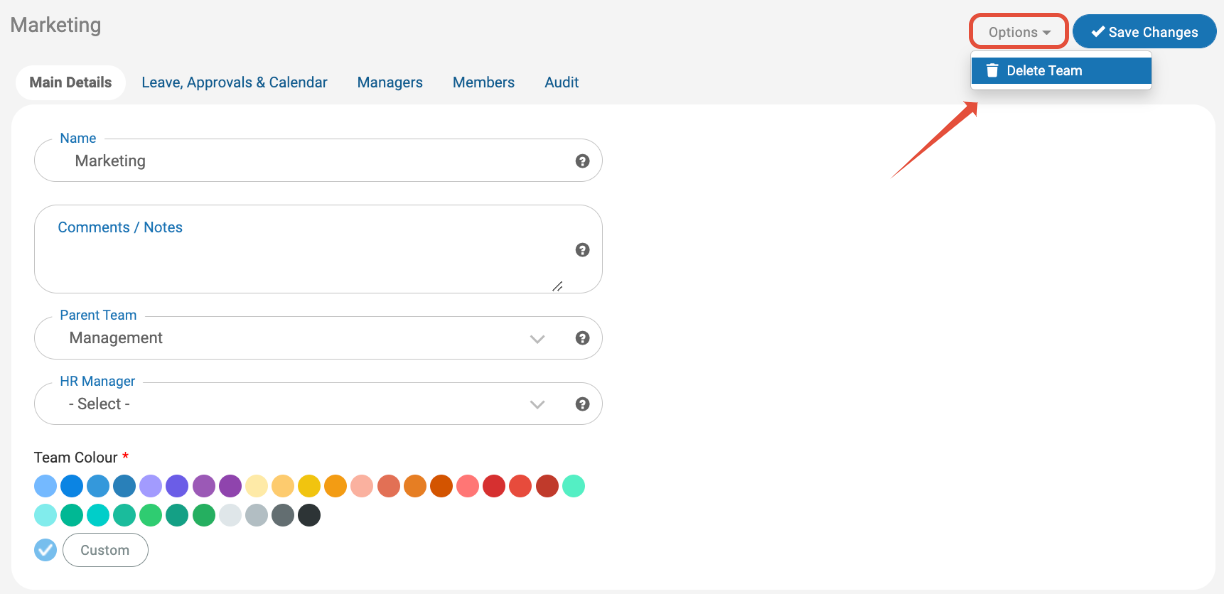
When the team is ready to be deleted, go to Organisation > Teams. Select the team you wish to delete and click Options > Delete Team.
Click OK to confirm deletion.