Who can do this:
Administrator
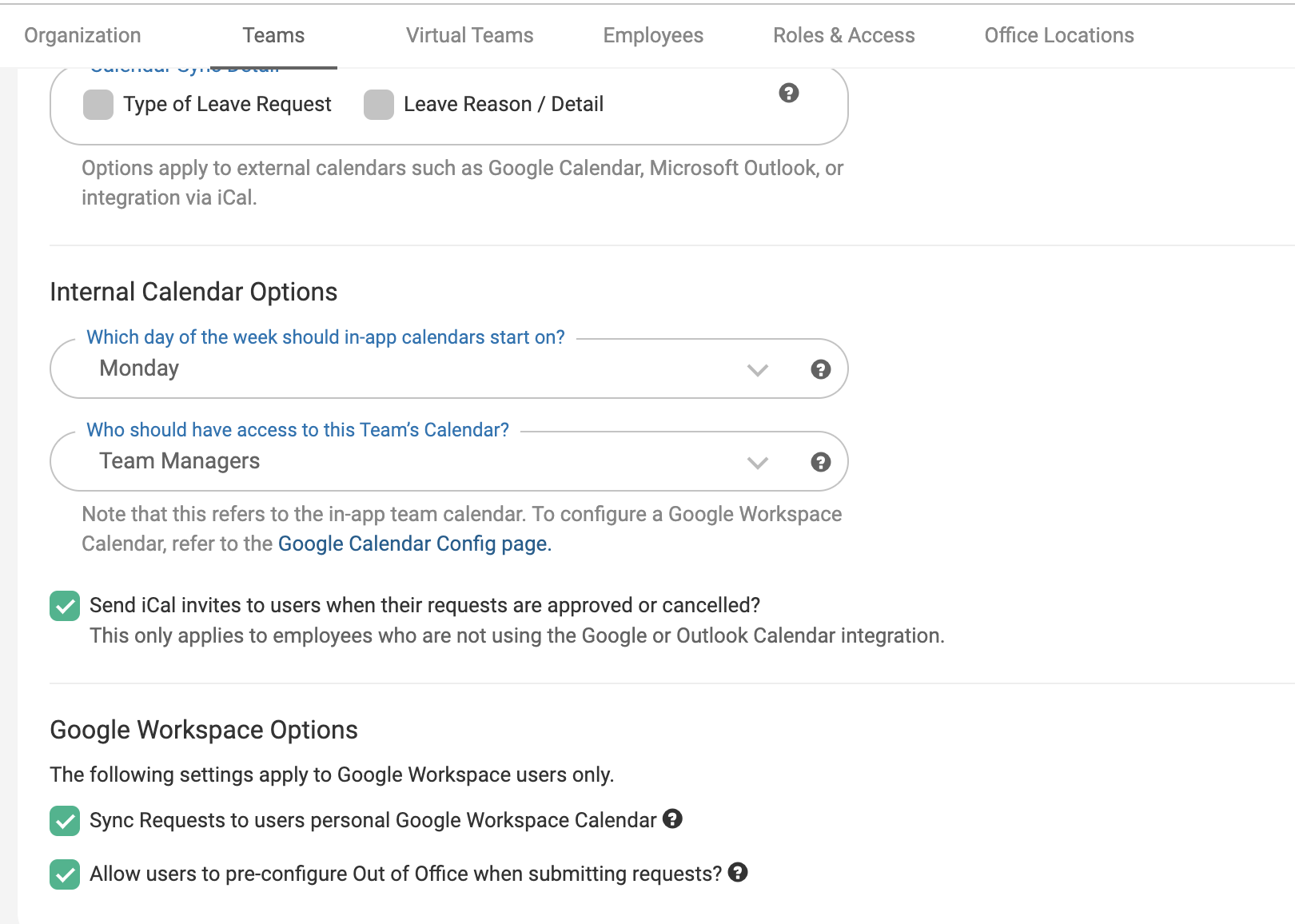
The setting to allow syncing of requests to users personal Google Calendars can be found within the Team Profile. To find this setting you will need to go to Organisation > Teams.
Select the team you wish to make this change for, and go to the Leave Options & Approvals > Calendar & Out of Office tab.