Applicable packages | Leave | Time | HR Essentials | HR Success |
|---|
Required Roles | Team Manager | HR Manager | Administrator | ADU Manager |
|---|
Teamtailor is an Applicant Tracking System (ATS) that aids recruitment and hiring processes.
You can integrate Teamtailor with Cintra People HR to benefit from the following:
Notifications when a candidate has been hired in Teamtailor
Import hired candidates into Cintra People HR to set them up as new employees
The integration will require you logging into both Cintra People HR and Teamtailor at the same time, if you have 2 screens, it is recommended you put both the screens side by side for ease of configuration.
To set up the Teamtailor Integration, go to System Config > Integrations > Teamtailor.
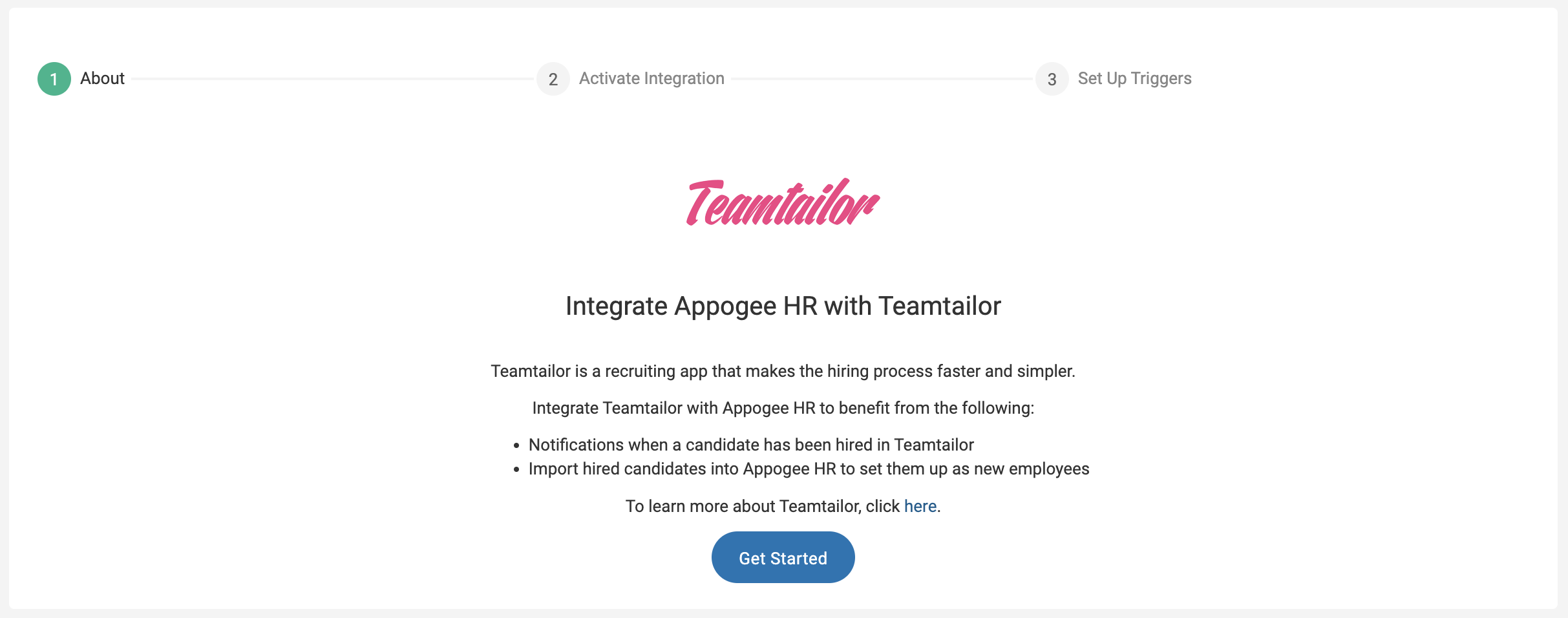
Step 1 - About
The first page will give you an overview of the Teamtailor integration - read through the information and click Get Started.
Step 2 - Activate Integration
In order to connect the two systems, you will need to enable the Integration in Teamtailor.
Follow the steps on the screen:
Copy the Integration Key from Cintra People HR by clicking on the clipboard icon.
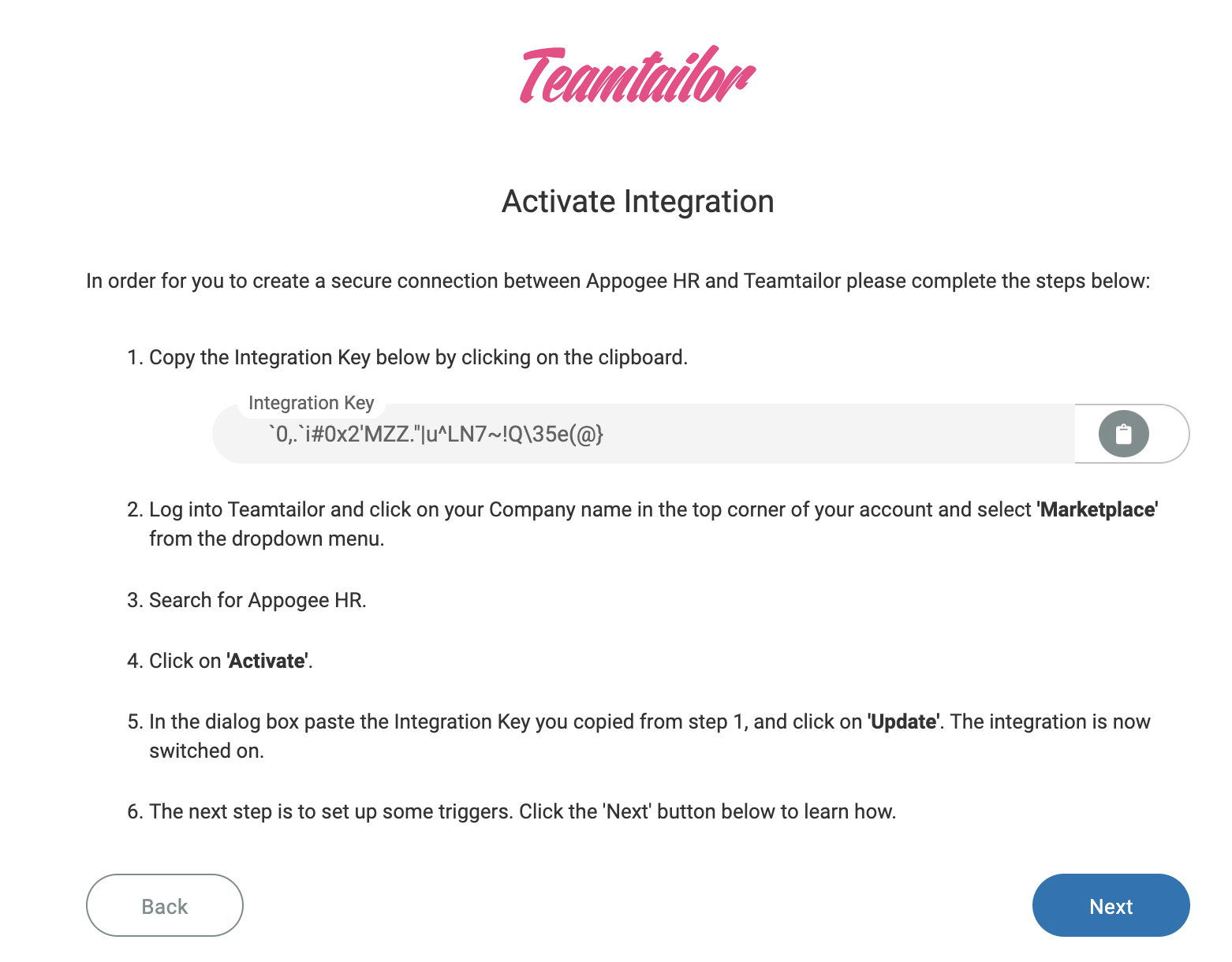
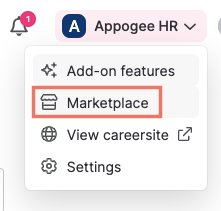
Log into Teamtailor and click on your Company name in the top corner of your account and select Marketplace from the dropdown menu.
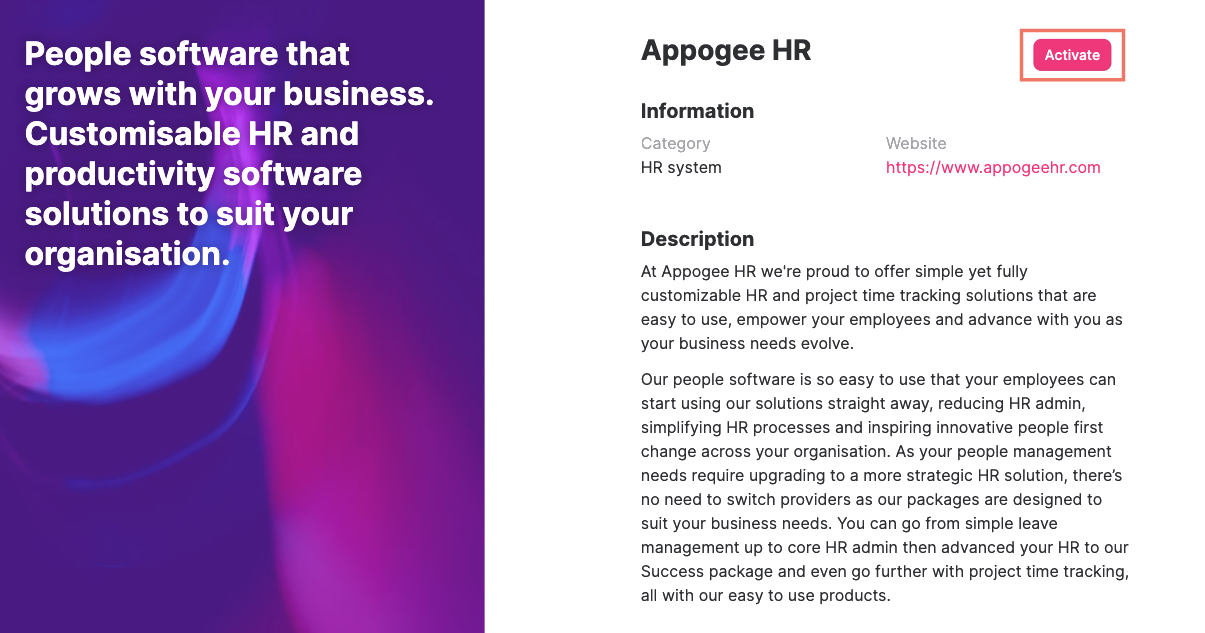
Search for Appogee HR in the Marketplace.
Open the card and click Activate.
In the dialog box, paste the Integration Key you copied from step 1 and click Update.
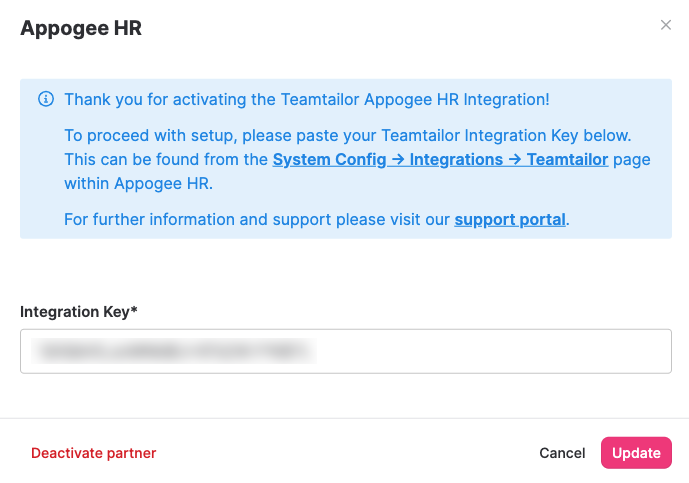
The integration is now switched on.
Step 3 - Triggers
Triggers are needed to automate the creation of your users from Teamtailor into Cintra People HR.
We recommend you set up your triggers on the Default Job Template.
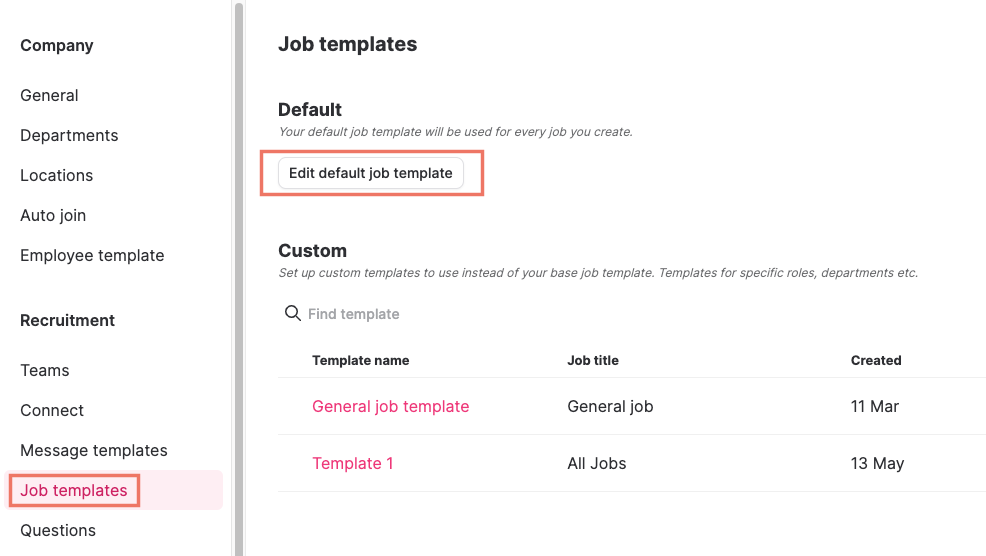
In Teamtailor go to Settings > Job Templates.
Click Edit default job template.
Go to Stages.
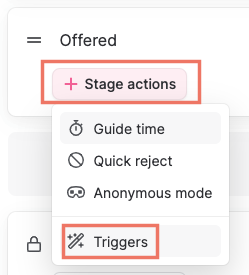
Choose the stage on which you would like to set up the trigger. (This means that when a candidate gets moved to this stage, the candidate information will be sent to Cintra People HR).
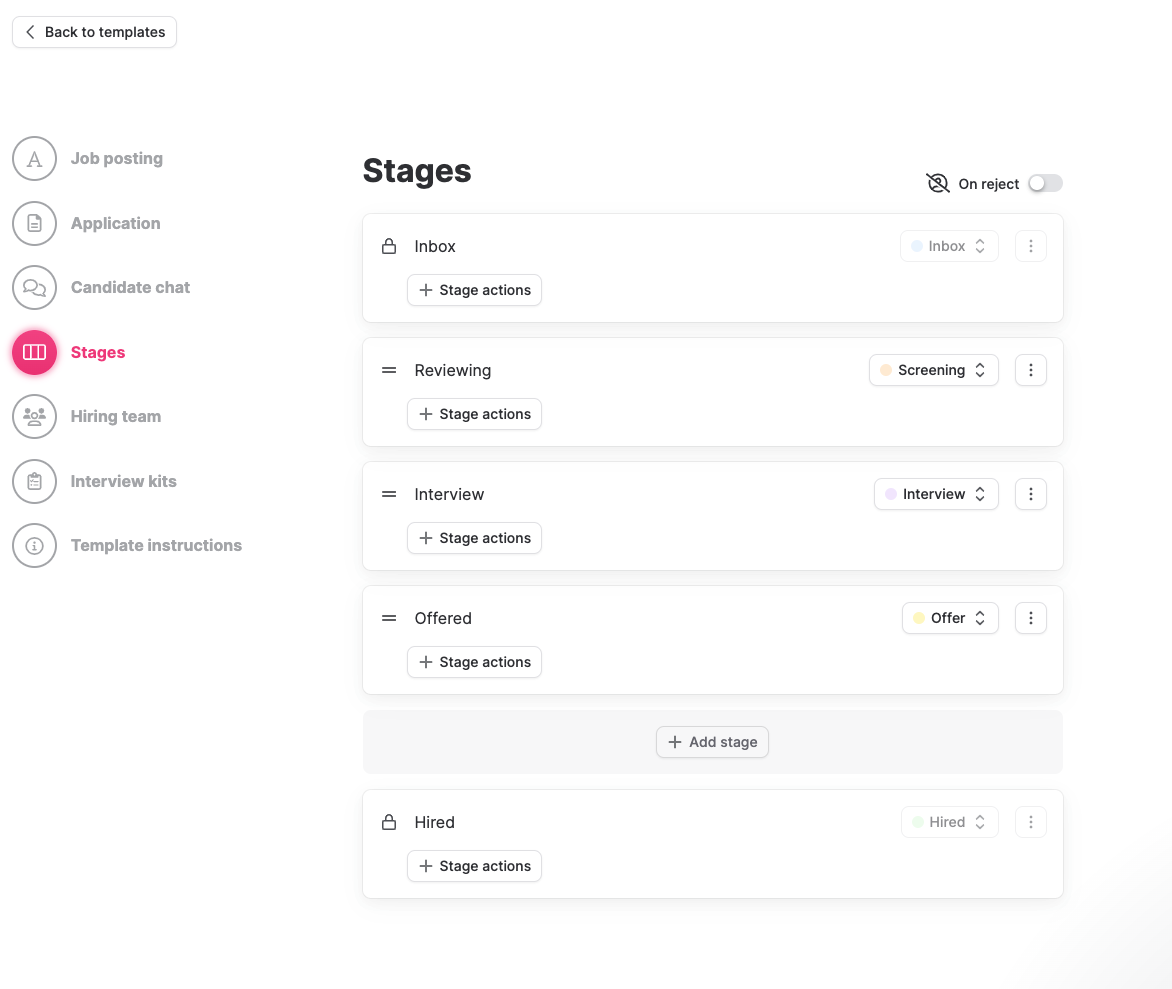
On the stage chosen, click on + Stage Actions and then on Triggers.
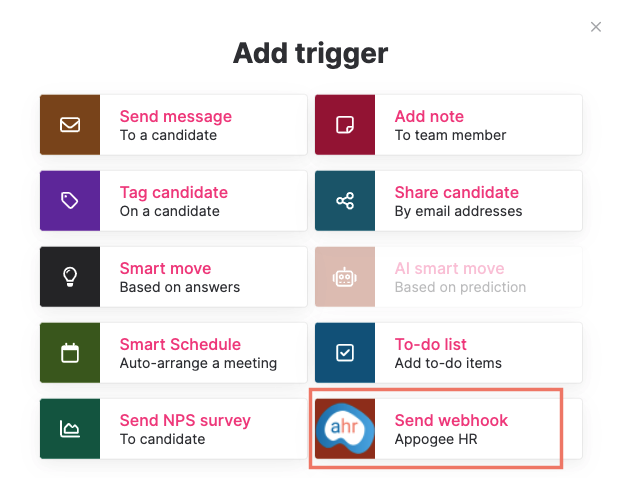
From the list of Triggers displayed, click on Send Webhook: Appogee HR.
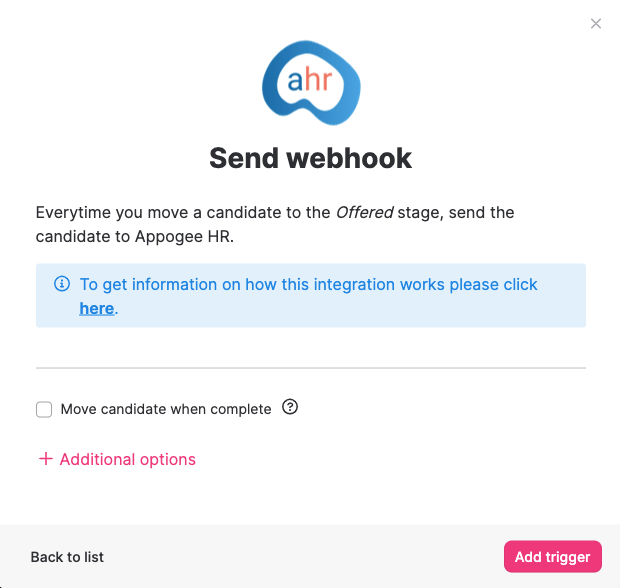
Click on Add Trigger.
Once you have set up your Triggers in Teamtailor,go back into Cintra People HR and click Complete Setup.
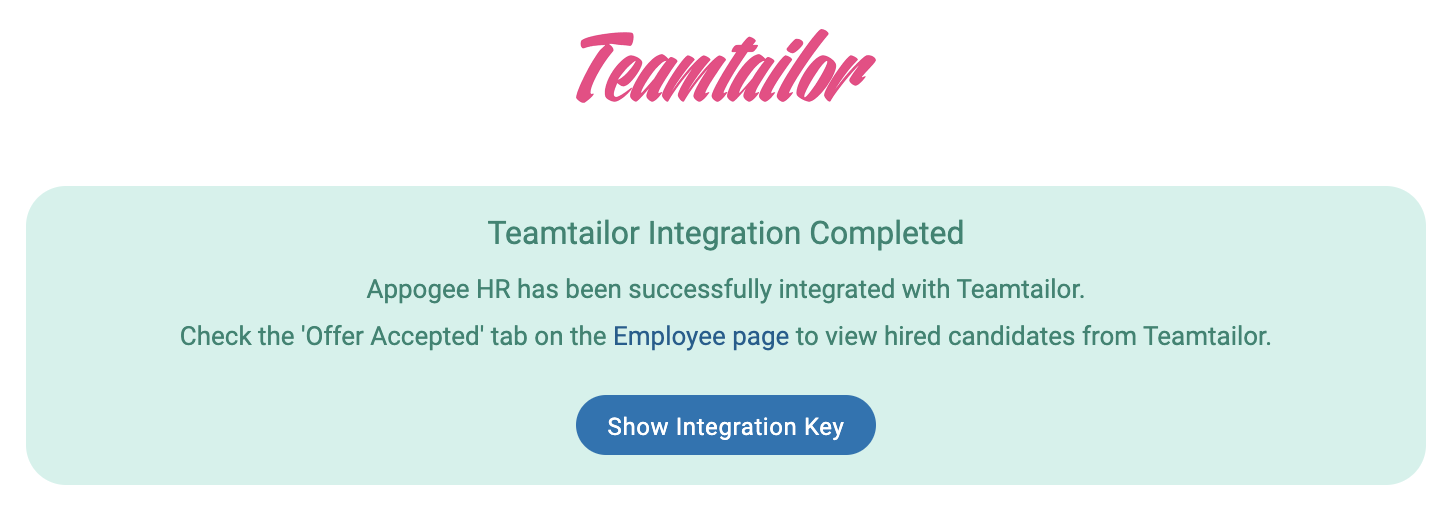
You will then see a confirmation page.