Cintra iQ allows you to enter multiple values in Lookup Tables. A Lookup Table can be used for most lists where a user selects from a drop down within the application, such as a Job or Post category. These values appear as the pre-defined list items within the drop downs.
To add a lookup table
Go to Cintra iQ: Definitions > Lookups. The Lookup Administration window appears.
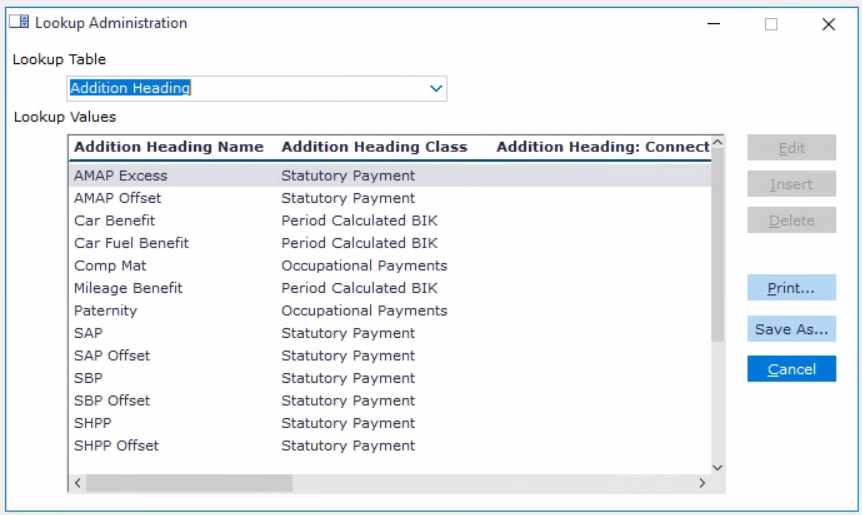
Select the Table you wish to add to from the Table drop down list.
Tip: You can type the first letter of the desired Lookup Table in the field to access the lookup more quickly.
Click the Insert button. The form belonging to the Lookup Table appears.
Fill in the form accordingly.
Click the OK button.