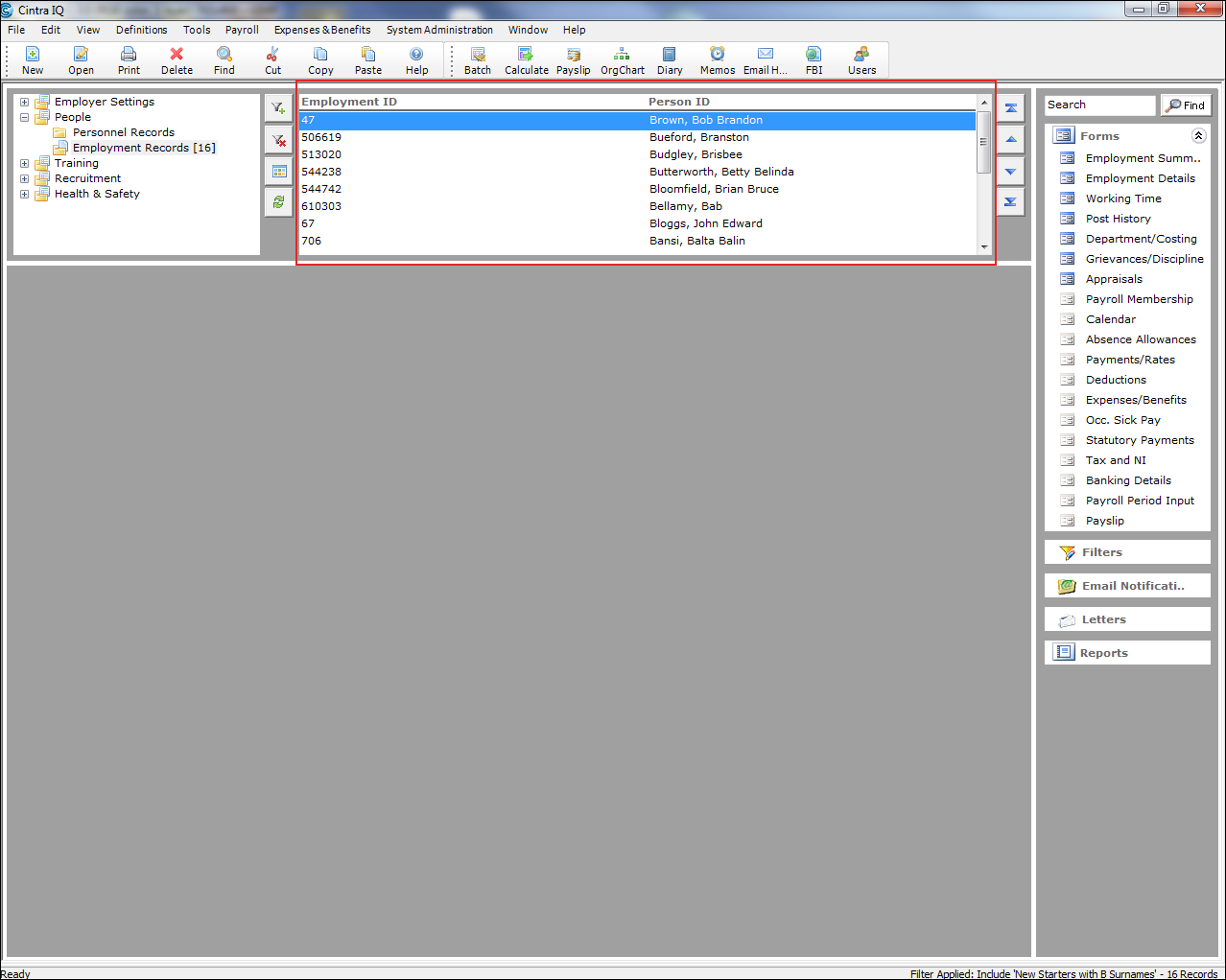
In Cintra iQ you can create a record filter that, once applied, tells the system to display specific records in the Navigator.
To apply record filters
Select the desired folder in Folders.
Click the
 button beside the Folders pane. The Record Filters Selection window appears.
From the Available Filters pane, select the desired filter.
Add it to either the Include records belonging to All of: or Exclude records belonging to ANY of: panes.
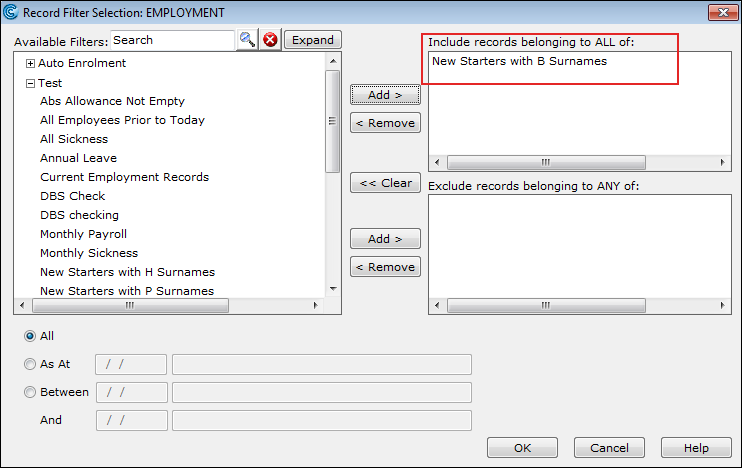
Narrow the filter process down by date, if necessary.
Click the OK button. The records within the Navigator are filtered.