Once you have imported batch data into Cintra iQ, you can check if the data has been applied to the affected employees by calculating the payroll/employee.
To check an individual employee
Identify the employee from the Standard Import Map window.
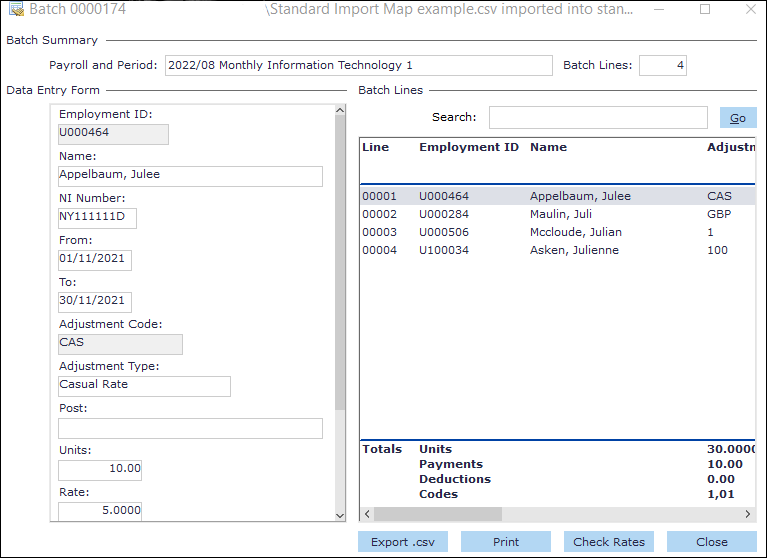
Navigate to the Batch Input window.
Cintra iQ: Tool bar > Batch iconOpen the relevant Batch record.
Take note of the desired employee's Employment ID.
Calc the employee's payslip.
Search for the employee in the Navigator.
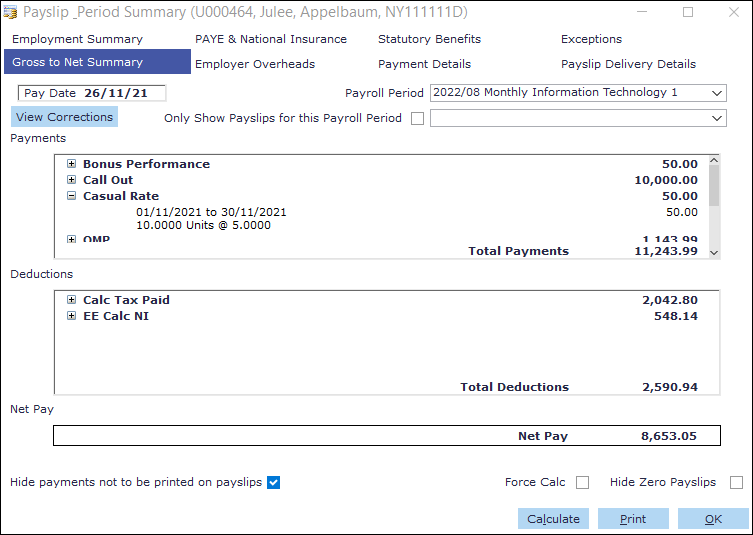
Open their Payslip form.
Click the Calculate button on the form. The payments are calculated.
Note: You can edit an employee's payment by updating their Payment and Rate details in their Payroll Period Input form.