When the payroll membership transfer is complete within Cintra iQ, the payments and rates section needs to be checked. If salary and payments are changing due to the transfer, you may need to end current payments, and then attach new payments to the employee.
Payments from grades and spine points may continue through to the transferred payroll. To find out where these payments are coming from, go to Cintra iQ: Employment record > Forms > Payment/Rates > Allowances and Rates Summary tab.
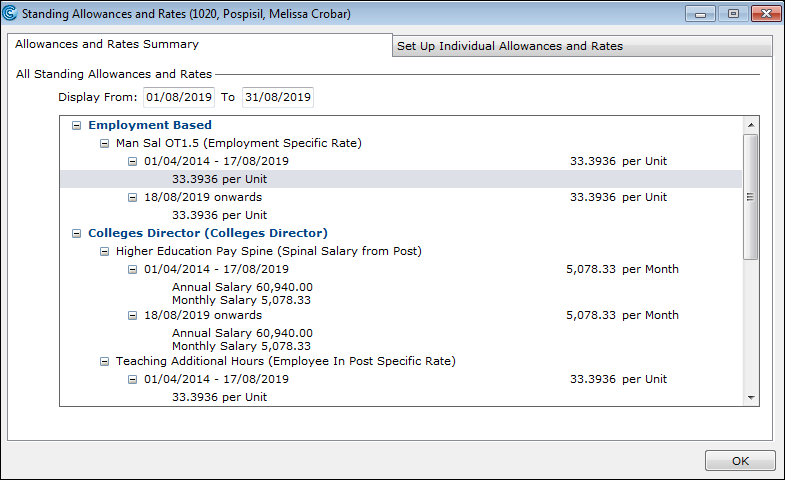
Basic Salary (Spinal Salary from Grade) can be found in the Post History form. You can see that even after the payroll membership is transferred, the basic salary is continued. To stop the basic salary upon transfer, the record needs to be end dated.