Before starting to save links within Cintra iQ, you should set up a list of document types. This groups the data together into categories to make a document easier to find. e.g. Type: .csv, .pdf etc
Go to: Definitions > Lookups > Document Types.
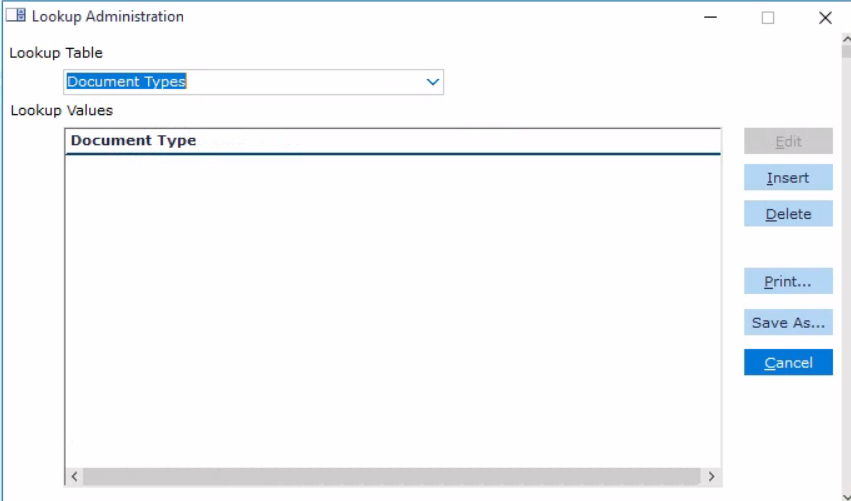
Click Insert. The Document Types dialogue appears.
Enter the desired Document Type name.
Click the OK button. The Document Type is saved to the Document Type Lookup table.