What are personal document categories?
Personal Document Categories group data together into categories to make a document easier to find. You can set the category to be visible to the employee in Self-Service.
How do I create a personal document category?
Go to: Definitions > Lookups > Lookup Administration window > Personal Document Category lookup table
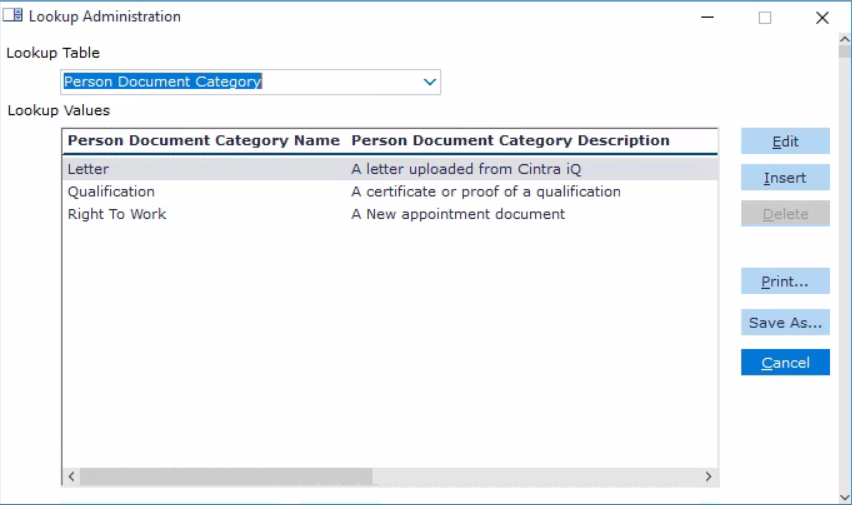
Click Insert. The Person Document Category dialogue appears.
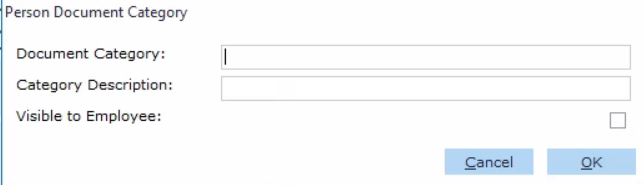
Enter a name & description for the Person Document Category.
Select Visible to Employee, if required.
Once complete, click OK. The Person Document Category is created.