How do I upload a file to Cintra iQ?
Click the upload arrow in the top right corner of the screen. The File Explorer will open, usually in the Downloads directory.
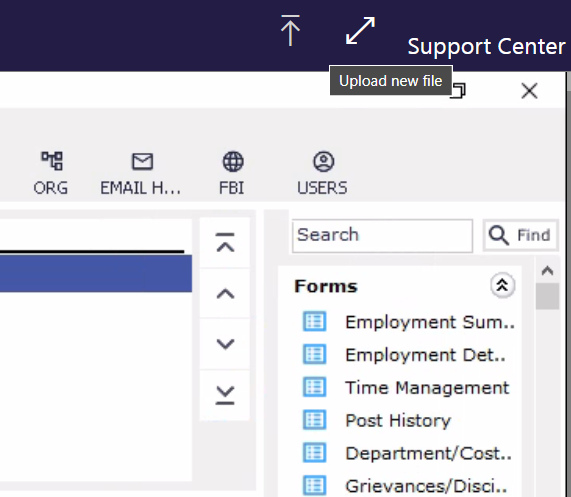
Locate and select your file, then click 'open' or double-click it.
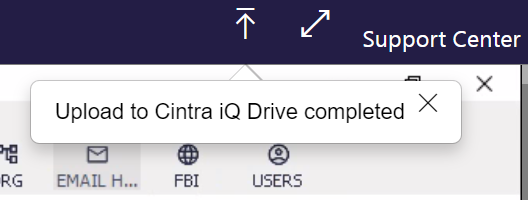
A message "Uploading to Cintra iQ Drive completed" will confirm the upload.
How do I import a file?
Go to: File > Import > Bulk Document Upload
In the Multiple Document Upload window, click the three dots to open the file selection window.
Select your uploaded file and press 'okay'.
Note: If you're unable to find your uploaded file in the selection window, it might still be uploading—particularly if it's a larger file.