Once the user administrator has created your Self-Service account, they will send you two separate emails; one containing your username and the other containing your temporary password.
Important: If you have not received your emails and have checked in your spam/junk folders, please contact your HR department.
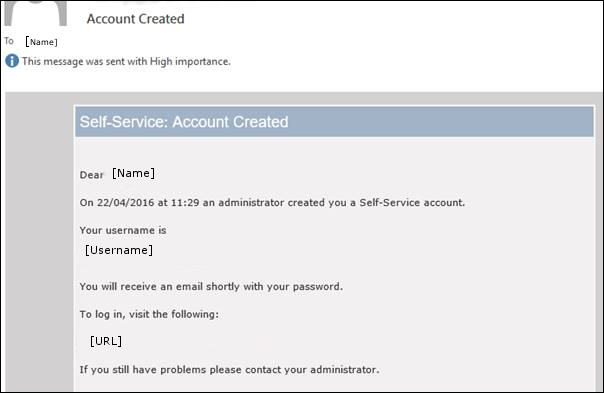
Account Created: The Account Created email contains your username and a link to the Self-Service website.
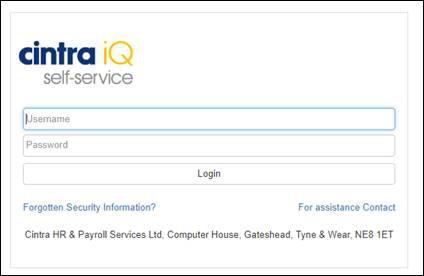
When you click on the URL link , you are taken to the Self-Service portal where you can enter your username and the password that is sent separately.
The Your new Password email contains a temporary password for you to use in order to access Self-Service for the first time.
Depending on how your system is set up, after you have logged in to Self-Service for the very first time by entering your Username and temporary Password, you may be forced to change your password.
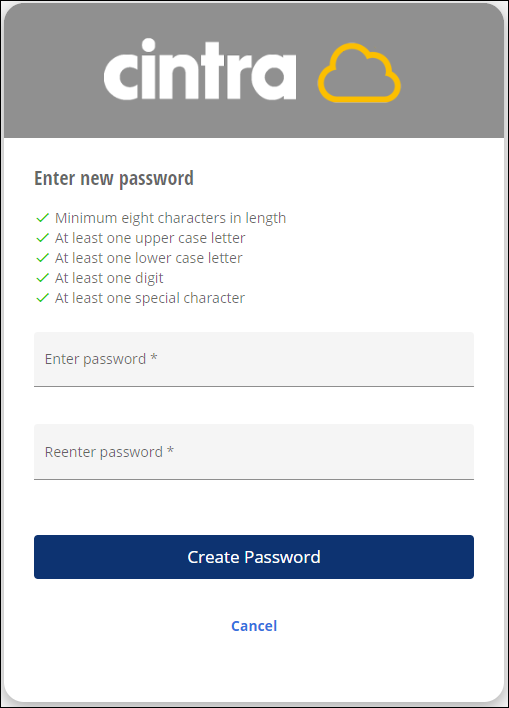
When you log in to Self-Service with a temporary password, you are prompted to reset it. You are asked to enter your new password, re-type it and then confirm.
Note: You can change your password when necessary through the Settings menu option, once you have logged in to Self-Service.
Important: If you have forgotten your password, you can recover it by clicking on the Forgotten Security Information? link on the Self-Service login page. If you continue to have problems, contact your HR department.