Important: You must have System Administration permission in order to access this functionality. Go to Cintra iQ: System Administration Manage Security Define Security Profiles
To download the data
Navigate to the Data Export window.
Go to Cintra iQ: System Administration > Data Export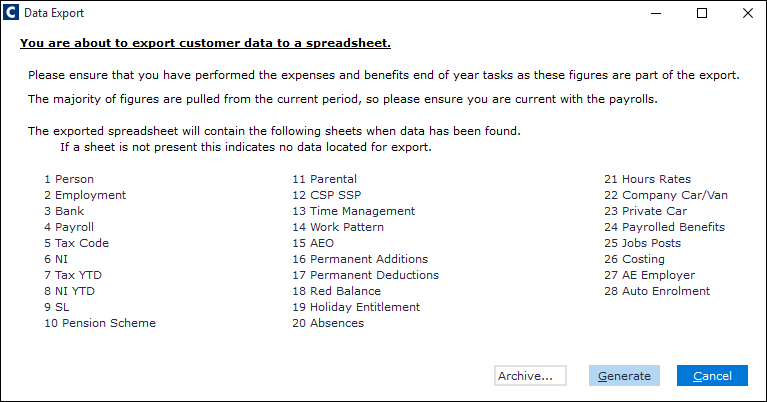
Follow the on screen instructions.
Perform either of the following:
Click the Generate button to save the data to the desired location.
Click the Archive button to save the data to Cintra Cloud.
The data is saved in a spreadsheet format. Each set of data is displayed on its own spreadsheet.
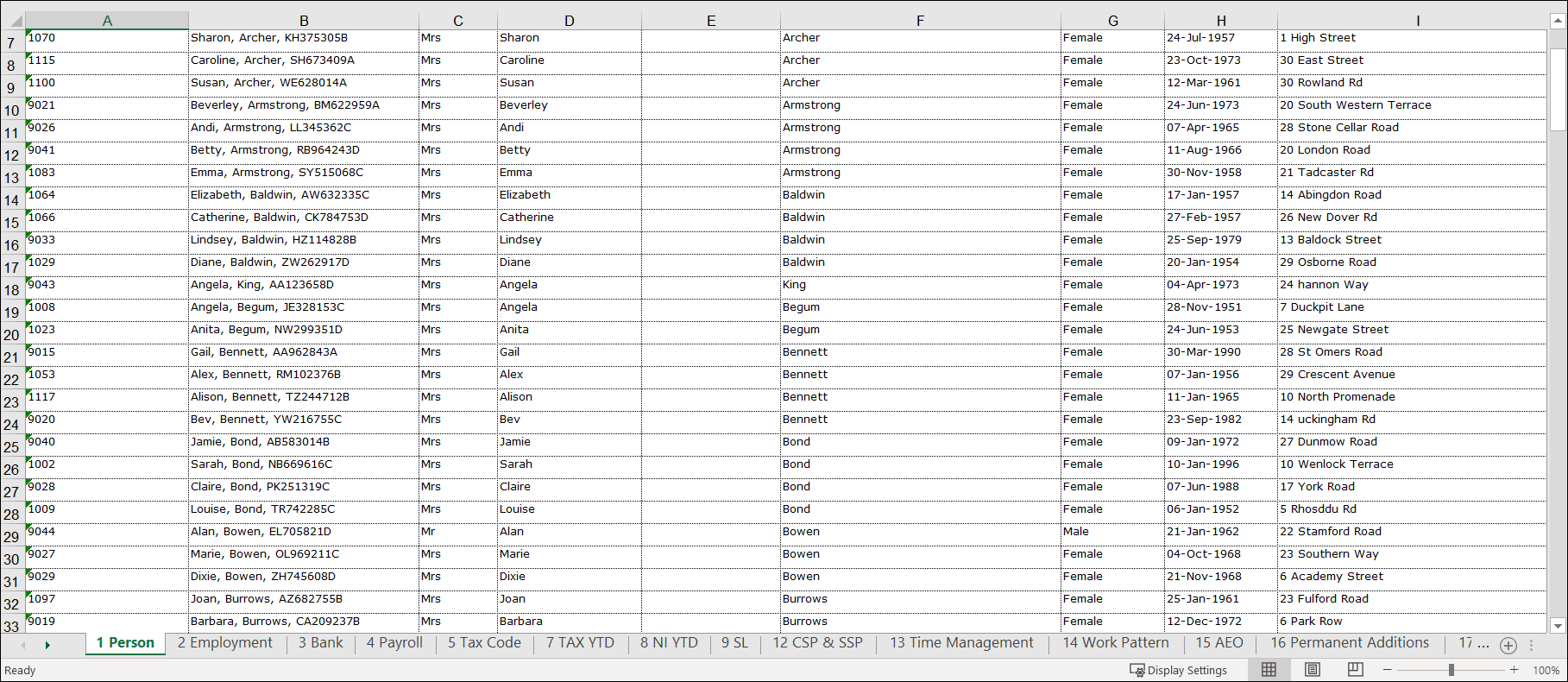
Note: If no data is generated under a specific header listed on the Data Export window, then no spreadsheet will appear to correspond to that header. Therefore you may see that certain spreadsheets have been skipped in your output.