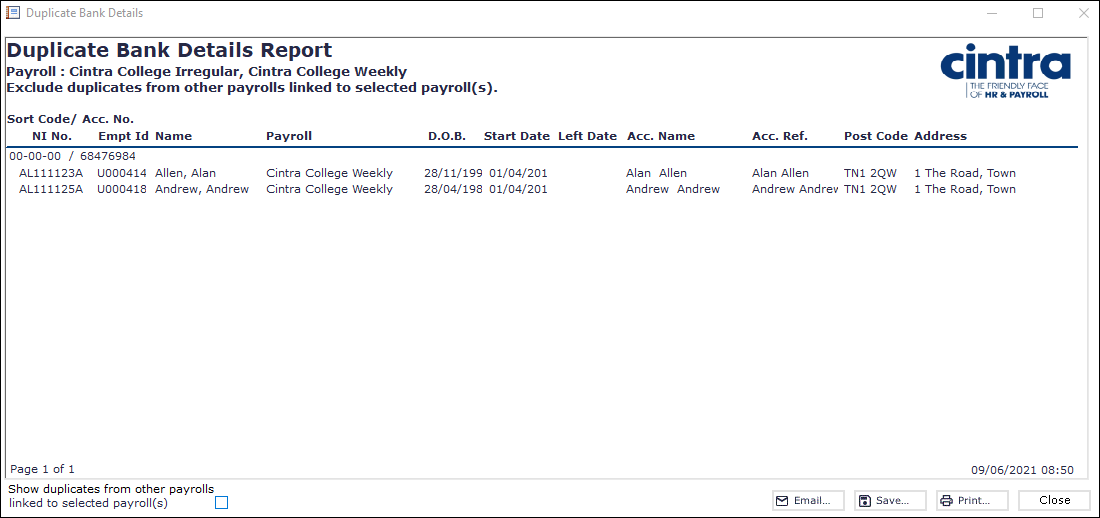
The Duplicate Bank Details Report within Cintra iQ displays the details of employees sharing the same bank account details.
Note: You can show duplicates from other linked payrolls other than the selected payroll by selecting the check box in the lower left-hand corner of the report window.
To produce the report
Go to Cintra iQ: Payroll > Payroll Tools > Payroll Reports> Duplicate Bank Details. The Duplicate Bank Details Report - Select Payroll form appears.
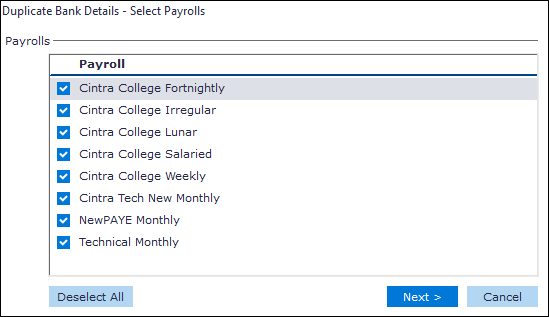
Select the desired Payroll(s).
Click the Next button. The Duplicate Bank Details Report appears.
Continue to Archive, Email, Save, and/or Print.
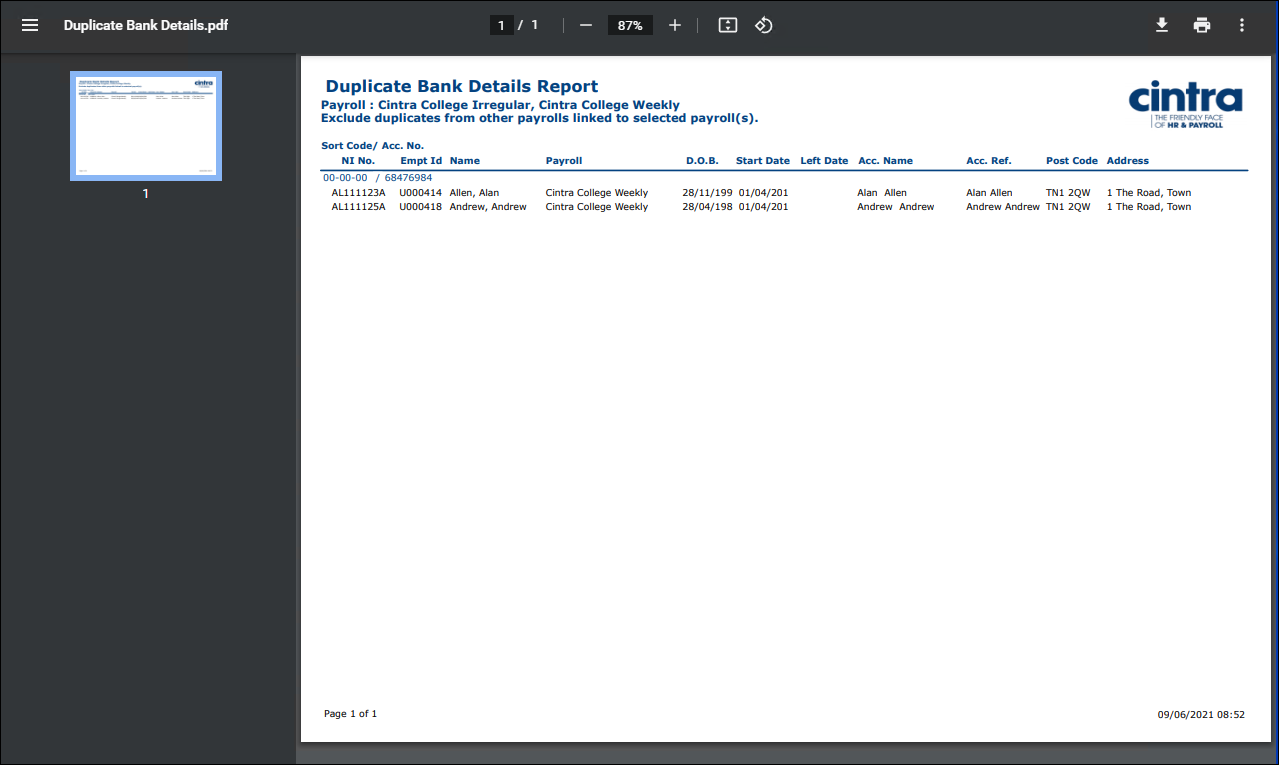
PDF Output example
Spreadsheet Output Example
