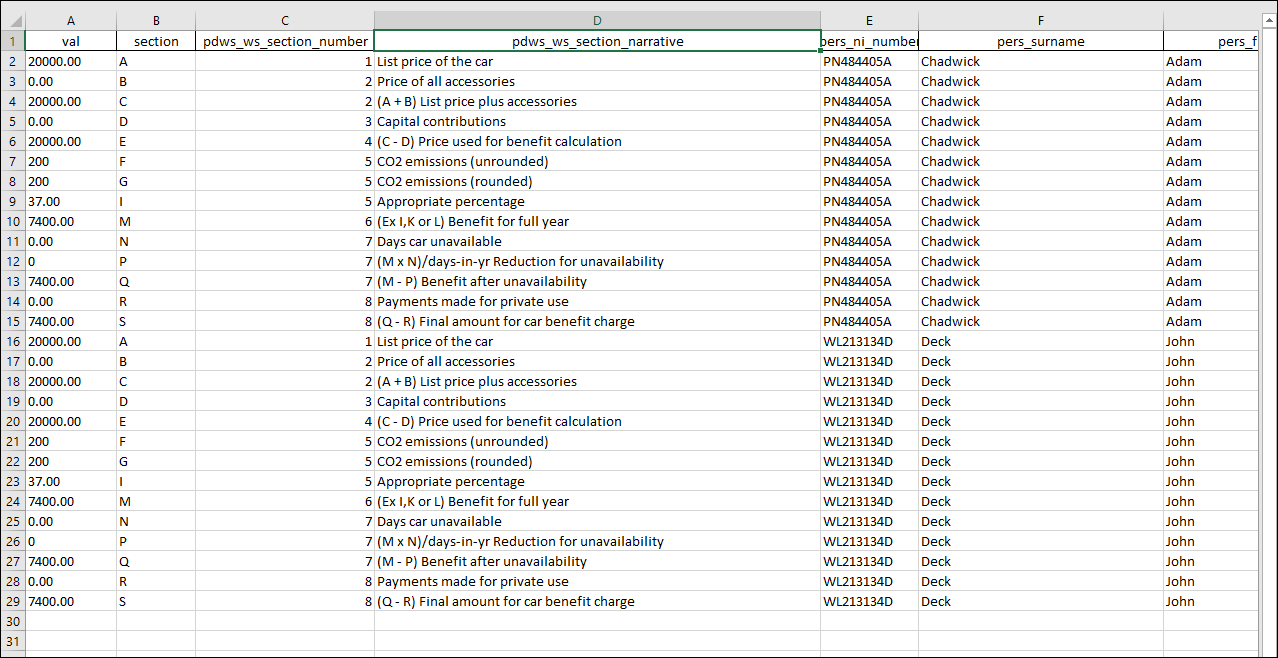
The Car and Car Fuel Benefit (P11D Worksheet 2) report within Cintra iQ displays details of the P11D working sheet for company cars. You have the option to print each worksheet on a new page.
To produce the report
Go to Cintra iQ: Expenses & Benefits > Reporting > Working Sheets > Company Cars. The Include Records for...Cars and Car Fuel Benefit (P11D Worksheet 2) form appears.
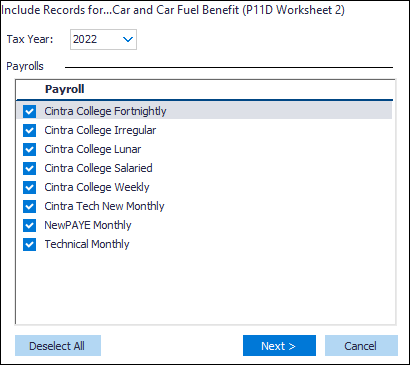
Select the desired Payroll(s).
Click the Next button. The Include Records for...Cars and Car Fuel Benefit (P11D Worksheet 2) form appears.
Select the desired Employee option.
Click the Next button. The Cars and Car Fuel Benefit (P11D Worksheet 2) - Selection Summary appears.
Review the summary.
Click the Run button. The Car and Car Fuel Benefit (P11D Worksheet 2) forms appear.
Continue to Save and/or Print the worksheet(s).
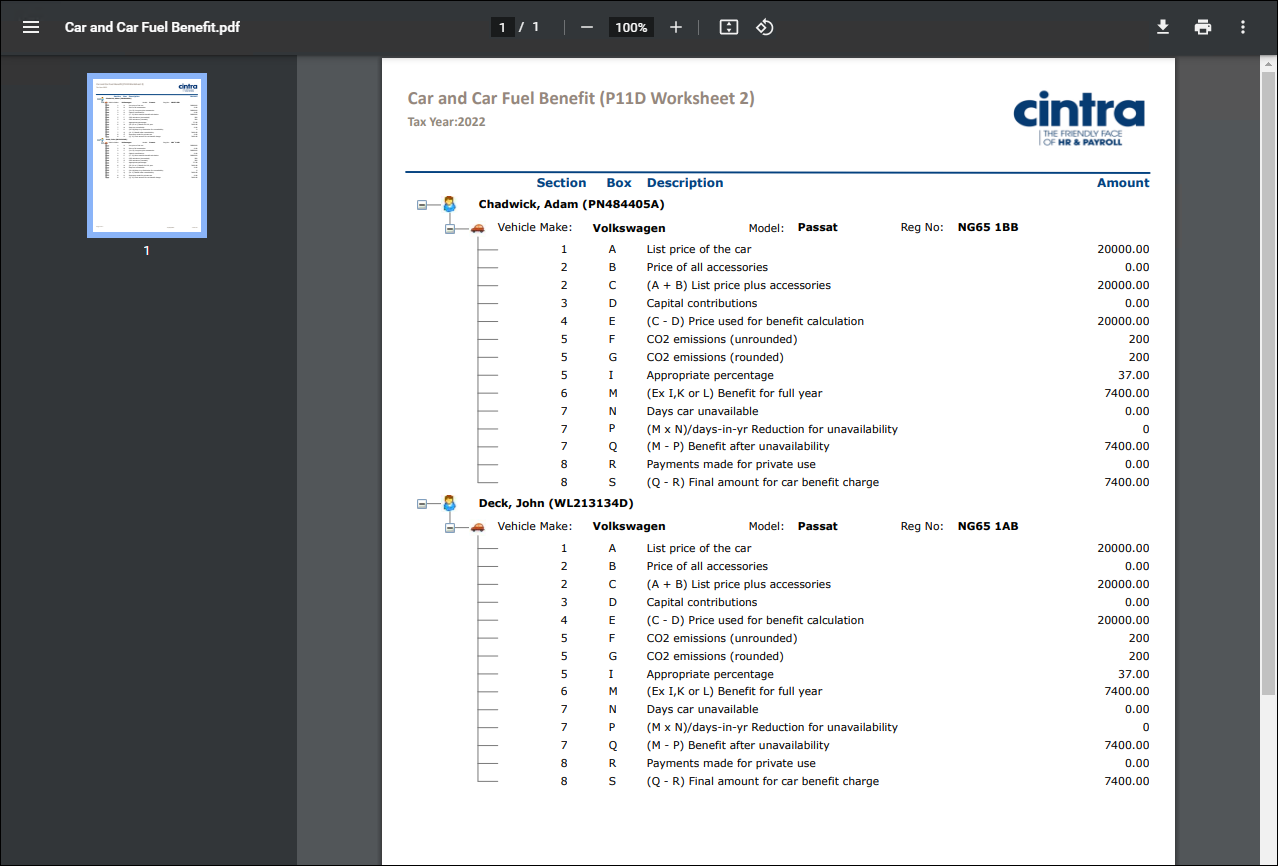
PDF Output example
Spreadsheet Output example