You can report on pay elements within Cintra iQ such as the employee's additions and deductions.
To produce a report
Go to Cintra iQ: Payroll > Payroll Tools > Payroll Reports> Pay Element Report. The Pay Element - Select Payroll and Period form appears.
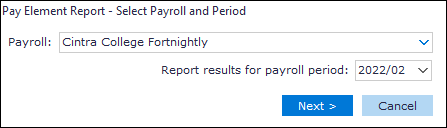
Select the Payroll.
Select the payroll period.
Click the Next button. The Pay Element - Select Sort Order and Detail level form appears.
Select the desired Sort options.
Click the Next button. The Pay Element Report - Selection Summary form appears.
Review the summary.
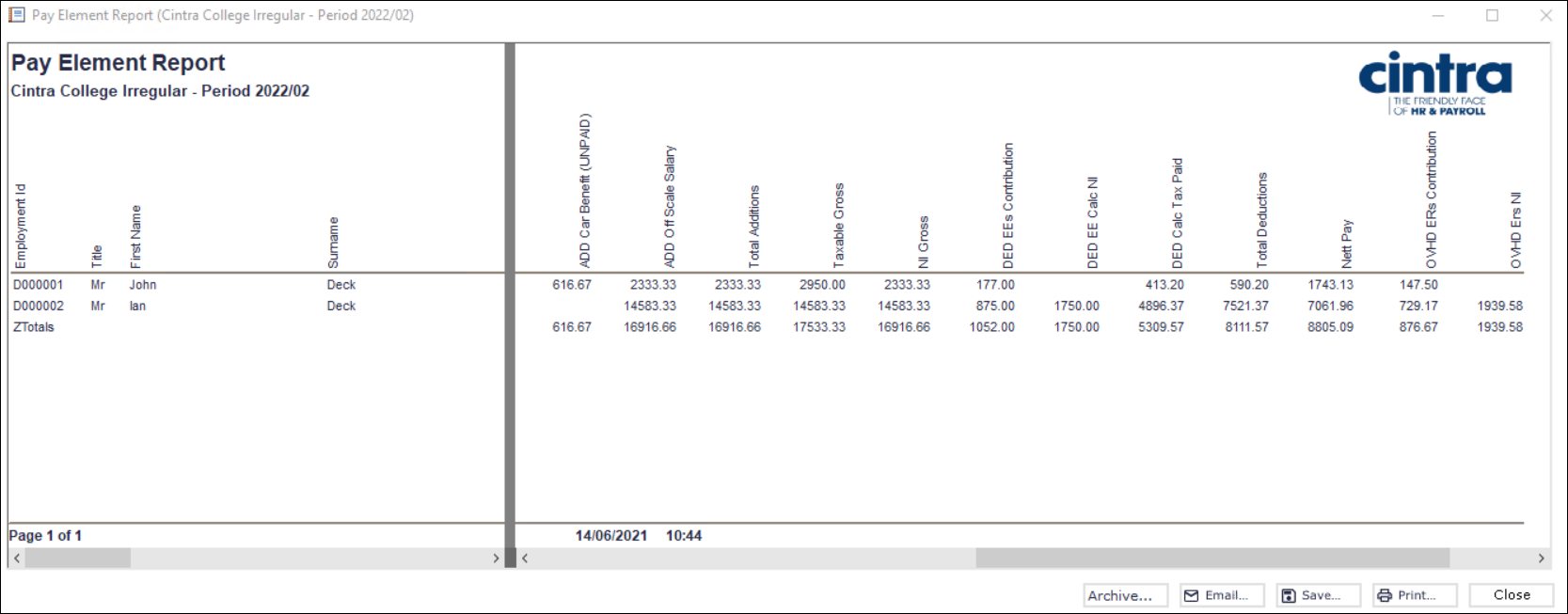
Click the Run button. The Pay Element Report appears.
Continue to Archive, Email, Save and/or Print the report.
Spreadsheet Output example

Total row
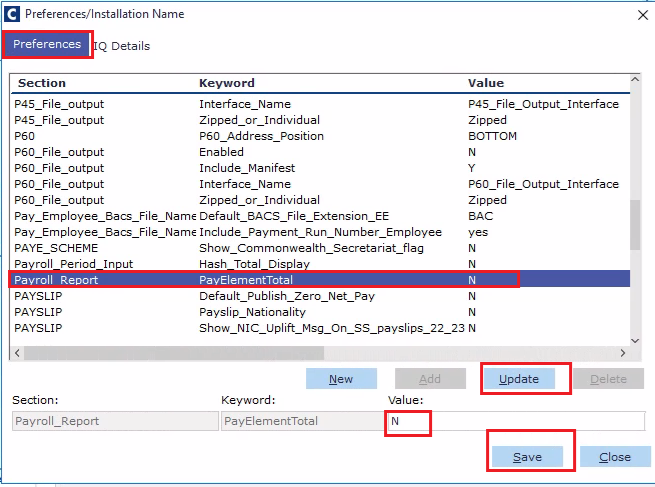
The Total row on the Pay Element Report can be removed across all payrolls within a database if required. To remove the total row:
Go to Cintra IQ: System Administrator > Preferences/Installation > Preferences tab
Find Payroll Report - PayElementTotal,
Change the value from 'Y' to 'N' and click update.