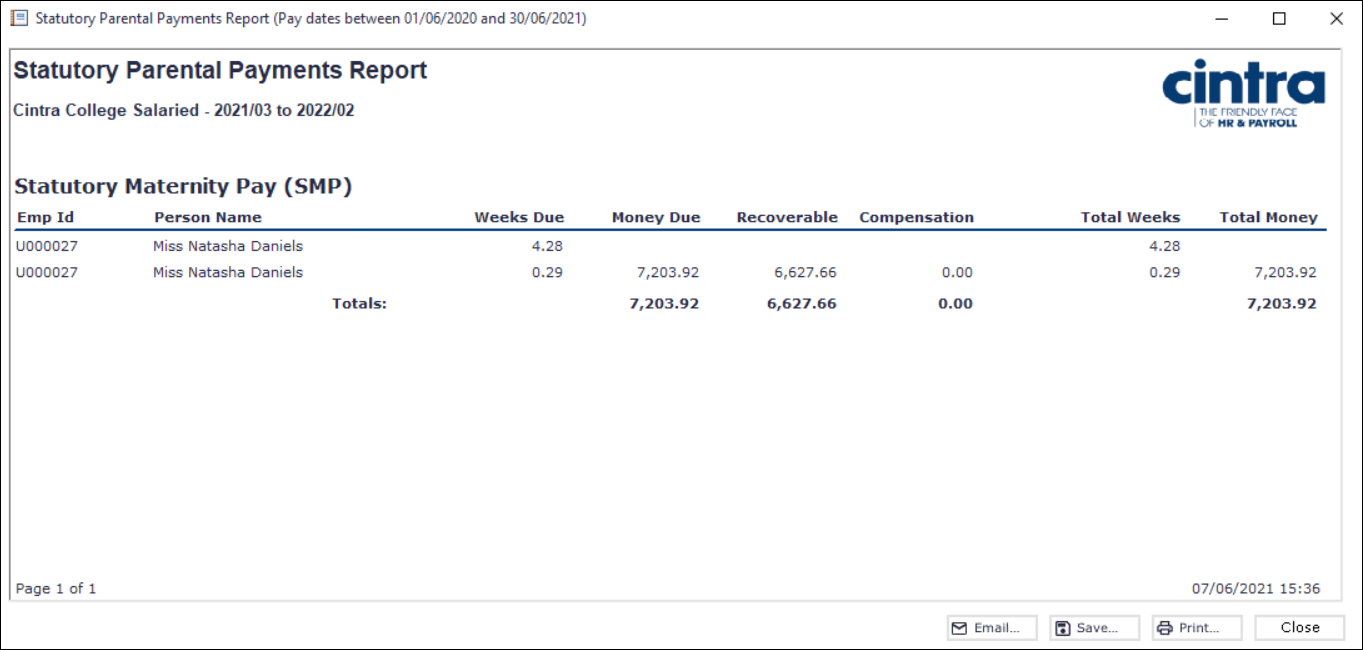
The Statutory Parental Payment Report within Cintra iQ reports all statutory parental payments processed.
To produce the report
Go to Cintra iQ: Payroll > Payroll Tools > Payroll Reports > Statutory Parental Payment Report. The Statutory Parental Payment Report-Select Reporting Period form appears.
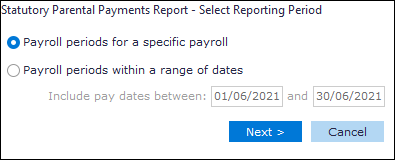
Depending on what payroll period option you've selected and clicked the Next button, perform either of the following:
Payroll Period Option
Description
Payroll periods for a specific payroll
The Statutory Parental Payments Report - Select Payroll and Period range form appears.
Select the desired Payroll.
Select the desired period range.
Click the Next button. The Statutory Parental Payments Report - Select Statutory Payments to Include form appears.
Select the desired Statutory Payment(s).
Click the Next button. The Statutory Parental Payments Report - Selection Summary form appears
Payroll period within a range of dates
The Statutory Parental Payment Report- Select Payrolls to include and Period Range for each form appears.
Select the Payroll Period and range(s).
Click the Next button. The Statutory Parental Payments Report - Select Statutory Payments to Include form appears.
Select the desired Statutory Payment(s).
Click the Next button. The Statutory Parental Payments Report - Selection Summary form appears.
Review the summary.
Click the Run button. The Statutory Parental Payment Report is displayed.
Continue to Archive, Email, Save and/or Print the report.

Note: The maternity schedule cannot be included in the client report pack, as it is not automatically generated when an employee goes on maternity leave. This is due to the possibility of multiple parental pay policies within a single payroll.
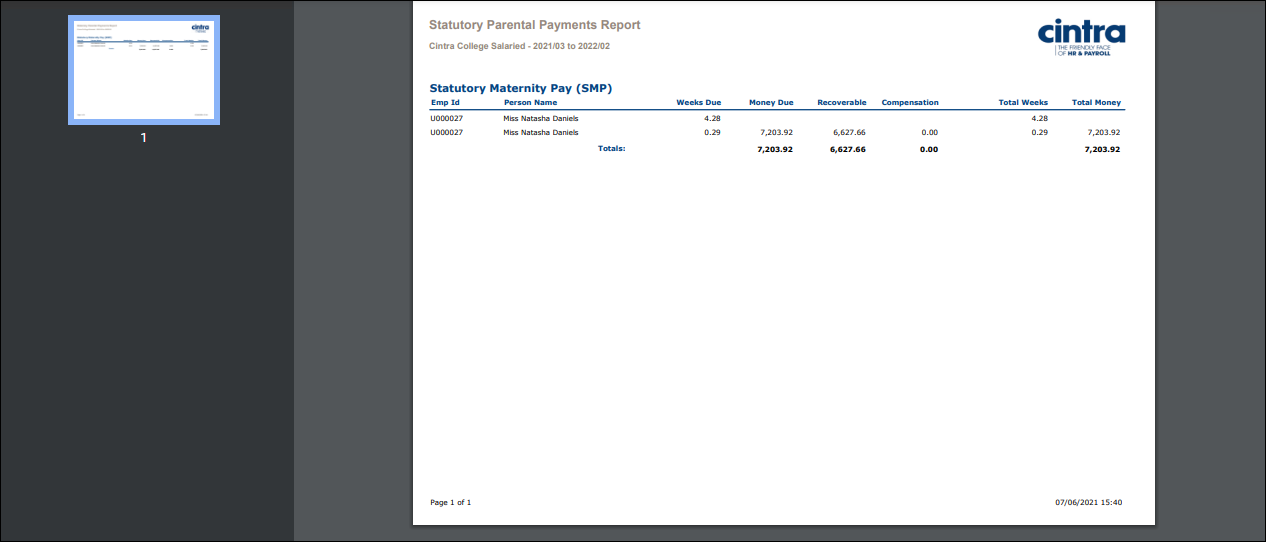
PDF Output example
Spreadsheet Output example
