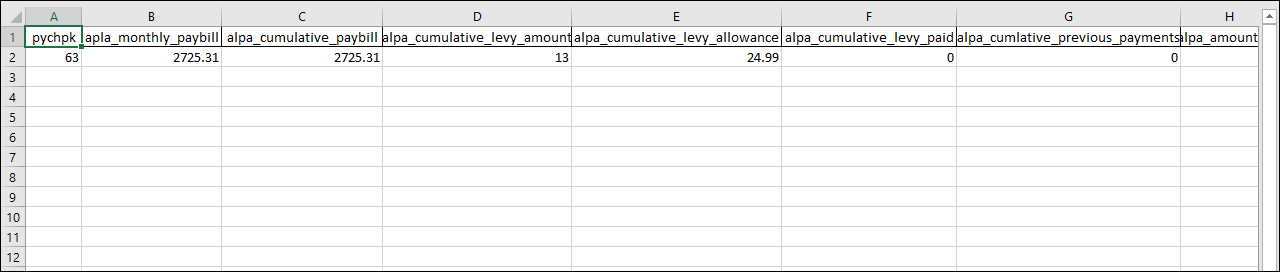
The Apprenticeship Levy Summary report displays the apprenticeship levy costing report information by PAYE scheme reference and payroll period. Only summarised data is produced giving month on month and cumulative values.
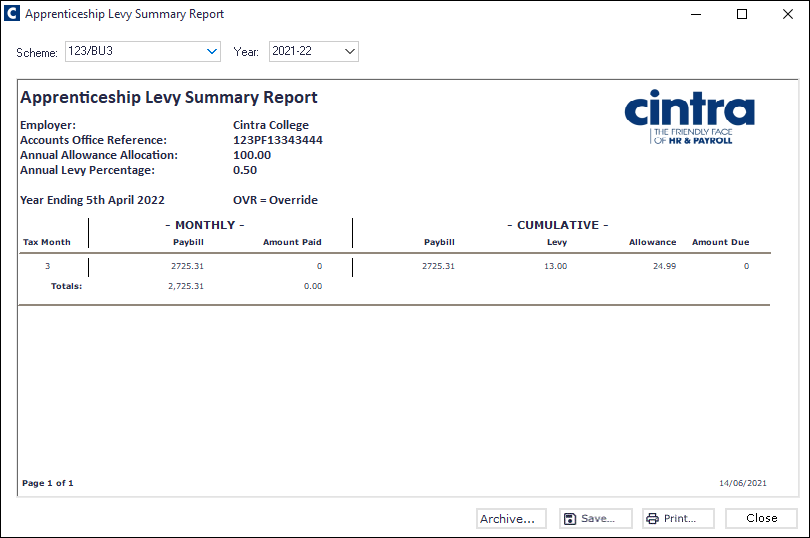
To produce the report
Go to Cintra iQ: Payroll > Payroll Tools > Paying Out > Apprenticeship Levy Summary Report.
The Apprenticeship Levy Summary Report appears.
Select the desired Scheme.
Select the desired Period. The report is updated with the relevant data.
Continue to Archive, Save and/or Print.
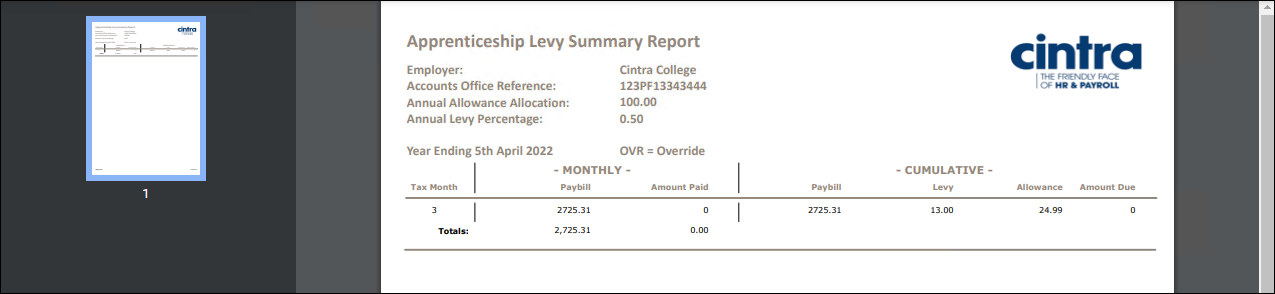
PDF Output example
Spreadsheet Output example