If you have system administrator privileges, you can reset any user's password.
Either click the Users icon OR go to Systems Administration menu, then click Manage Users.
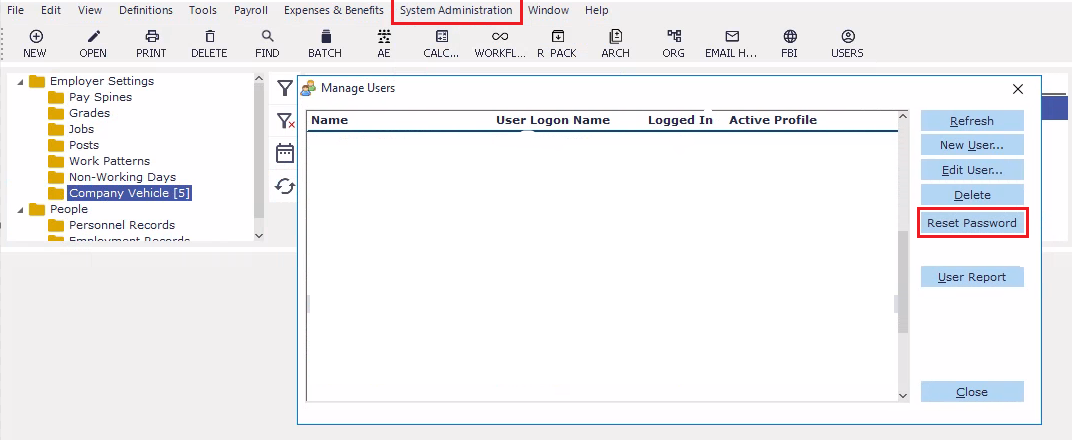
Select the user's name, then click Reset Password.
The user will then receive an email with a temporary password. When they log into Cintra iQ, they will be prompted to change it.
Note: If you use Active Directory, you may not be able to change a user's password
See also: How do I change my password in Cintra iQ.