You can log in to Self-Service using your password that is held in the Cintra iQ database or your Windows password that you use to log in to your PC (Active Directory Authentication).
Note: If the system is set use your Windows password, then you cannot change the password through Self-Service. For more information about Active Directory Authentication, contact your System Administrator.
When you log in to Self-Service with an expired password, you are prompted to reset it.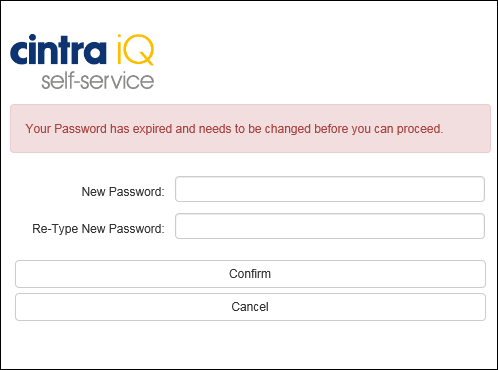
Note: You can change your password when necessary through the Settings menu, once you have logged in to Self-Service. If you have forgotten your password, you can recover it.
To reset an expired password
Enter the New Password.
Retype the New Password.
Click the Confirm button. You are taken to your landing page, which could be the Holiday Bookings page depending on how you are set up.