You can view the employee's allocated post in the Pension & Benefit Schemes form within Cintra iQ. The post was assigned when the user clicked the Applies To A Particular Post check box and selected the desired post from the drop down list in the New Standing Pension Contribution window.
How do I view employee posts for pension contributions?
Go to: Employment record > Forms > Expenses & Benefits
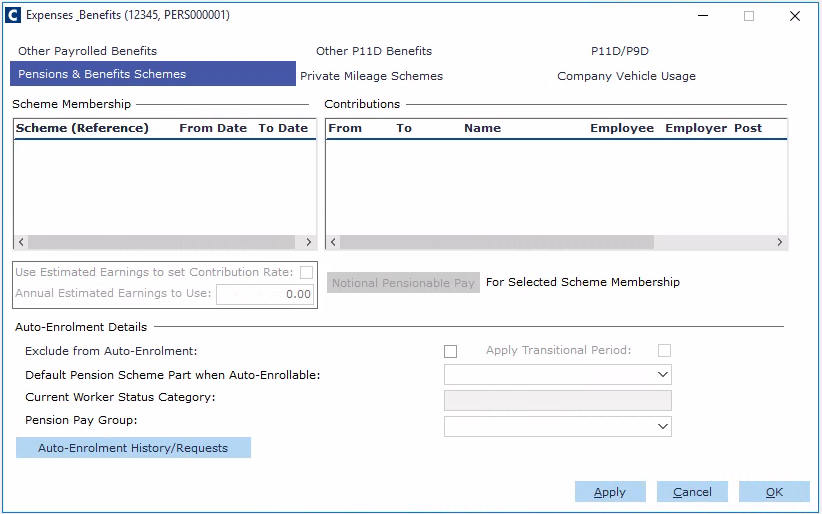
Navigate to the Pensions & Benefits Schemes tab.
Highlight the desired Scheme Membership. The associated contribution records appear in the Contributions pane.
Open the desired Contributions record.
View the Applies To A Particular Post section. This employee post setting is used to help produce the Monthly Contribution Reconciliation data.