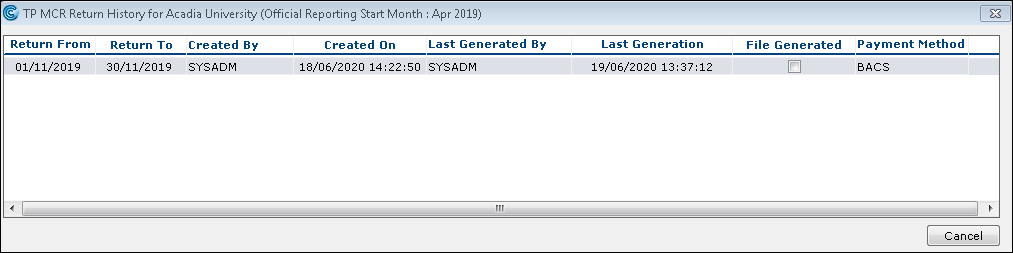
MCR: How do I know which files are generated?
- Published on Jun 10, 2026
To view the previous month's data
Go to: Payroll > Payroll Tools > Payroll Reports > Teachers Pension-Monthly Contribution Reconciliation.
Select the desired month in the Return Data Period drop down.
Click the History button. The TP MCR Return History window appears.
Was this article helpful?
Related articles
MCR: Teachers' pensions > MCR Management in Cintra iQ
MCR: Teachers' pensions > MCR basics
MCR: Teachers' pensions > MCR basics