Available in:
HR Advanced
Who can do this:
Administrator
Introduction
The Employee Profiles API allows you to read Employee Profile data from Cintra People HR.
The API response includes data from all fields in the HR profile, as defined in Profile > Admin & Config > Record Categories & Fields.
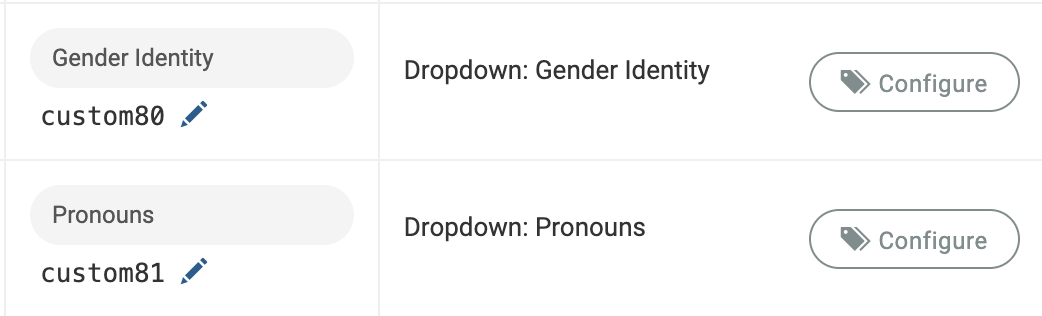
By default, custom fields are labeled "custom1", "custom2" etc. For ease of use, you can rename the labels.
To do this:
Go to Profile > Admin & Config > Record Categories & Fields > click on a category > Fields & Security.
Switch to Edit mode and click on "Show Field IDs?".
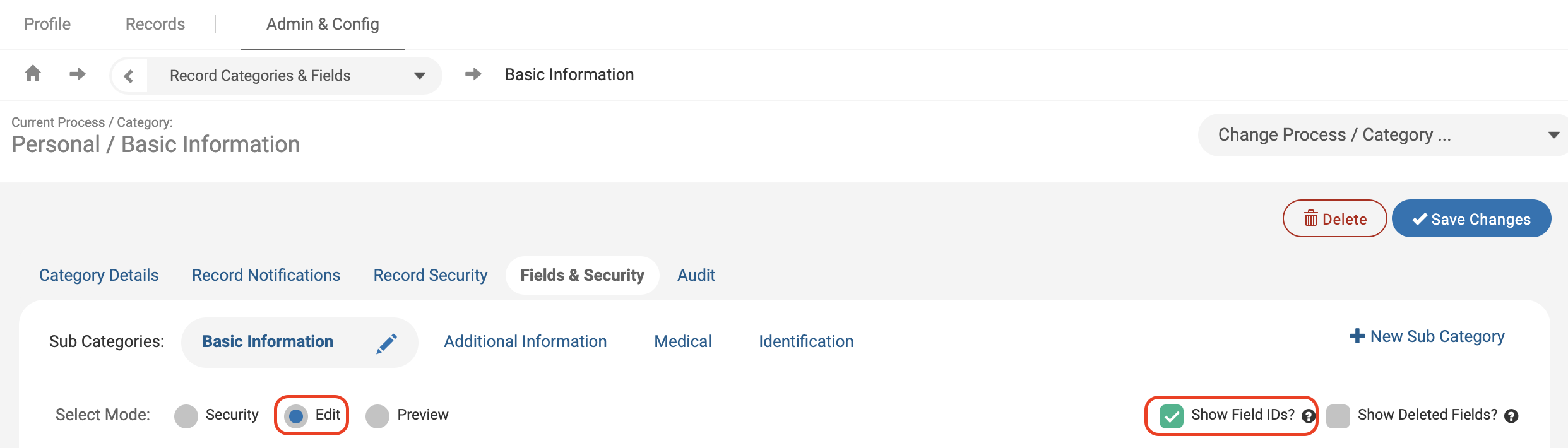
Underneath each field, you will see the API Field ID. Any Custom Fields can be renamed by clicking on the pencil.