You can control who can see Cintra People HR in their Google App Launcher - sometimes known as the 9 box or "waffle" menu.
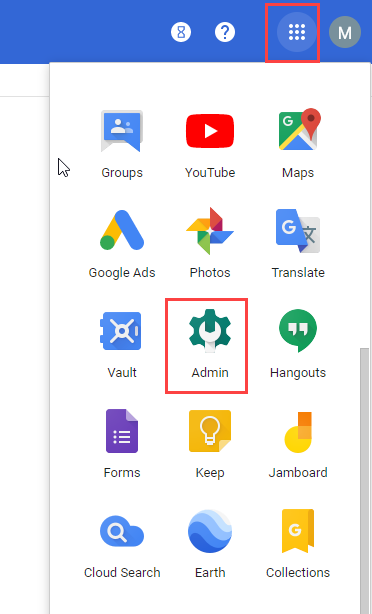
From the 9 box / waffle menu, click Admin > Apps > Marketplace Apps.
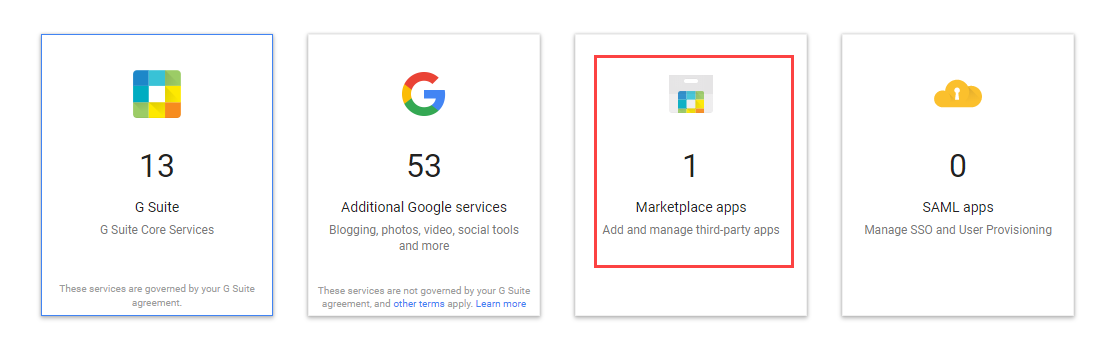
Cintra People HR will appear here, to change who has access, click the three dots to the right hand side.

For instructions on how to turn on/off Cintra People HR for specific Google Apps organisational units please see this Google Apps Administrator help article: https://support.google.com/a/answer/172931