Introduction to integrations
- Updated on Aug 19, 2026
- Published on Apr 13, 2026
Expenses integrates with a wide variety of banking, accounting, and other enterprise applications.
To view all available integrations, go to:
In the Setup menu, click Settings.
Click the Integrations tab.
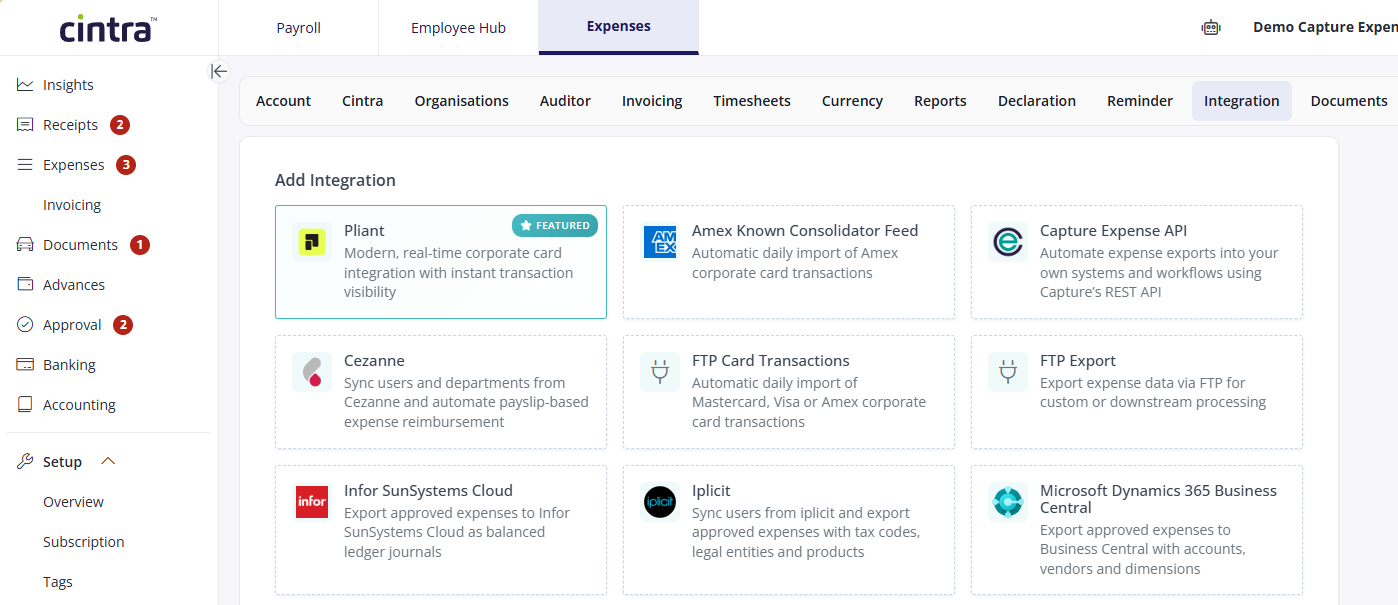
Within the tab:
Your Integrations displays all the integrations you have already activated or setup.
Add Integration displays a list of available integrations.
This section of the help provides guidance with some of these integrations. For more information, contact support.
Was this article helpful?
Related articles
Expenses > Expenses video guides and onboarding
Expenses > Expenses video guides and onboarding > Settings
Expenses > Expenses integrations