Who can do this:
HR Manager
What do security reports contain?
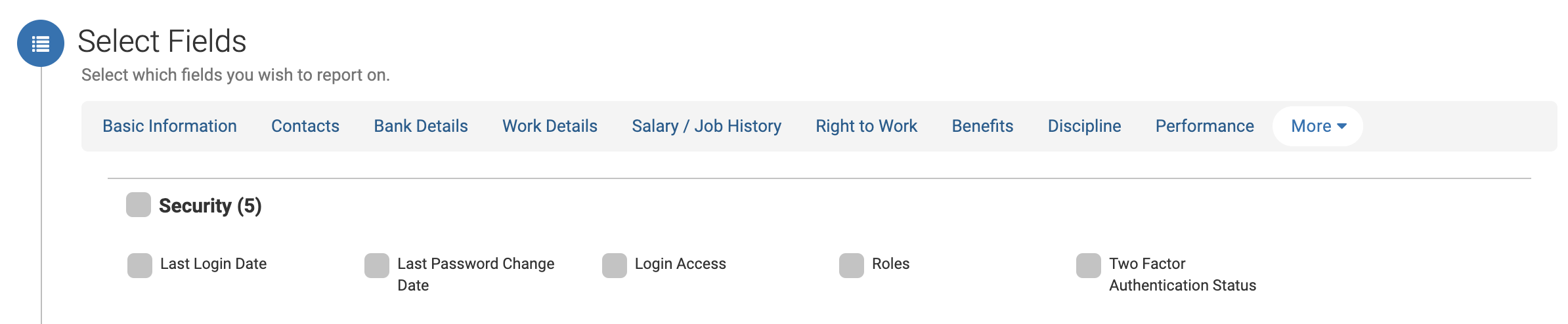
The security reports in Cintra People HR lets you export the following information about your employees:
Last login date
Last password change date
Two Factor Authentication status
Module access
User Roles
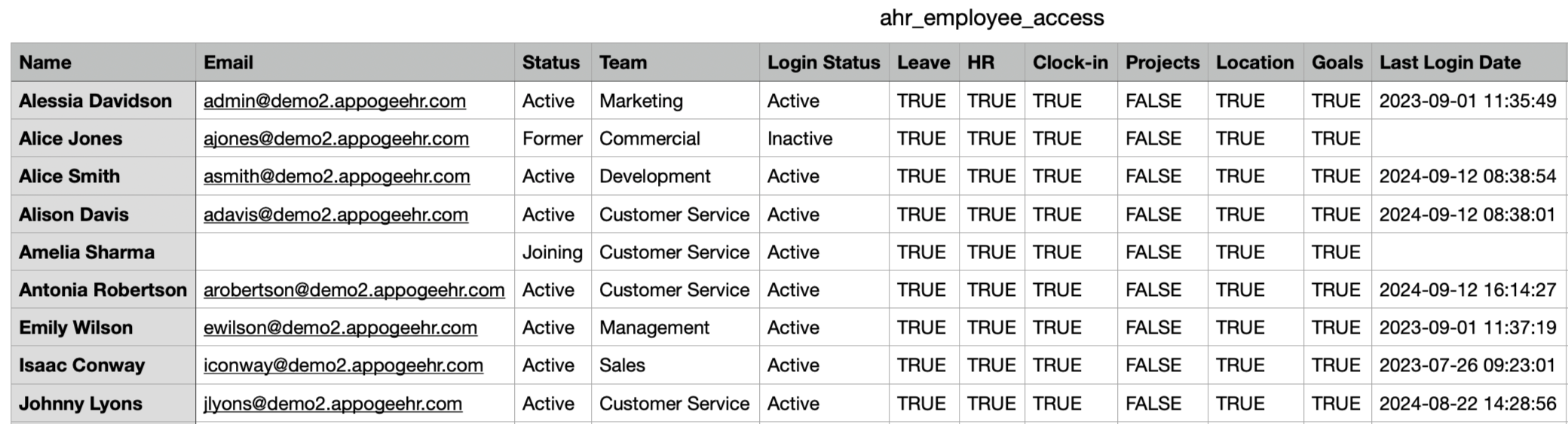
Login and Access Report
The reports can be downloaded from Roles & Access.
Go to Roles & Access > Login & Access and click Download CSV.
The export will give you details about which modules your employees have access to as well as the login details listed above.
User Roles Report
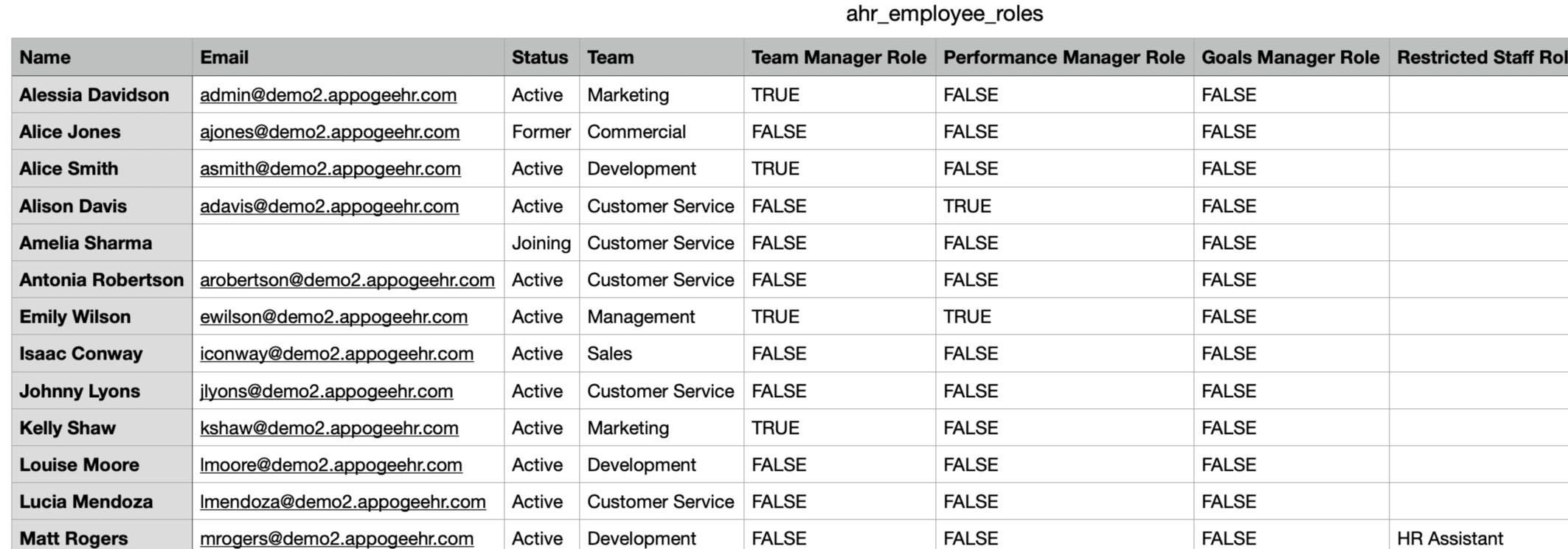
Go to Roles & Access > User Roles and click Download CSV.
This export will give you details about the user roles your employees have access to.
HR report
If you have HR Essentials or HR Advanced, you'll also be able to view the report in the HR Report Builder. This will allow you to create filters against the fields too.
Go to Reporting > HR Report Builder and in the Select Fields section, click More > Security.
See also HR reporting.