Who can do this:
Administrator
What does the Xero integration do?
Cintra People HR: Essentials and Advanced | Cintra People HR: Leave |
|
|
The Xero integration works as follows:
Cintra People HR into Xero & vice versa = employee profiles including banking fields
Cintra People HR into Xero only = Leave requests, sickness reports
IMPORTANT NOTE: Xero does not support the data transfer of Leave Balances or Requests into Cintra People HR from Xero.
Xero will temporarily prevent data being synced between the two apps if there is a draft pay run. The sync will return once the pay run has been completed.
Xero Payroll can be integrated with Cintra People HR using the Xero Payroll API. Note that this is available in the UK, New Zealand, and Australia.
Setting up the Xero integration
Go to System Config > Xero.
.png)
Click Connect to Xero.
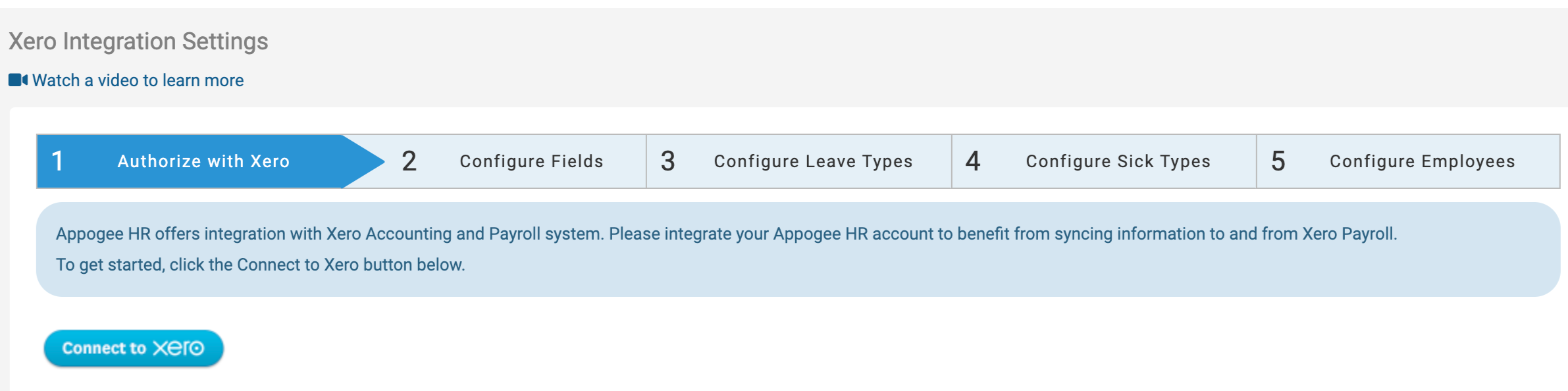
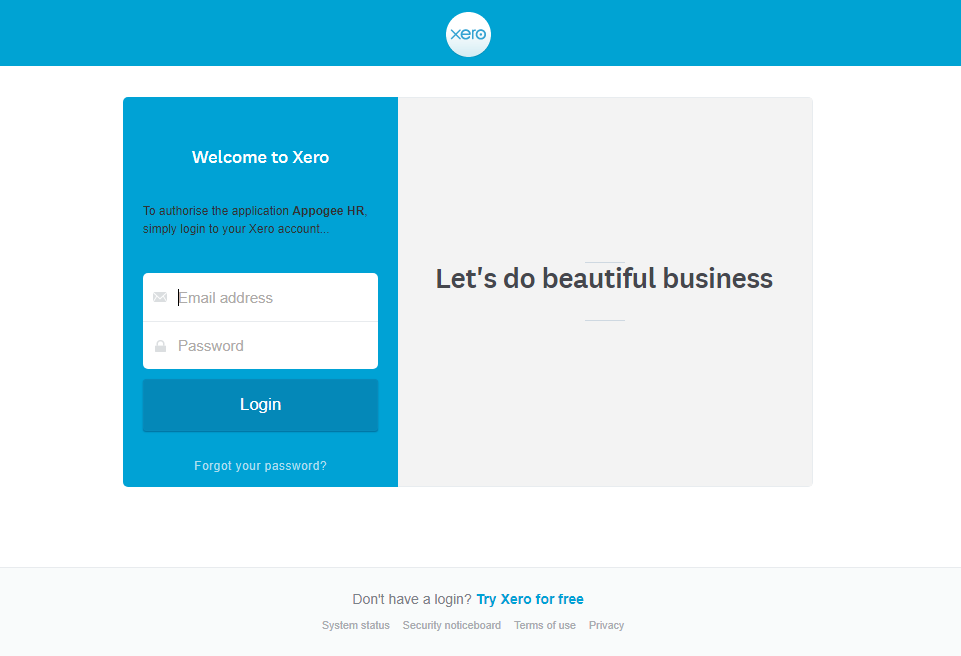
A new window will open where you will be invited to sign into your account.
Fill out the details and click login, you'll then need to click Allow Access to initiate the integration.
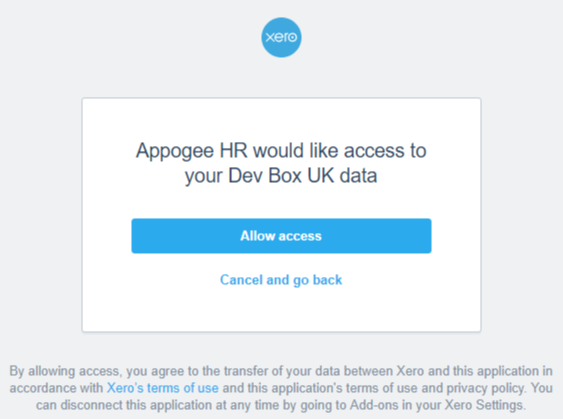
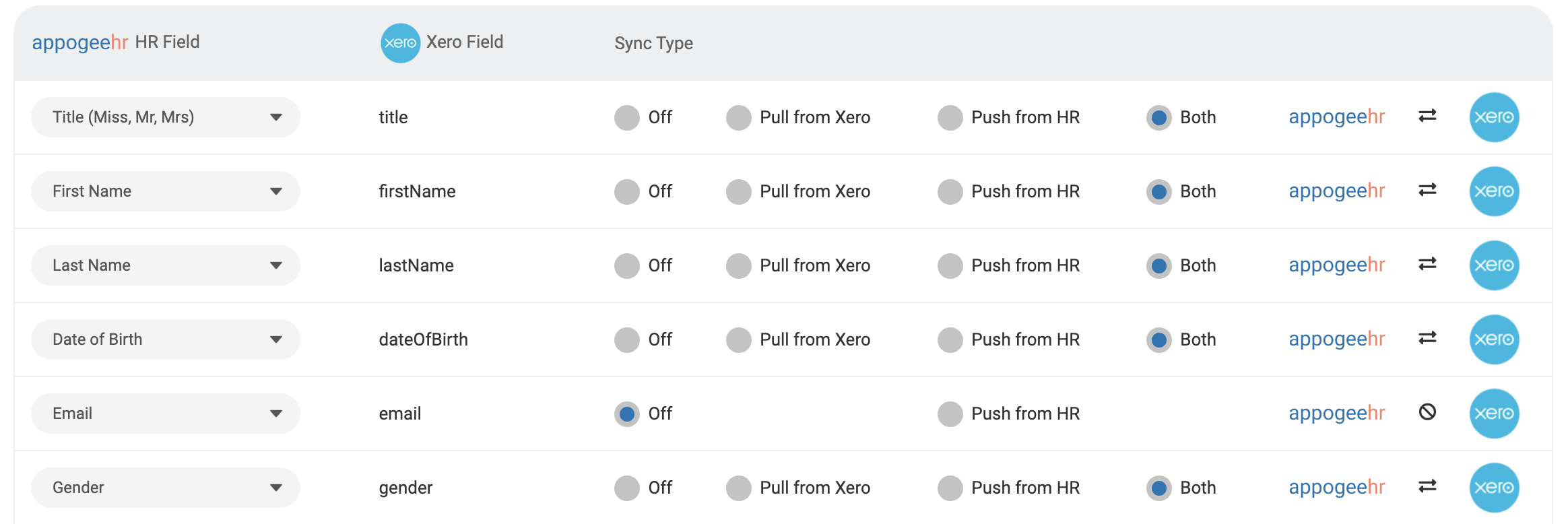
You'll be directed back to the Integration Settings screen, where you can Configure which Fields you would like to synchronise with. You can choose which Sync Type you would like to initiate - pull from Xero, Push from HR or both.
Be sure to review the Options tab where settings control how to handle sync issues that may arise, and also who should be notified when an Employee's profile is updated as a result of the sync. These notifications are separate from and in addition to any field change notifications that have been set up under Reporting, HR Notifications, Field Change Notifications.
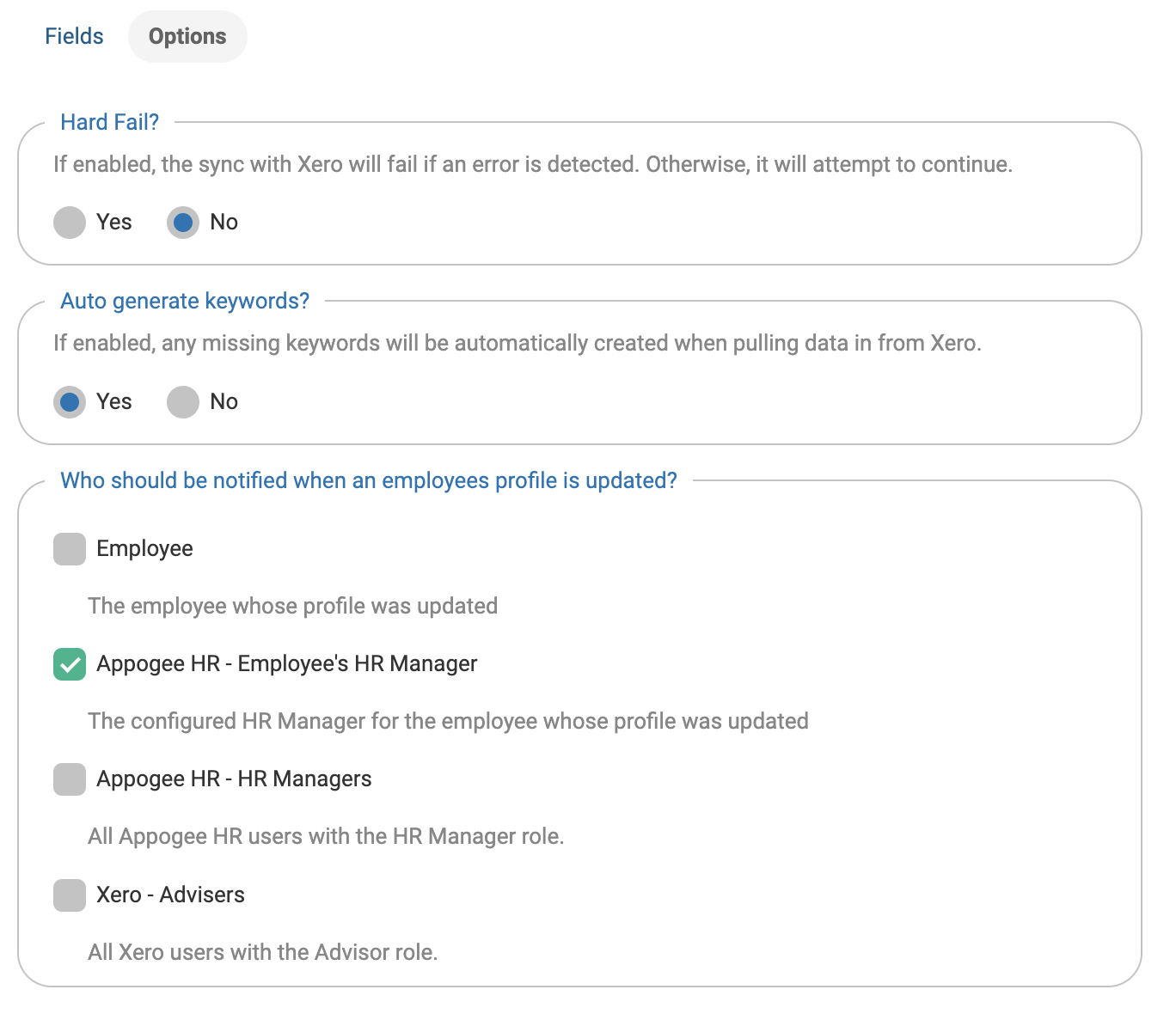
Make sure you're happy with all the information and click Save and continue.
The next step is to link your Leave Types in Cintra People HR to your Leave Types in Xero. When you're happy with this set up, click Save & Continue.
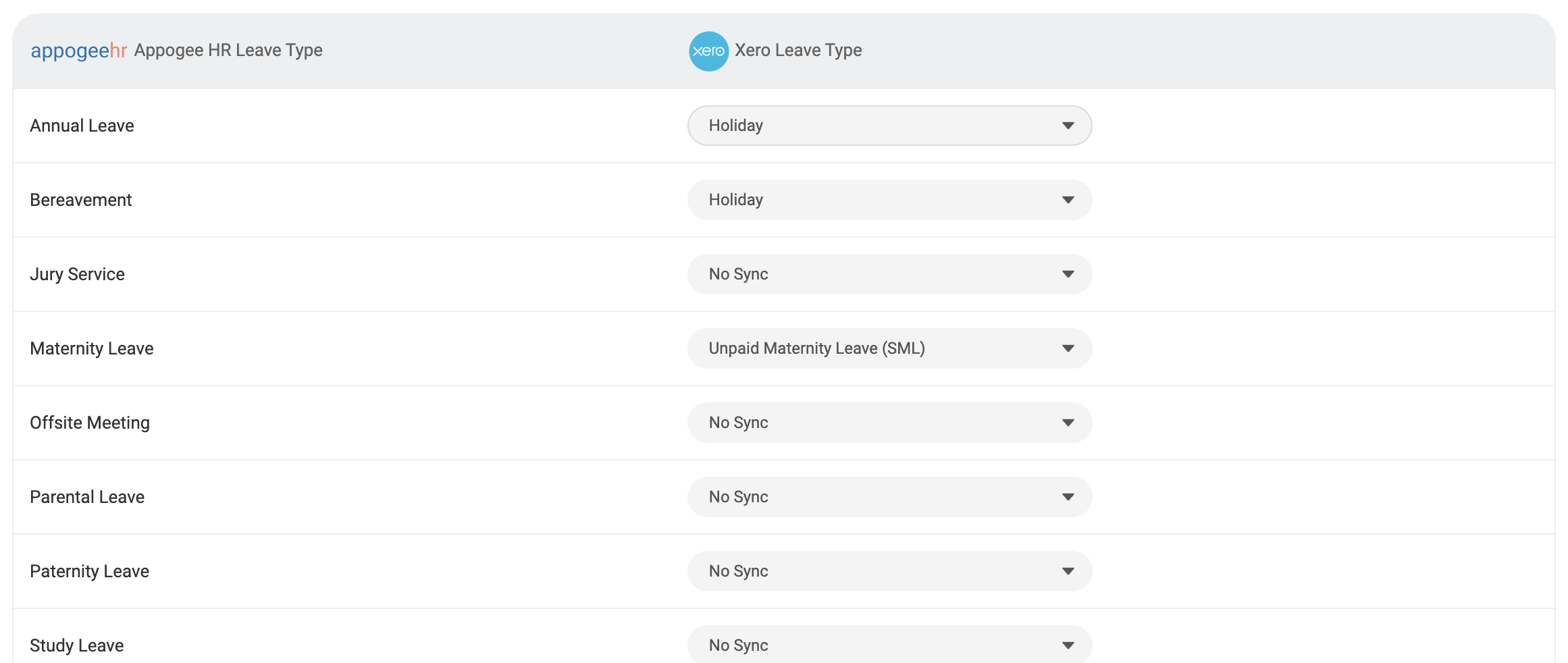
If you are in a country where the API will support the syncing of sickness requests you will be presented with an additional tab within which to configure these additional sync settings.
Note: that we do not support syncing to the Xero UK Statutory Sick Pay API.
The system will now attempt to match users in Cintra People HR with users in Xero. If both systems already have the same set of users you will see that the Employee has been matched, you may need to Setup Sync if the data is slightly different.
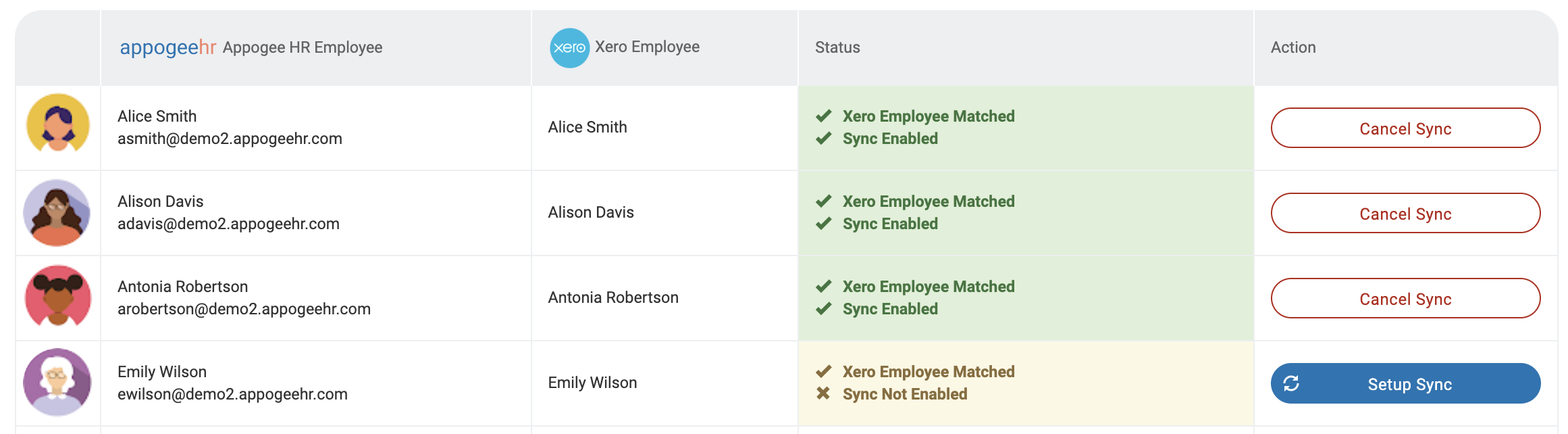
Click Setup Sync, a dialog box will open where you will be prompted to select the preferred data entry. Any items with a question mark will need addressing, once correct, click Confirm Employee Sync. Once this is complete, the employee entry will turn green.
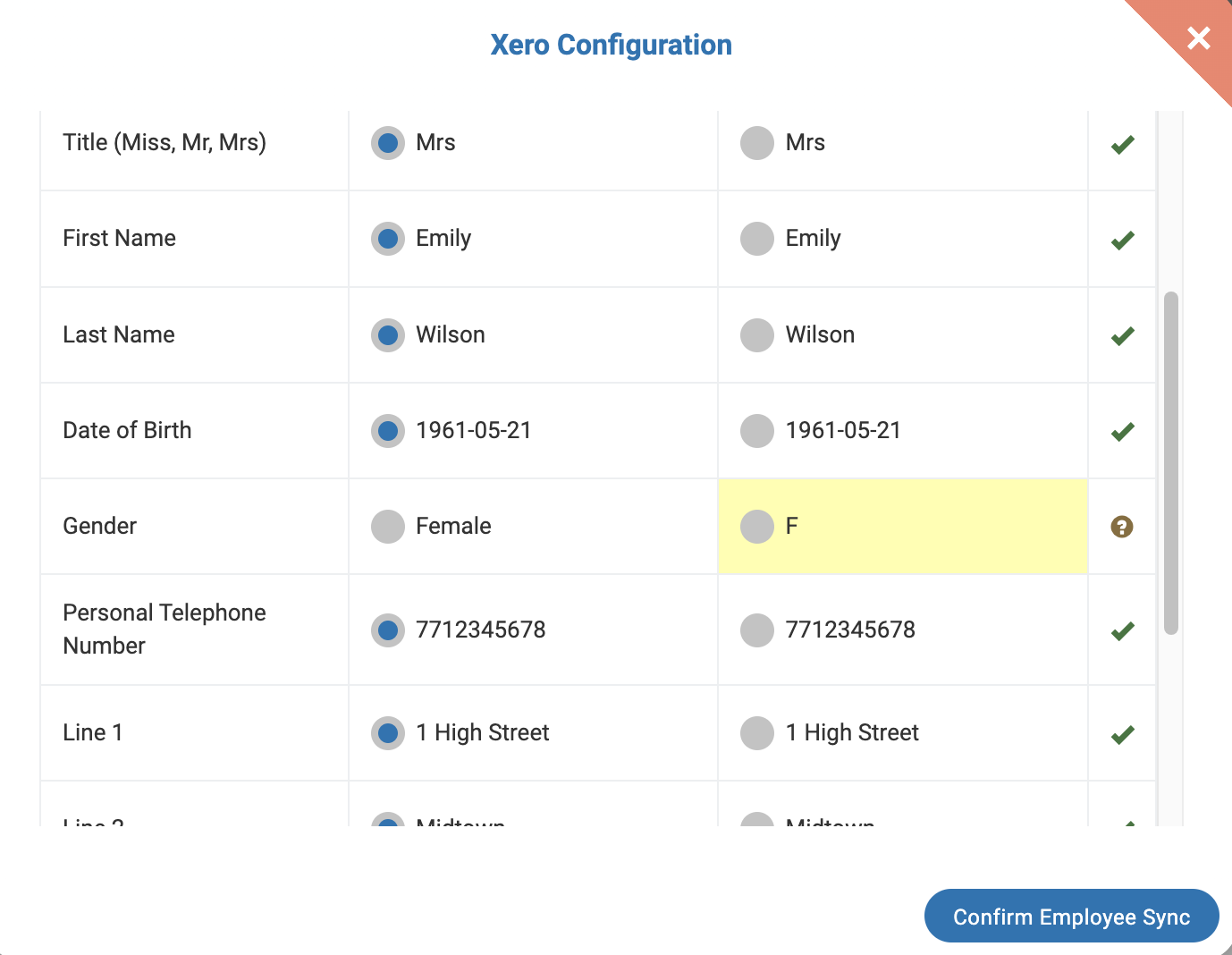
If the employee cannot be found, but they are in Xero, you may need to complete a manual search for them. Click Find Employee in Xero and a dialog box will open. If the employee still cannot be found, you may need to create the Employee.
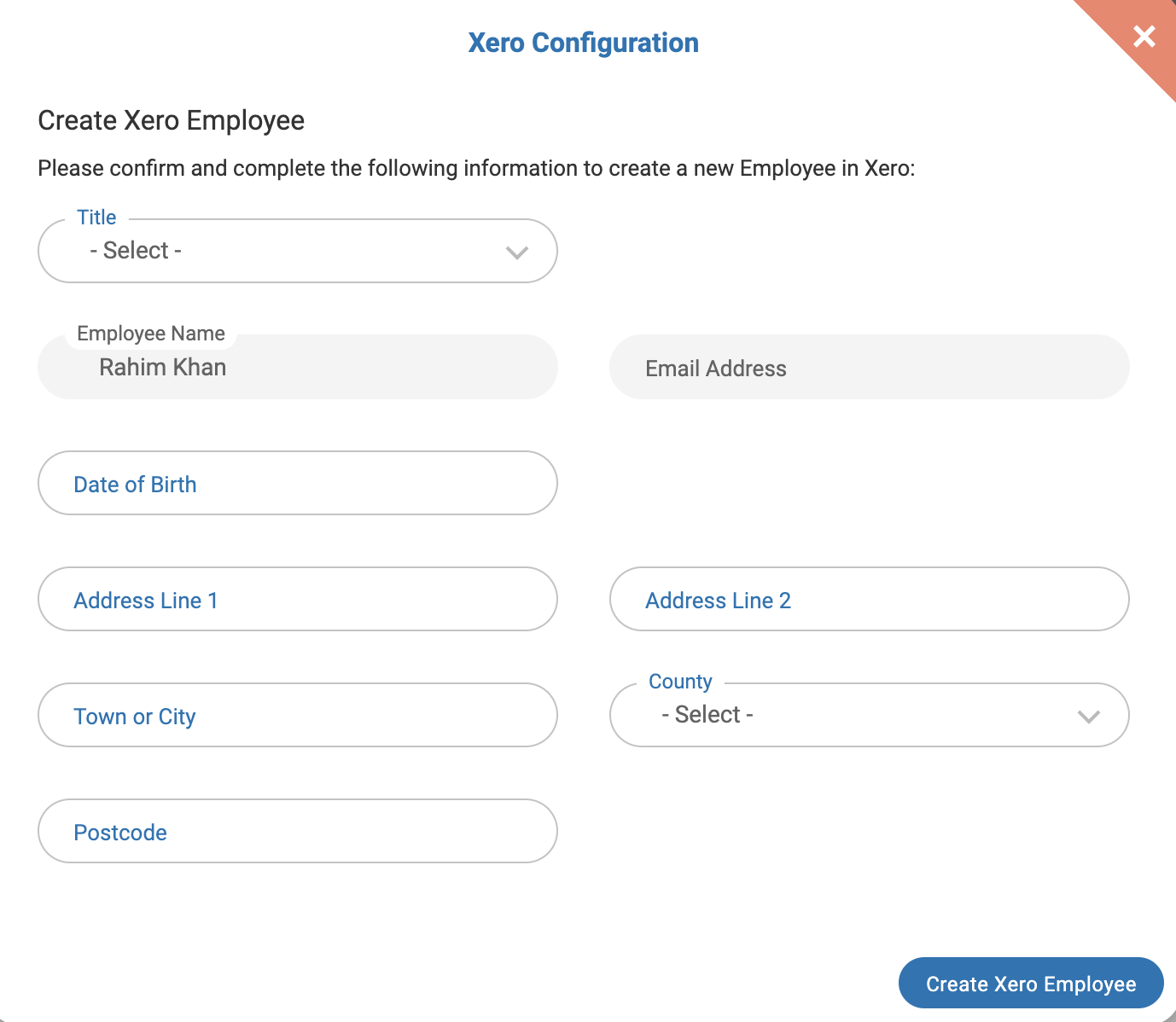
Click the Create Xero Employee button and fill in the details and click Create Xero Employee.
Once you are happy with the information, click Save & Continue.
The integration will be complete and you will be able to make any changes to your integration from the tabs in this screen.
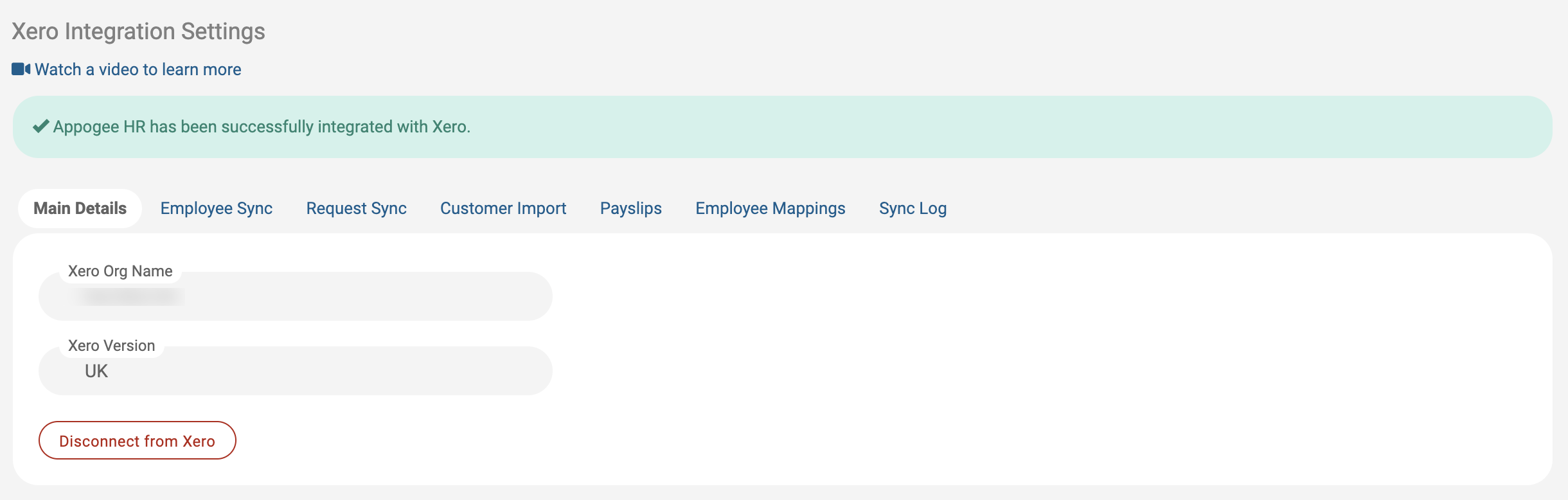
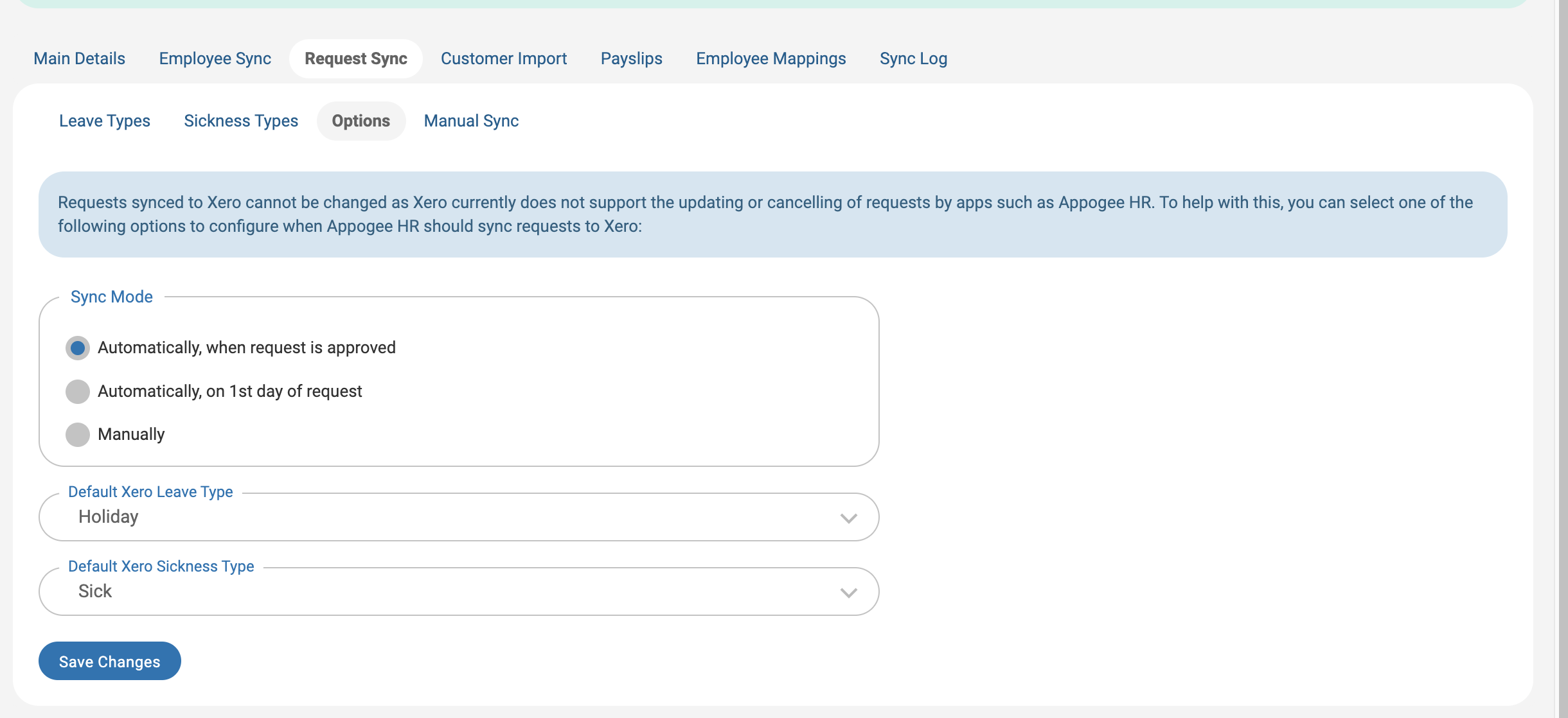
Use the options sections on the Employee Sync and Request Sync tabs to change your settings.
Double check your Request Sync settings to make sure they are in line with your Payroll set up.
NOTE: If you've added an Employee from Cintra People HR into Xero, you'll need to go into Xero and finalise any payment settings there. The HR data will have transferred, but the employee set up is not complete in Xero without the administering of some fields. It will not be possible for the employee to submit Leave until this has been completed.