Available in:
HR Advanced
Who can do this:
HR Manager
Administrator
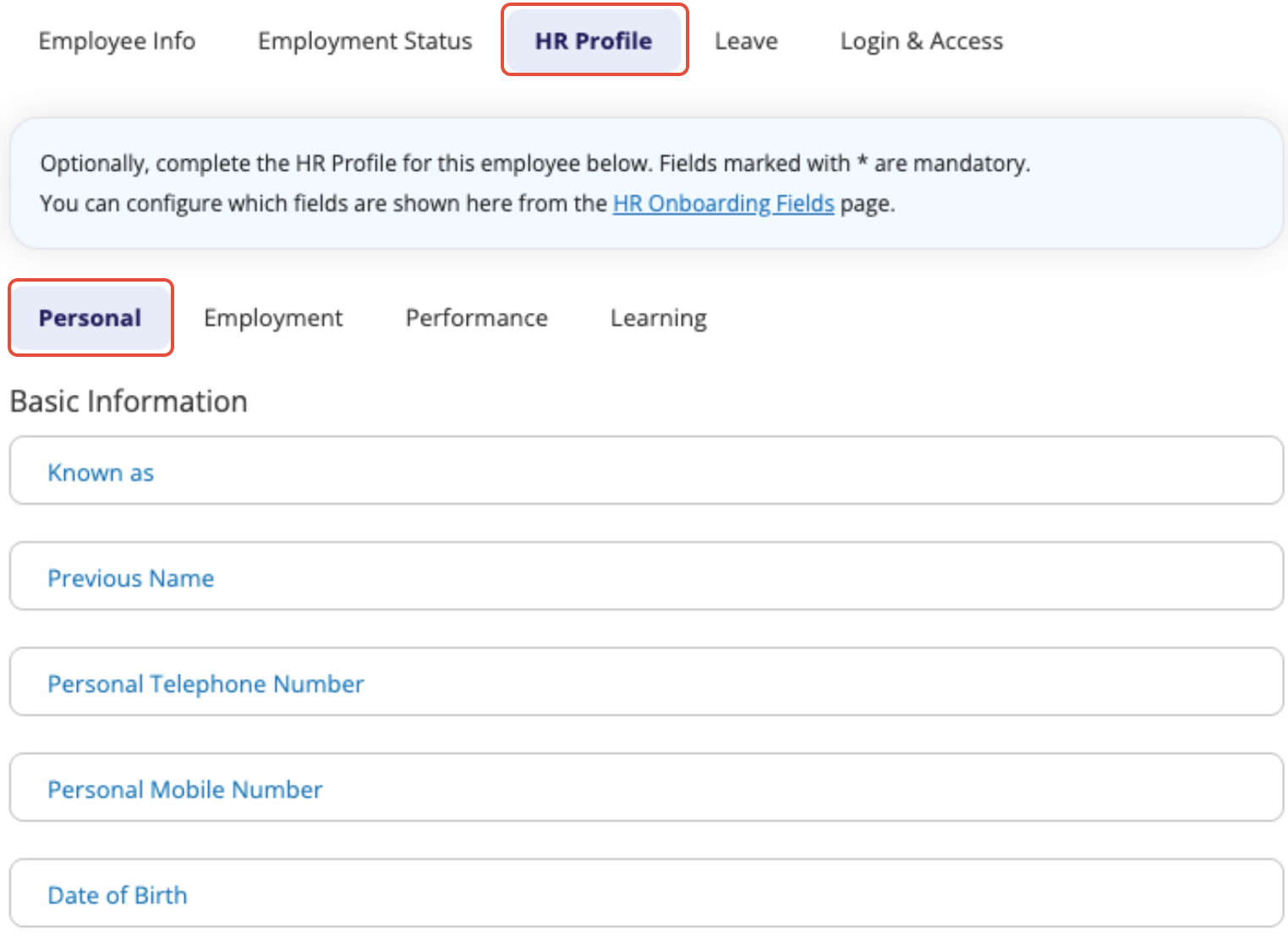
You can add HR fields to the Add Employee process. This allows you to complete the employee's profile at the point of adding them to the system, rather than afterwards.
At the point of adding a new user to the system, you very likely already know information about their employment - such as salary.
To configure which fields to add, go to Onboarding > Config > HR Onboarding Fields.
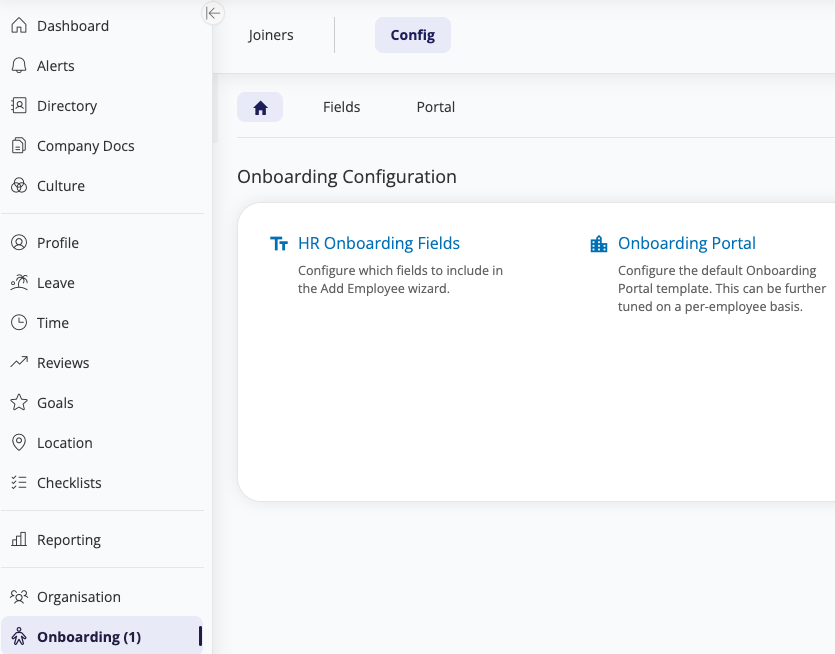
Click Select Fields to add your HR Fields to the Add Employee process - a dialog box will appear where you can tick to enable fields from Profiles.
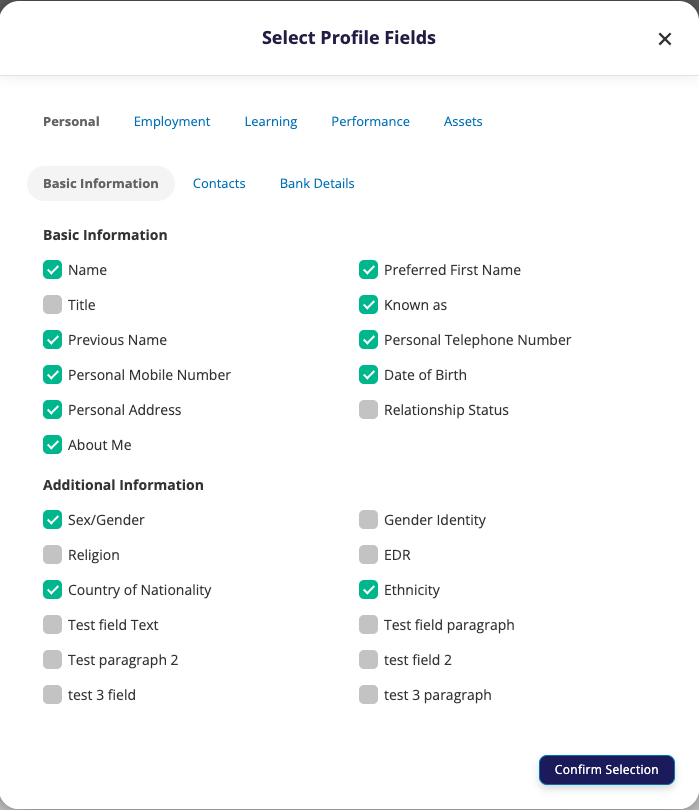
Click Confirm Selection.
Once the fields have been selected, you can optionally mark them as mandatory.
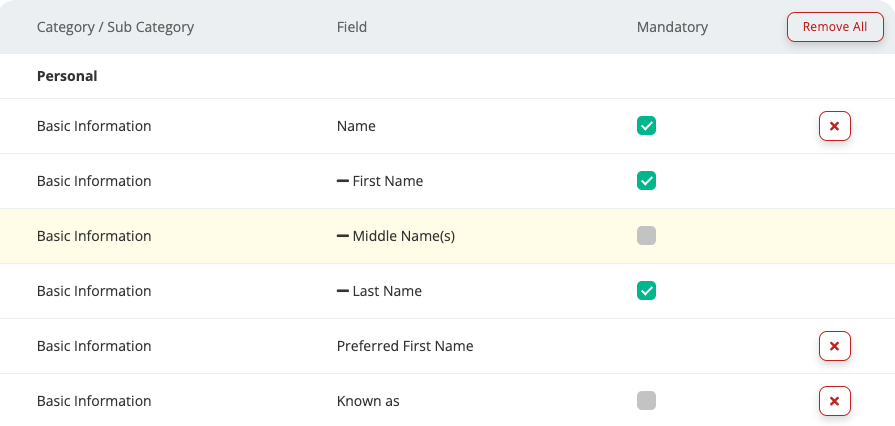
When you're happy with the configuration, click Save.
Once this has been configured, you'll see an additional tab on the Add Employee menu for HR Profile.