Cintra iQ provides the capability to manage multiple companies (Employers) within a single database. When adding a new Employer, the process involves several steps:
To create an employer
Navigate to the the Employer Definition window.
Go to Cintra iQ: Payroll > Payroll Setup > Employer Setup.
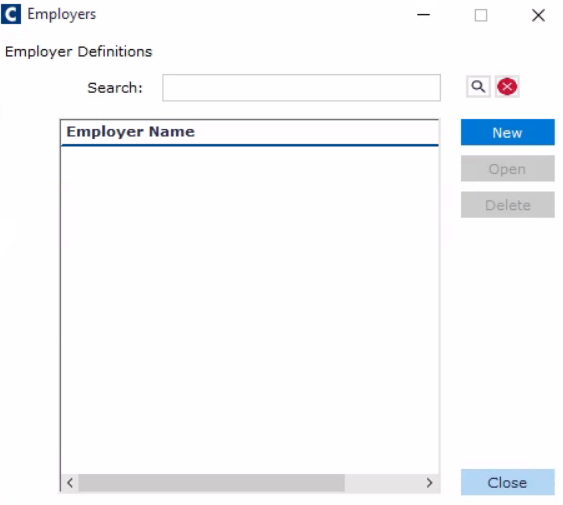
Click the New button. The New Employer form appears.
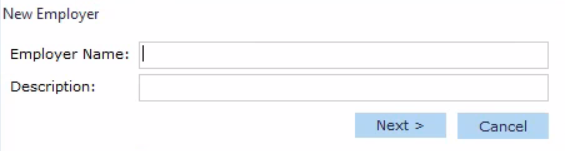
Enter an Employer Name.
Enter its Description.
Click the Next button. The Employer window appears.
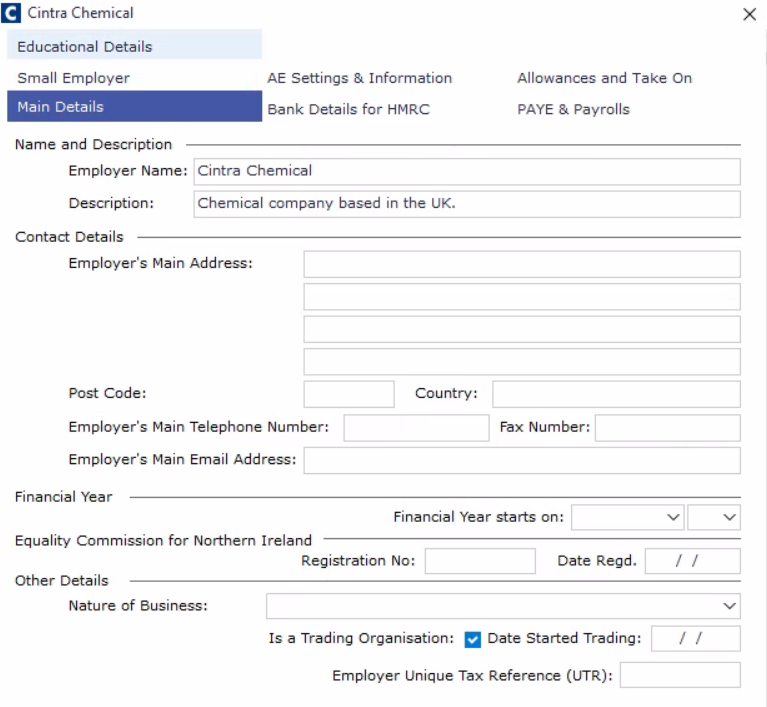
Enter the desired information.
Click the OK button to save.