To save the report
Navigate to the Generate Report window by running the desired report.
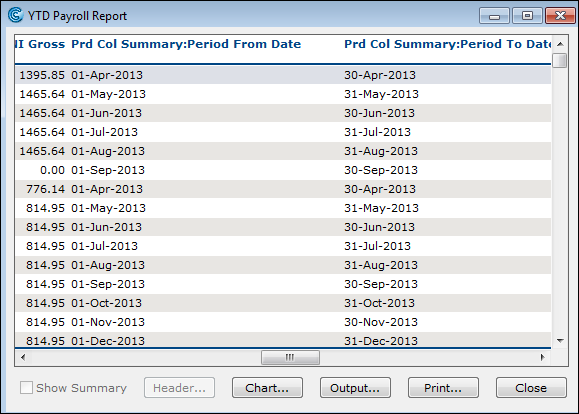
Click the Output button. The Output Destination buttons appear.
Select a destination using the following buttons:
Name
Description
Spreadsheet
Click this button to view the report as a Microsoft Excel spreadsheet.
WordProcessor
Click this button to access a Microsoft Word document.
MailMerge
Click this button to save the report as a mail merge document.
UserApplication
Click this button to link the report to a customised output your company has set up.
SavetoDisk
Click this button to save the report as a specific type of file.
Cancel
Click this button to Cancel the output.