Installation
Go to LoginTC page at the Chrome Web Store:LoginTC on the ChromeStore
Press the GET button
Confirm. Press the Add Extension button.

Set Up
Once installed, the LoginTC Extension can be opened by clicking on the LoginTC icon in your toolbar.
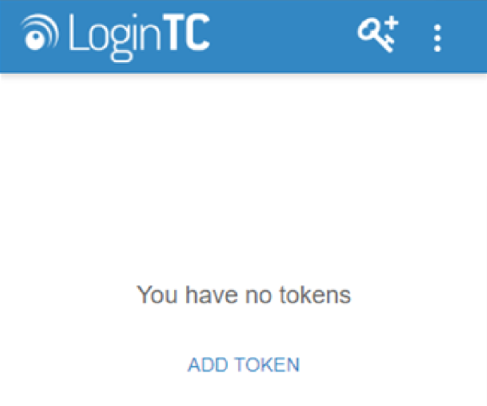
Press the Add Token button. (You will see a brief tutorial if this is the first time you’ve opened the app.)
Enter the 10-character alphanumeric activation code provided to you via email.
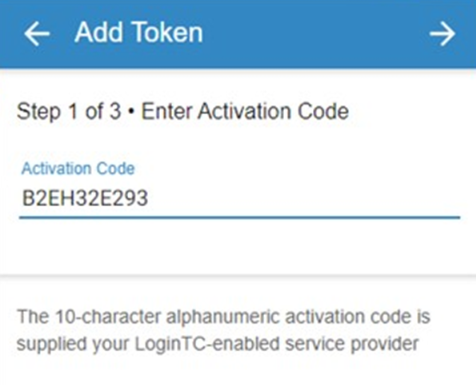
Press Enter.
Press Next. Your token is loaded on your app and you may now log in using LoginTC.