We’ve updated the Payroll Summary Dashboard, introducing multi‑payroll selection to make it easier to analyse organisation‑wide totals in one place.
What’s new?
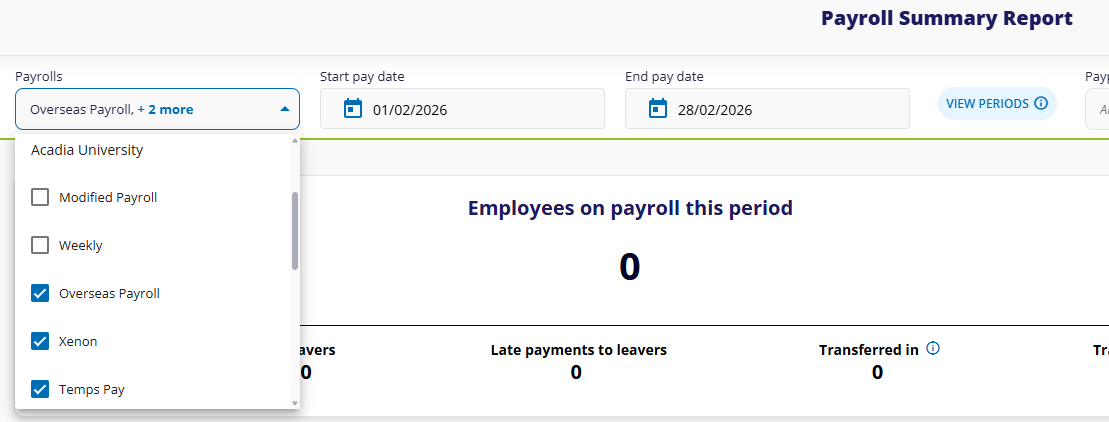
Multi‑payroll selection: You can now choose multiple payrolls from the dropdown to see combined totals for costs, gross pay, third‑party liabilities, and net pay.
Single access point: No more switching between payrolls or generating separate reports. Everything is consolidated within one dashboard.
What are the key benefits?
This update saves time by removing the need to view payrolls individually, giving you a clearer overview of organisation‑wide payroll performance at a glance. It also streamlines reporting by reducing the number of separate reports you need to run.
What next?
This feature is already live, and accessible to all users who have access to multiple payrolls. To access it:
In the side menu, click Reports.
Click Payroll Summary.
At the top-left, select which payroll(s) you want to view in the report.
For more information on using the dashboard, see Payroll Summary Dashboard.