Subsistence rates define the amounts users can claim for meals, accommodation, and other allowances based on how long they are away. Once rates are configured, you assign them to the relevant categories.
Important! Before setting up subsistence rates, ensure trips have been enabled. See Enabling trips.
Setting up subsistence rates
Go to Setup > Subsistence Rates.
.png)
Click + Subsistence Rates.
Ensure Active is selected.
Enter a Description, e.g. Standard UK rates.
Click + Rate and complete the following fields:
Name: a label for the rate, e.g. 5 to 10 hours.
Hours: the minimum hours away that triggers this rate.
Rate: the allowance amount.
.png)
Repeat step 5 for each rate band required.
Click Save.
Editing subsistence rates
Go to Setup > Subsistence Rates.
Click Edit beside the subsistence rate you want to edit.
Adding subsistence rates to categories
Go to Setup > Categories.
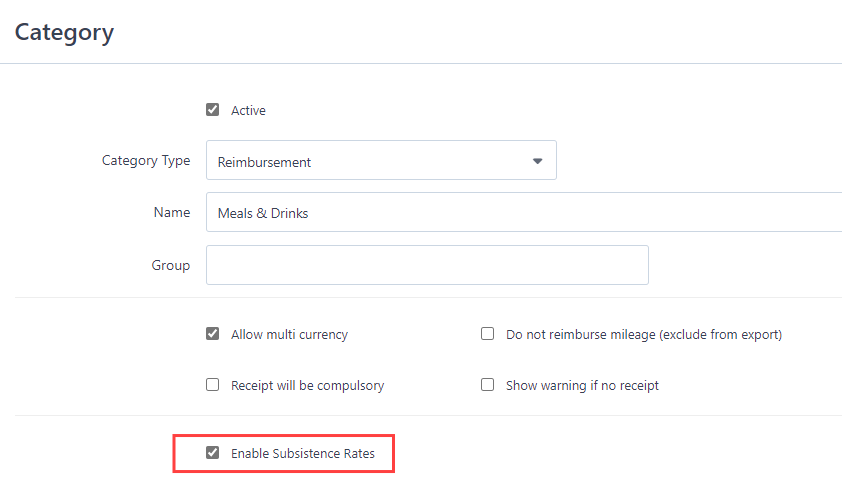
Click the Edit icon on the relevant category, e.g. Meals and Drinks.
Select Enable Subsistence Rates.
Click Save.
Repeat for every category that subsistence rates apply to.