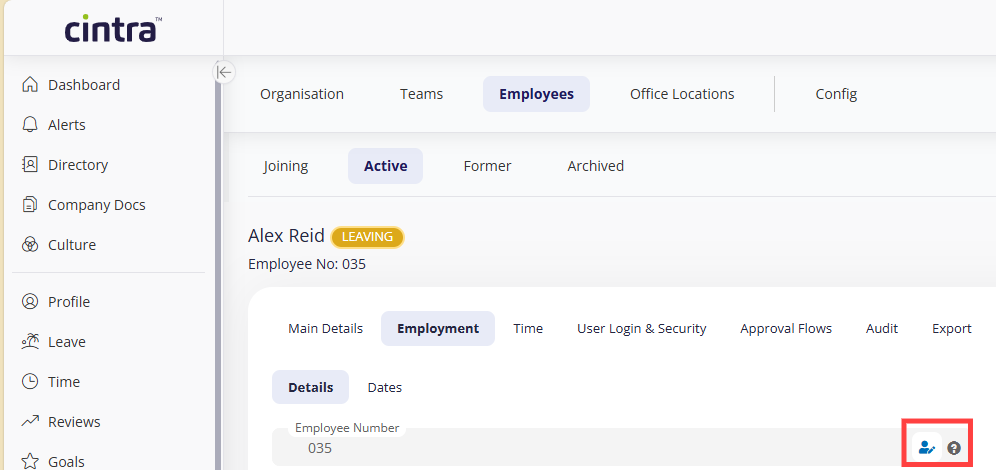
All employees are given a unique employee number. By default, this is automatically generated by Cintra People HR when you add an employee to the system.
You can customise the following settings relating to your employee numbers:
Define the number of digits
Set which number to start from
Choose between sequential or random numbering
Choose whether the number can be overridden or not
To set up your default Employee Number settings, go to Organisation > Config > Employee Numbers.
.png)
Manually editing employee numbers
To edit a specific employee’s employee number go to Organisation > Employees > Select the relevant employee > Employee Profile > Select the person holding the pencil icon.
Once you’ve clicked on this there will be an option to update the employee number to a new one.