Available in:
HR Essentials
HR Advanced
Who can do this:
HR Manager
Administrator
Before you start
You should have completed the steps in the Leave: Setup guide before starting the steps below.
Categories & Fields Configuration
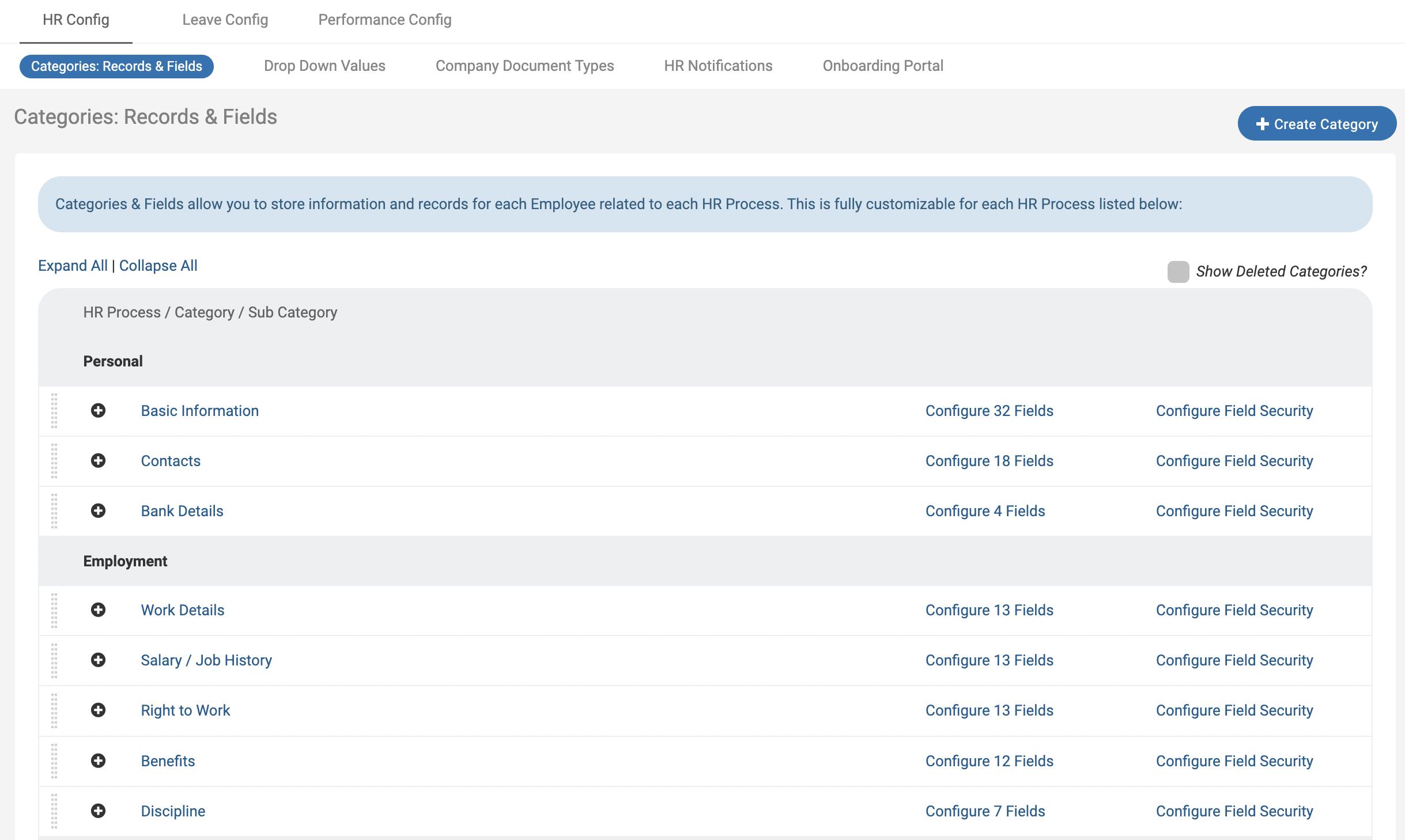
A Category is a section within an HR Process and Fields make up the data within the Category. Categories are grouped by the HR Processes supported in Cintra People HR - Personal, Employment, Performance, Learning & Assets. Every employee has access to these categories by using the navigation bar on the side menu.
See Categories and Field Configuration and Employee Profiles for more information.
Company Document Types
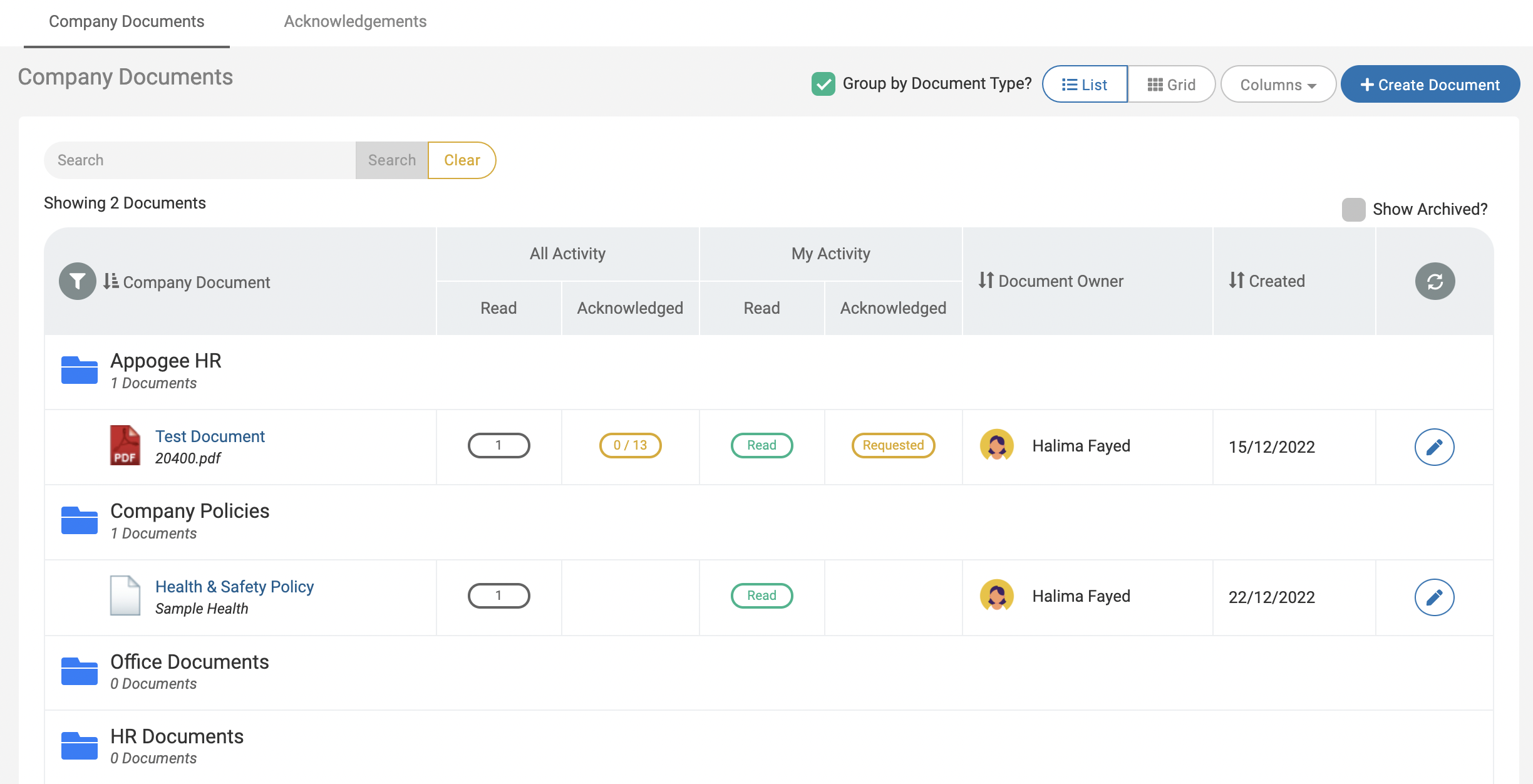
Company Documents are documents or files that are related to the company and can be shared by all employees, or at a team level. A Company Document can be a file, link or note that you wish to make available to multiple employees for acknowledgement.
For more information, take a look at our support article on Company Documents.
Leave profiles and work patterns
Note: Only HR Managers & Admins have access to add and update leave profiles and work patterns.
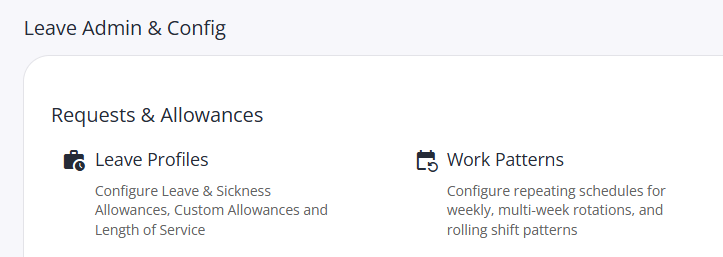
Leave profiles defines the leave allowances for a group of employees, include sickness and accruals.
Work patterns define their working hours and rotas.
Set these up under Leave > Admin & Config,
Checklists
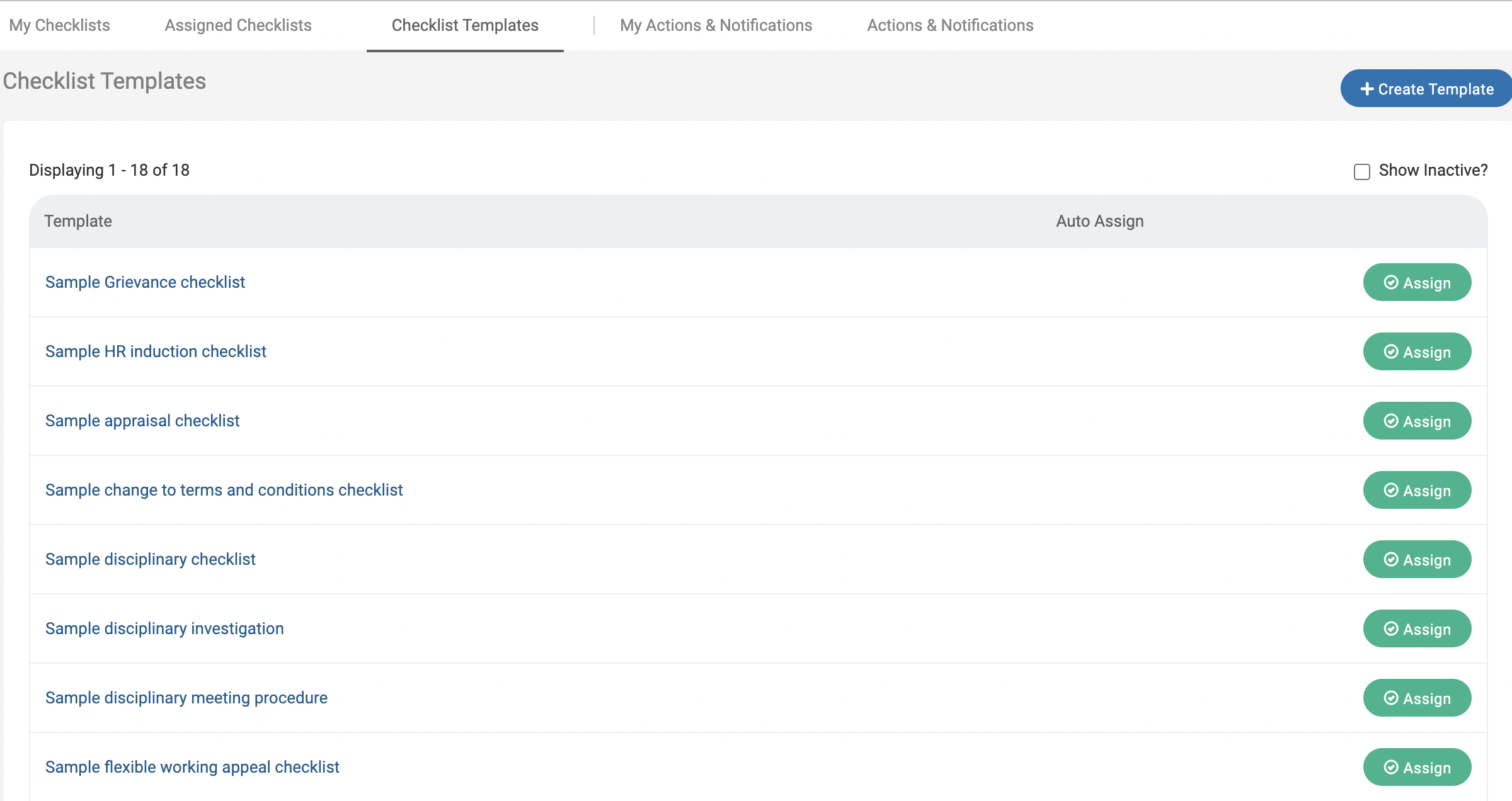
Cintra People HR’s Checklist feature lets you set up clear actions to take to complete key processes across your business. You can also use these to set up workflow automation for Joiners and Leavers Checklists.
If you would like to see more information on how Checklists work and how to configure these, please take a look at our Checklist Guide.
Reporting
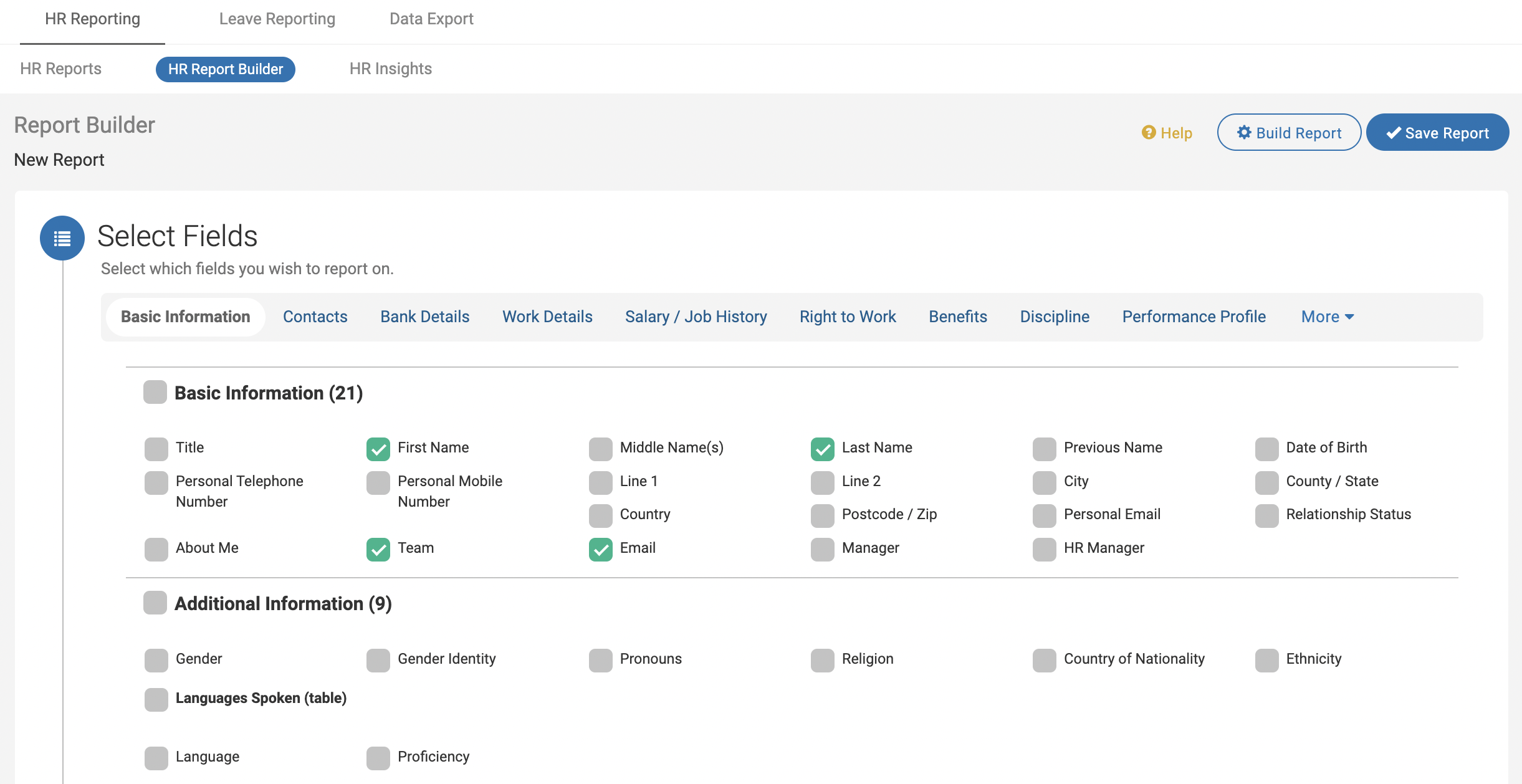
Cintra People HR has reporting for both Employee Profile information and Leave reporting. The HR Reports match your Employee Profile configuration, allowing you to report on exactly what you choose to keep in Cintra People HR. The Leave Reports allow you to look into all types of absence across the Company, by Team or Individual. You can view these in a series of tables, charts or exports.
We have a guide for HR Reporting and an additional guide on Leave Reports. *
Notifications
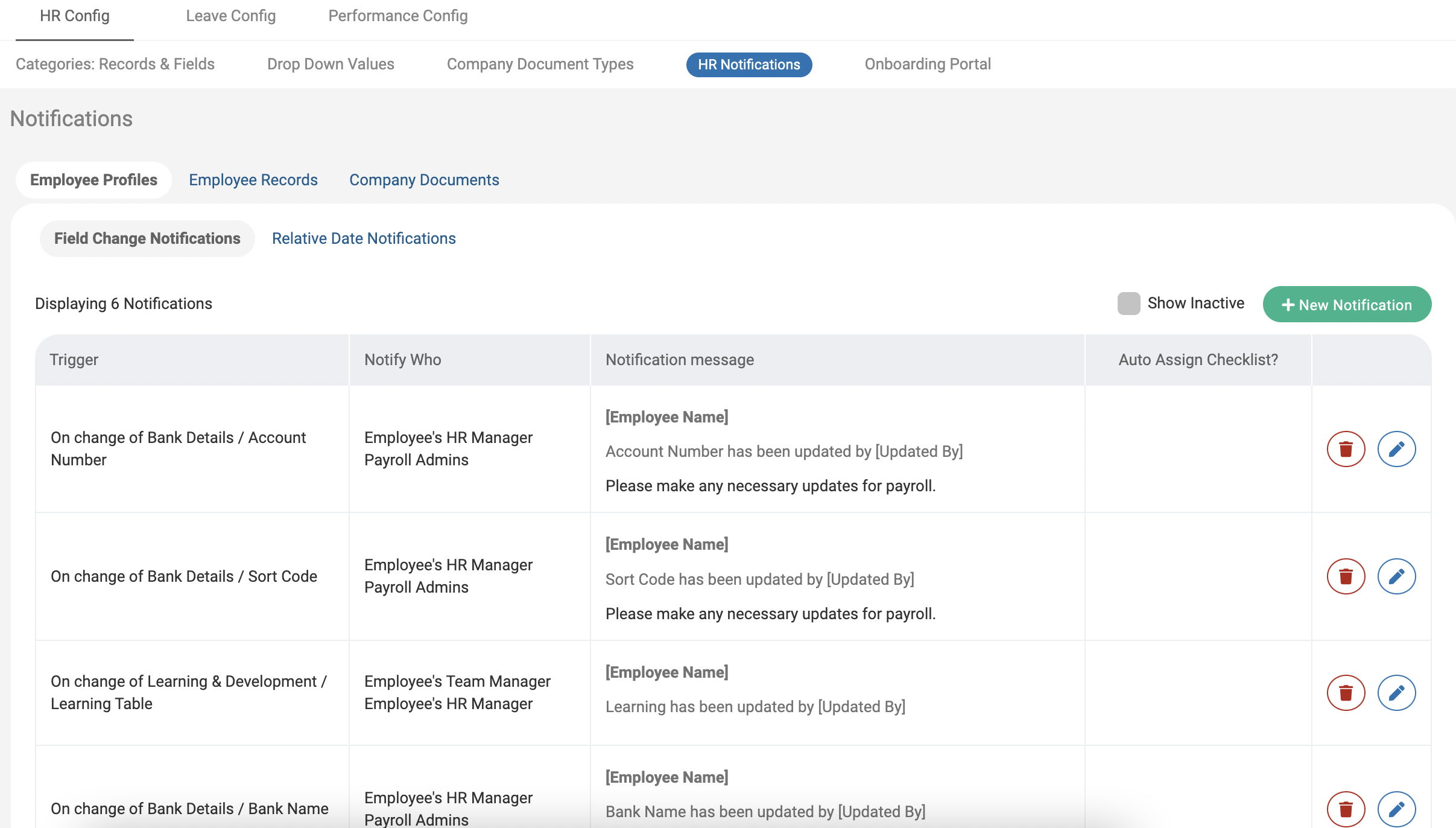
Cintra People HR notifications allow you to stay in control of all dates your store within Employee Profiles, Employee Records or Company Documents. Set Notifications so you always know when the next Performance Review is, when a Record needs reviewing or when an Employee is reaching their employment anniversary.
This Notifications Guide will take you through how to configure date Notifications across the system.