Who can do this:
HR Manager
Administrator
The Slack Integration with Cintra People HR will give you on demand information from your Cintra People HR account into your Slack Channels.
To set up the Slack integration you must be a Slack Workspace administrator.
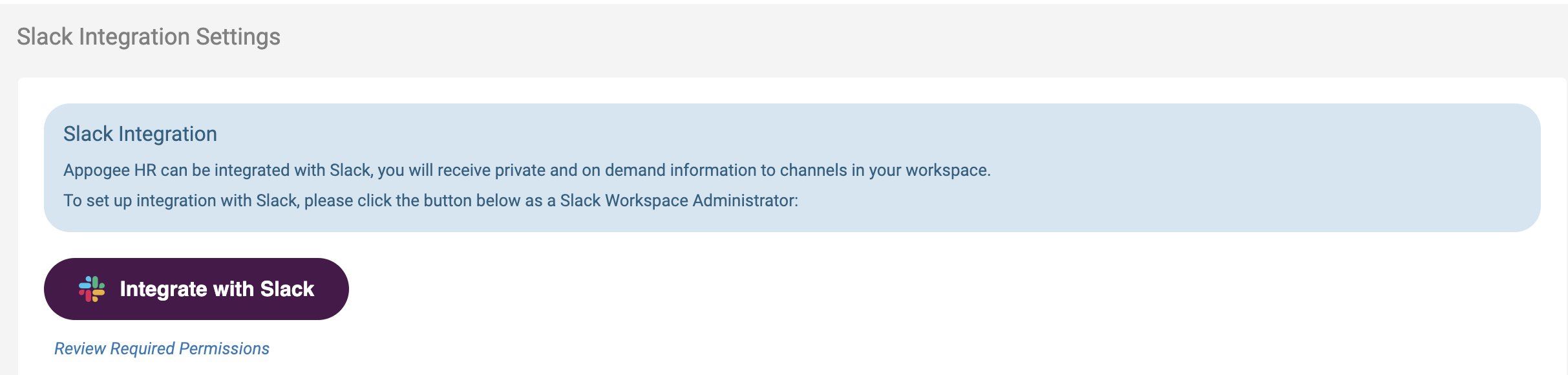
In Cintra People HR, go to System Config > System Integrations > Slack.
.png)
2. Click the button to integrate, this will take you into Slack.
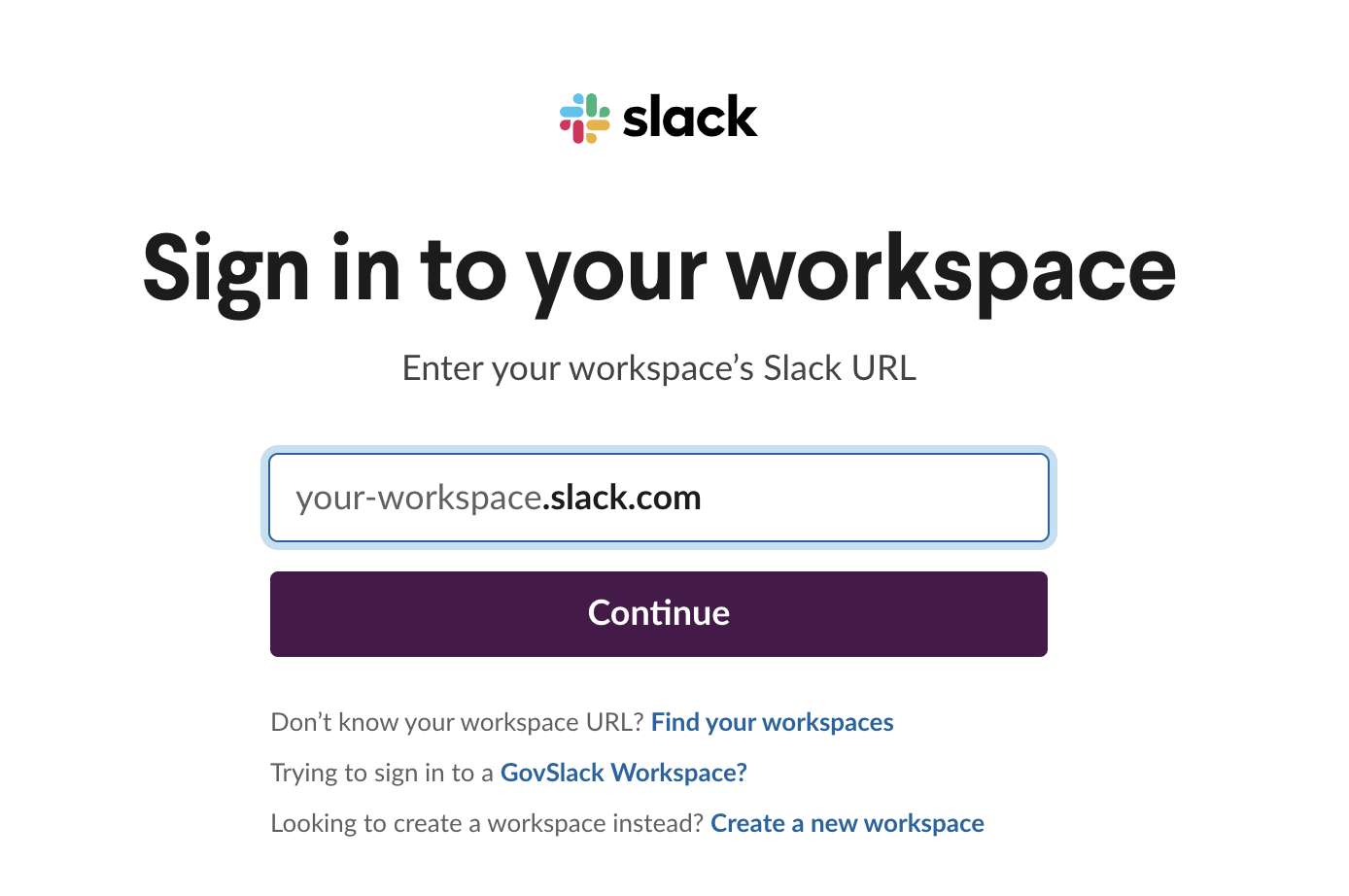
Sign into your Workspace and follow the prompts.
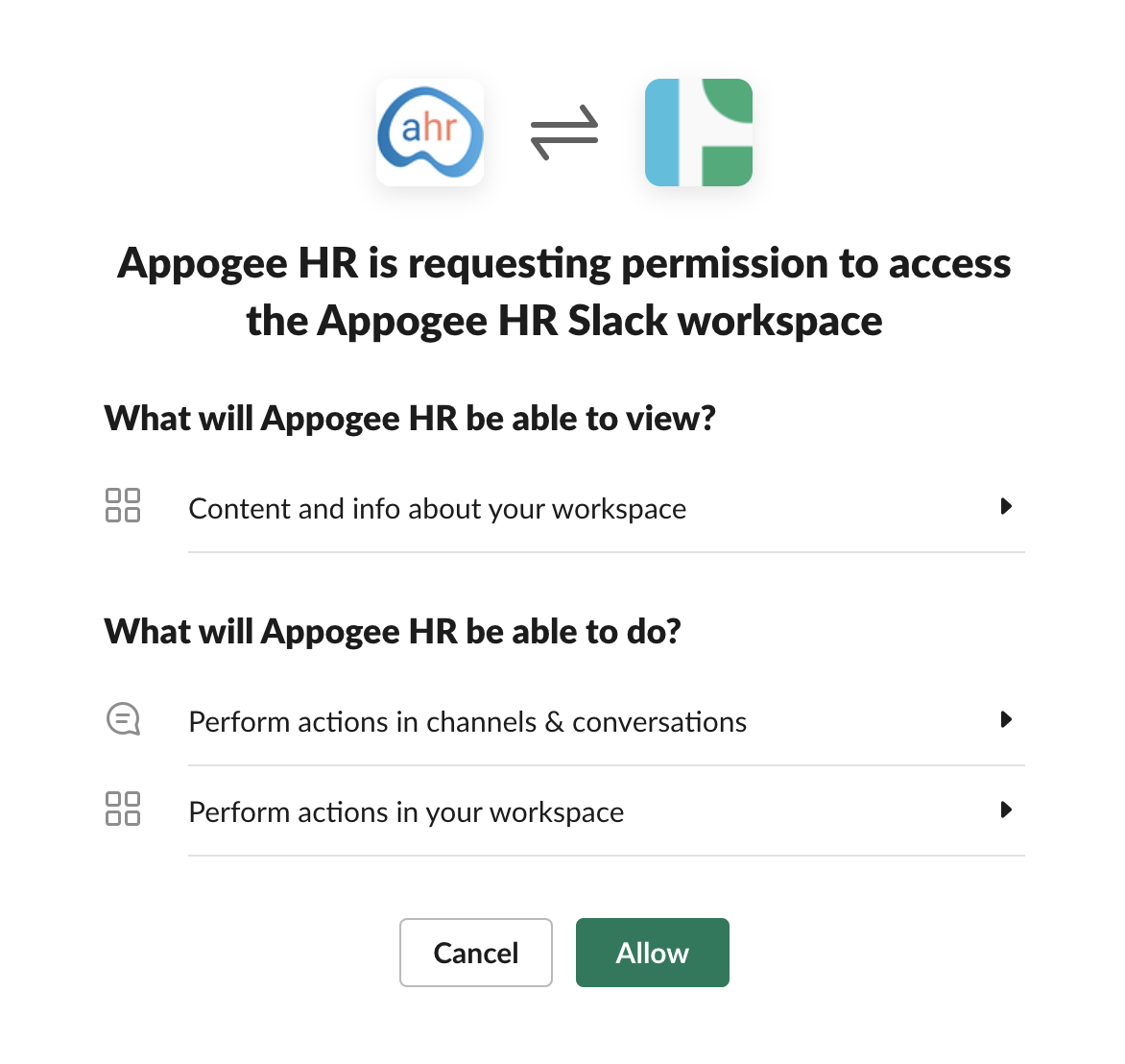
Check you're happy with the permissions and click to Allow.
Once enabled, you'll be directed back into Cintra People HR.
The page will show you the integration status and the available commands.
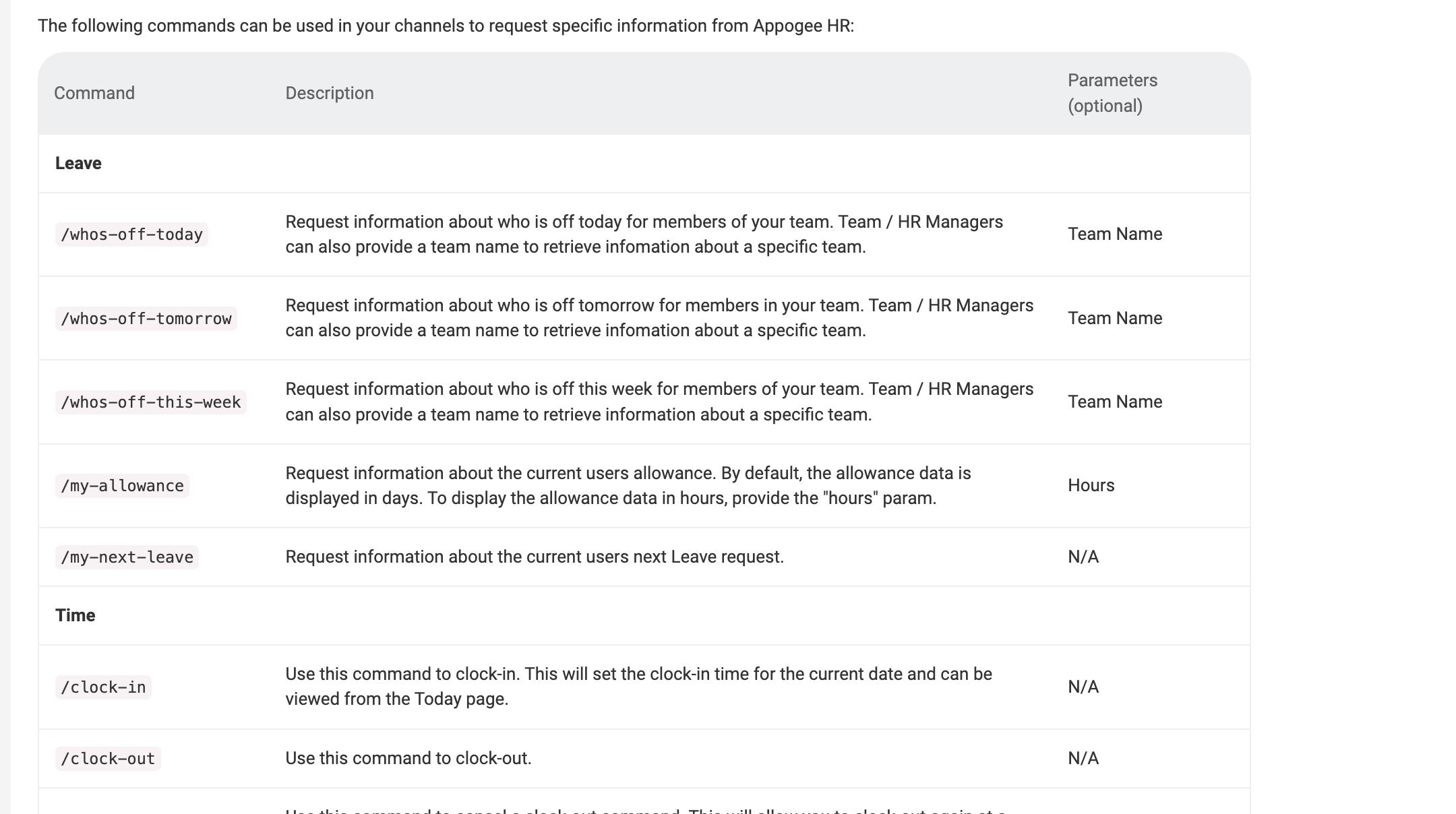
Further information
Data Processing Agreement (Data Privacy and Data Subject requests)
Data Transferred from Cintra People HR to Slack
Allowance Data for current user only
Request Data for current user, or members of the same Team, or Employees the current user is configured to manage (either via Team Manager or HR Manager role)
Timesheet data related to clocking in/out - clock-in/out time and break start/end time
Data Transferred from Slack to Cintra People HR
Current user's email address
Current user's Slack workspace
Data Subject Requests for Slack integration
As for all Data Subject requests regarding Customer Data in Cintra People HR, it is the Customer’s responsibility to manage all subject data requests. If Cintra People HR receives any request from a data subject in relation to Customer Personal Data, We will advise the data subject to submit his/her request to Customer, and Customer will be responsible for responding to any such request including, where necessary, by using the functionality of the Services. Cintra People HR will provide support if needed to the Customer only. For more information see section 9 in our Data Processing Agreement.