This feature lets you manage pre-approved expenses - such as travel - before any funds are spent. This added layer of control is designed to improve your expense management process, helping you manage budgets and streamline approvals.
Setting up pre-approvals
If pre-approvals have been activated in your organisation, you can either create an approval workflow specifically for pre-approvals, or use an existing workflow. See Expenses approval workflows.
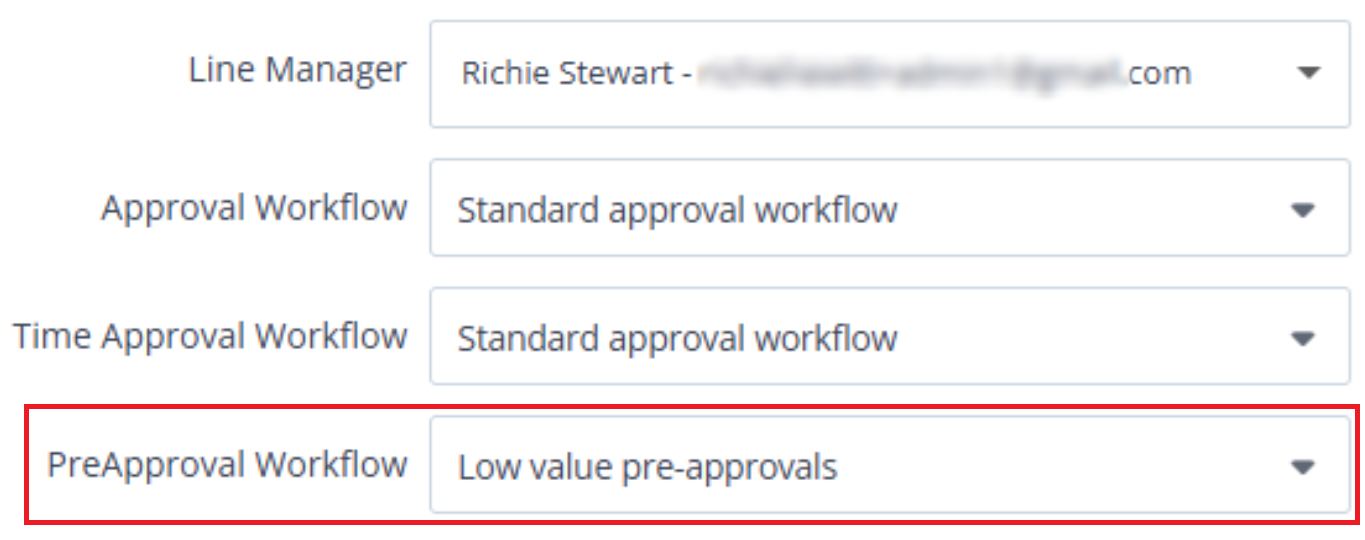
Within each person record (Setup > Settings > Edit), select a pre-approval workflow which will be applied whenever the user creates a pre-approval.
For more information for users, see Create pre-approval requests.