Available in:
HR Essentials
HR Advanced
Who can do this:
HR Manager
About
The DocuSign integration with Cintra People HR will allow you to request electronic signatures on your Employee Records in Cintra People HR.
You will benefit from the following:
Request e-signatures from employees on existing Employee Records
Request e-signatures from employees when uploading new Employee Records
Store these documents on the Employee Profile
Your DocuSign account must be "Business Pro" or higher. Alternatively, you can purchase a "DocuSign Connect" bolt-on.
If you haven't already, you can set up the DocuSign integration by following the instructions in our support guide here.
Request e-signatures on existing Employee Records
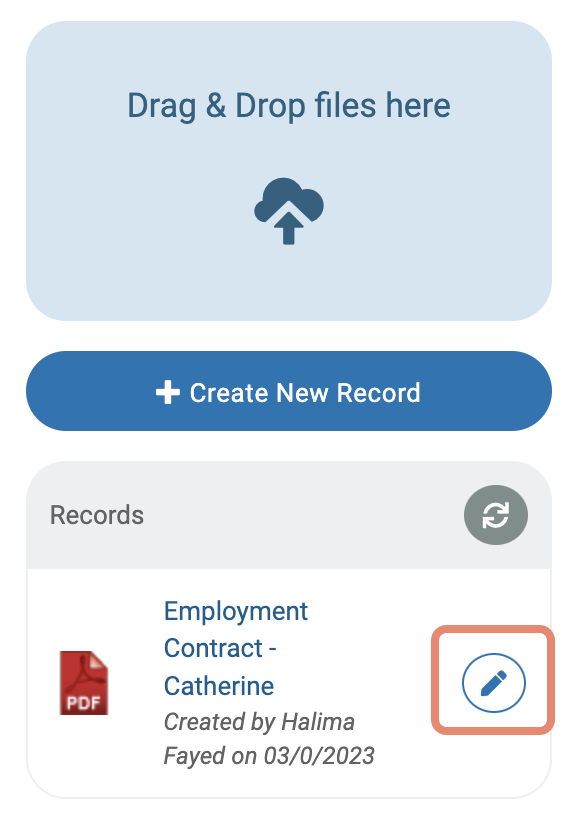
To add an e-signature through DocuSign onto an Employee Record that already exists in Cintra People HR, go to the document and click the pencil icon.
You can only add DocuSign signatures to MS Word or PDF files. The output of the DocuSign document will always be a PDF.
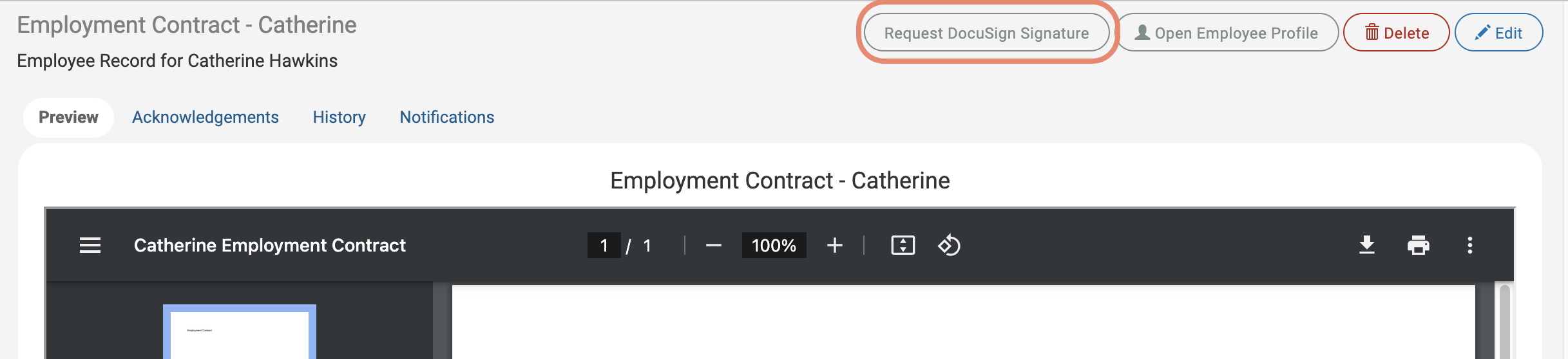
Once you have opened the Employee Record, click the Request DocuSign Signature button in the top corner.
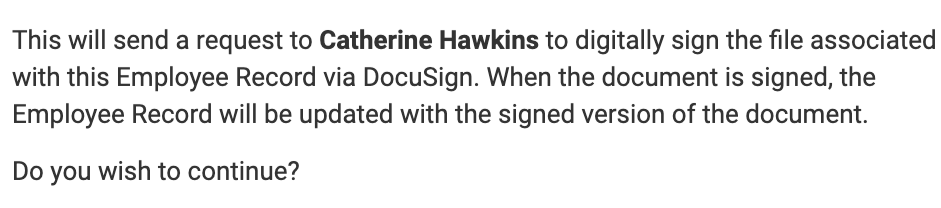
A dialog will open detailing the next steps - to send the DocuSign signature request, click Yes.
You'll then see a confirmation on the screen that the signature request has been sent.
The employee will receive an email from DocuSign inviting them to sign the document - the signature submission will take place in DocuSign.
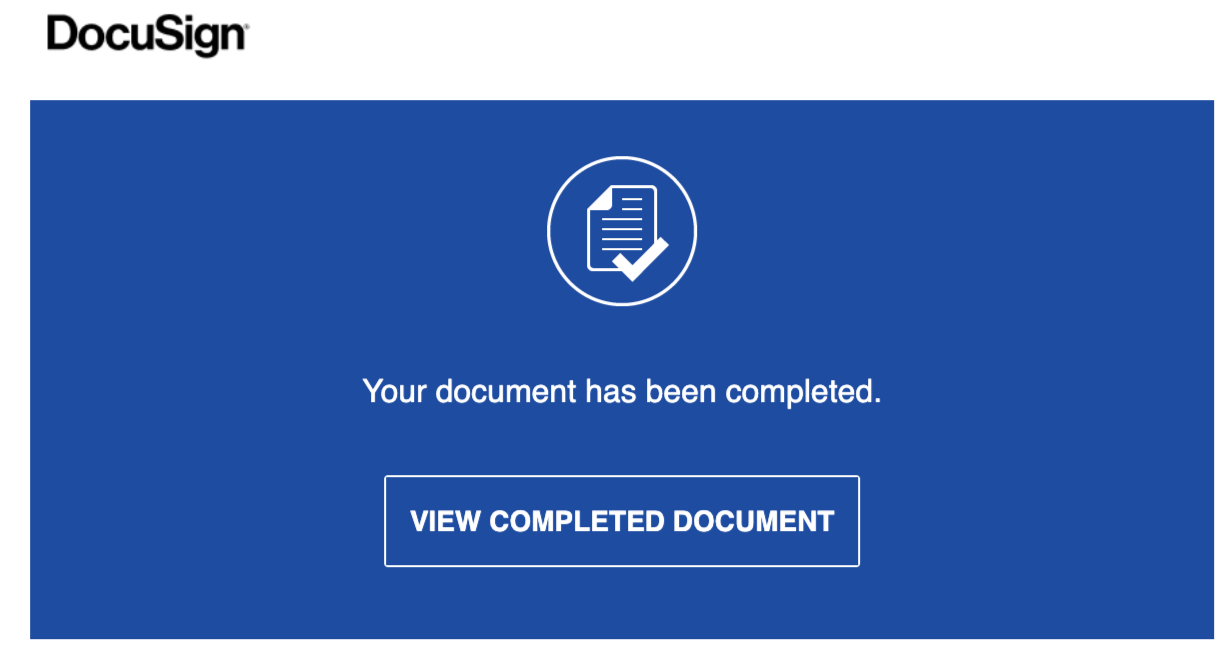
Once the employee has provided their signature, you'll receive an email from DocuSign.
Request e-signatures when uploading new Employee Records
To add an e-signature to a new Employee Record, go to the Employee Record Category and click Create New Record.
Upload your document and tick Request eSignature via DocuSign? then click Next.
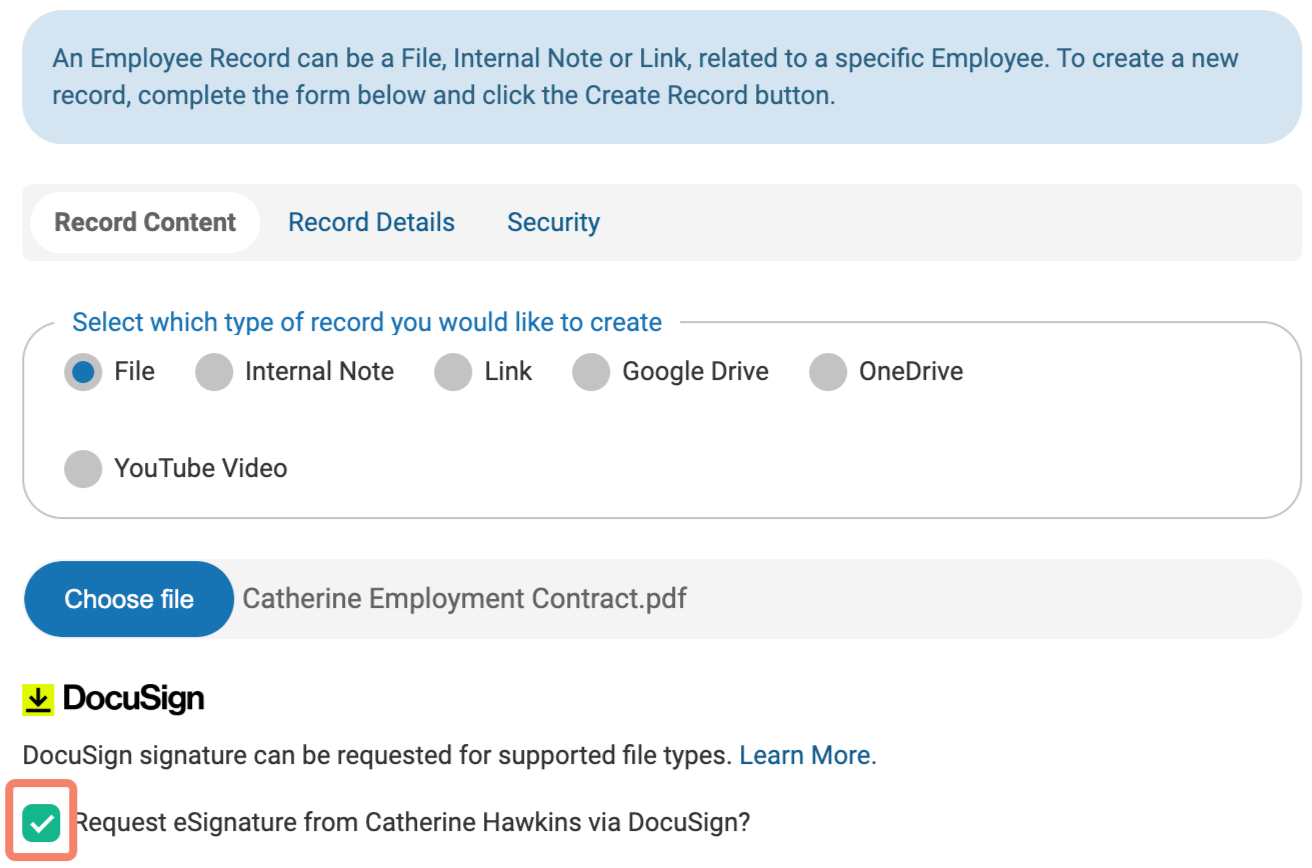
Complete the form with information about the document and click Upload. You'll then receive a confirmation message.
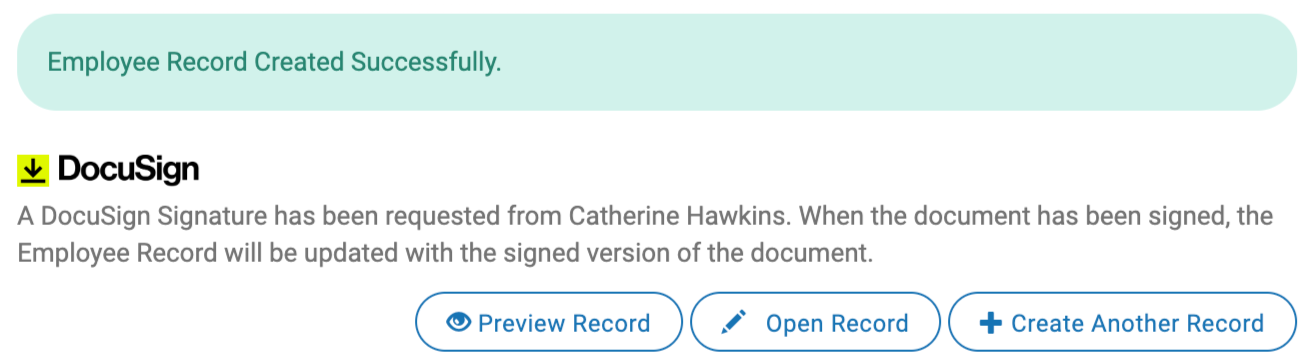
The employee will receive an email from DocuSign inviting them to sign the document - the signature submission will take place in DocuSign.
Once the employee has provided their signature, you'll receive an email from DocuSign.