Once an expense has been approved / rejected, you can still view more information about it in the Archive tab.
View approval details
In the side menu, select Expenses.
Click the Archived tab. Select any expense to view more information about it.
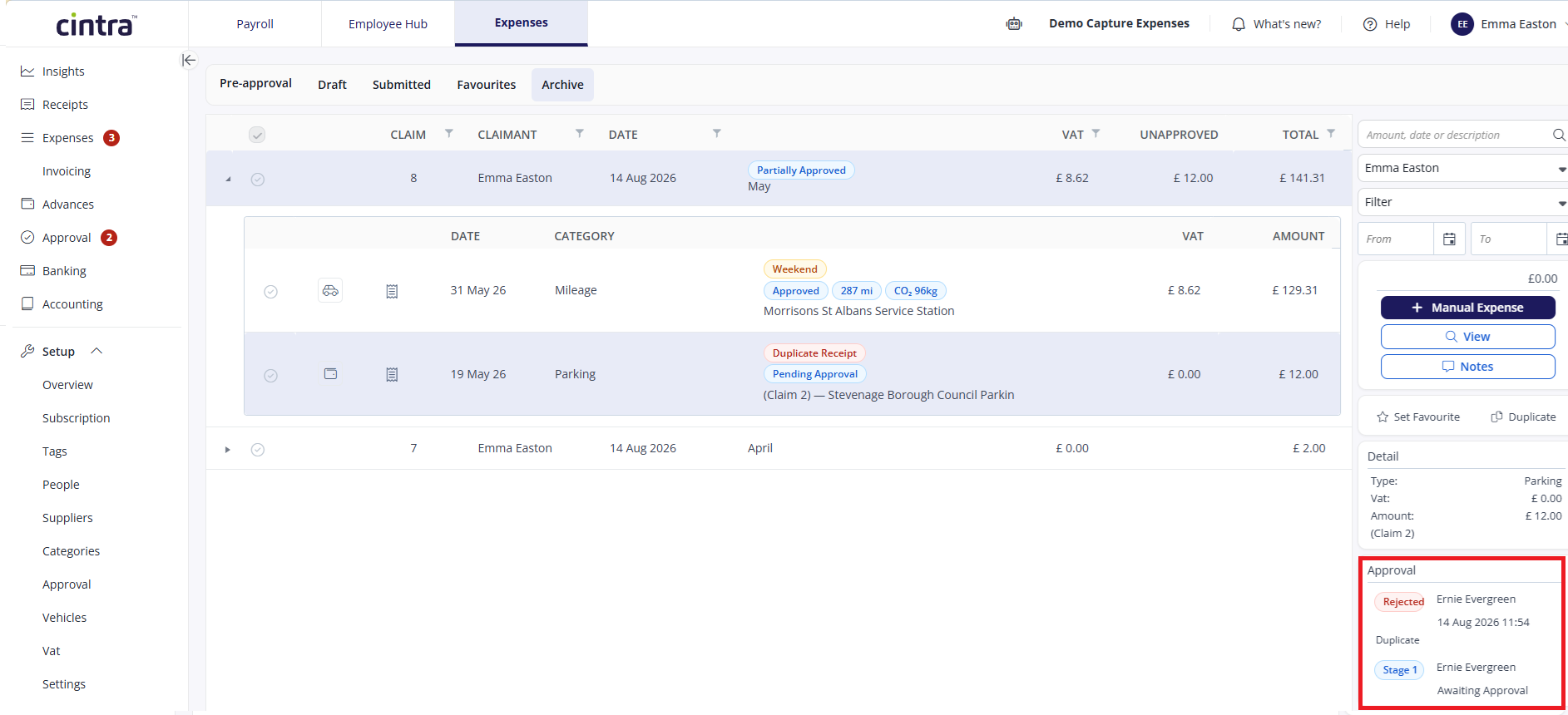
The approval section at the bottom right will display the approval status, approver, and date/time of the approval, as well as any notes they added.
.png)