Cintra iQ allows you to enter multiple values in Lookup Tables. A Lookup Table can be used for most lists where a user selects from a drop down within the application, such as a Job or Post category. These values appear as the pre-defined list items within the drop downs. You can print the contents of the Lookup Table data. Go to Cintra iQ: Definitions> Lookups. The Lookup Administration window appears.
How do I print lookup tables?
Navigate to Cintra iQ: Definitions > Lookups. The Lookup Administration window appears.
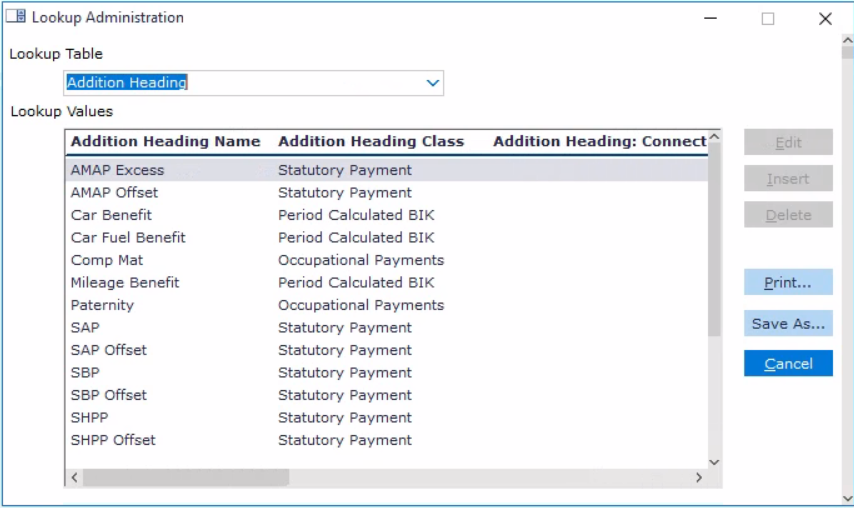
Select the Table you wish to add to from the Table drop down list.
Click the Print button.
Continue to print as normal.
Click the Cancel button on the Lookup Administration window when finished.
How do I save lookup tables?
Select the Lookup table from the drop-down.
Click Save as...
Select a location on your PC
Select a file type (typically, lookups can be saved in Excel or CSV format)
Click Save.
Note: Your IT department may prevent you from downloading lookup tables. If this happens, speak to your system administrator.