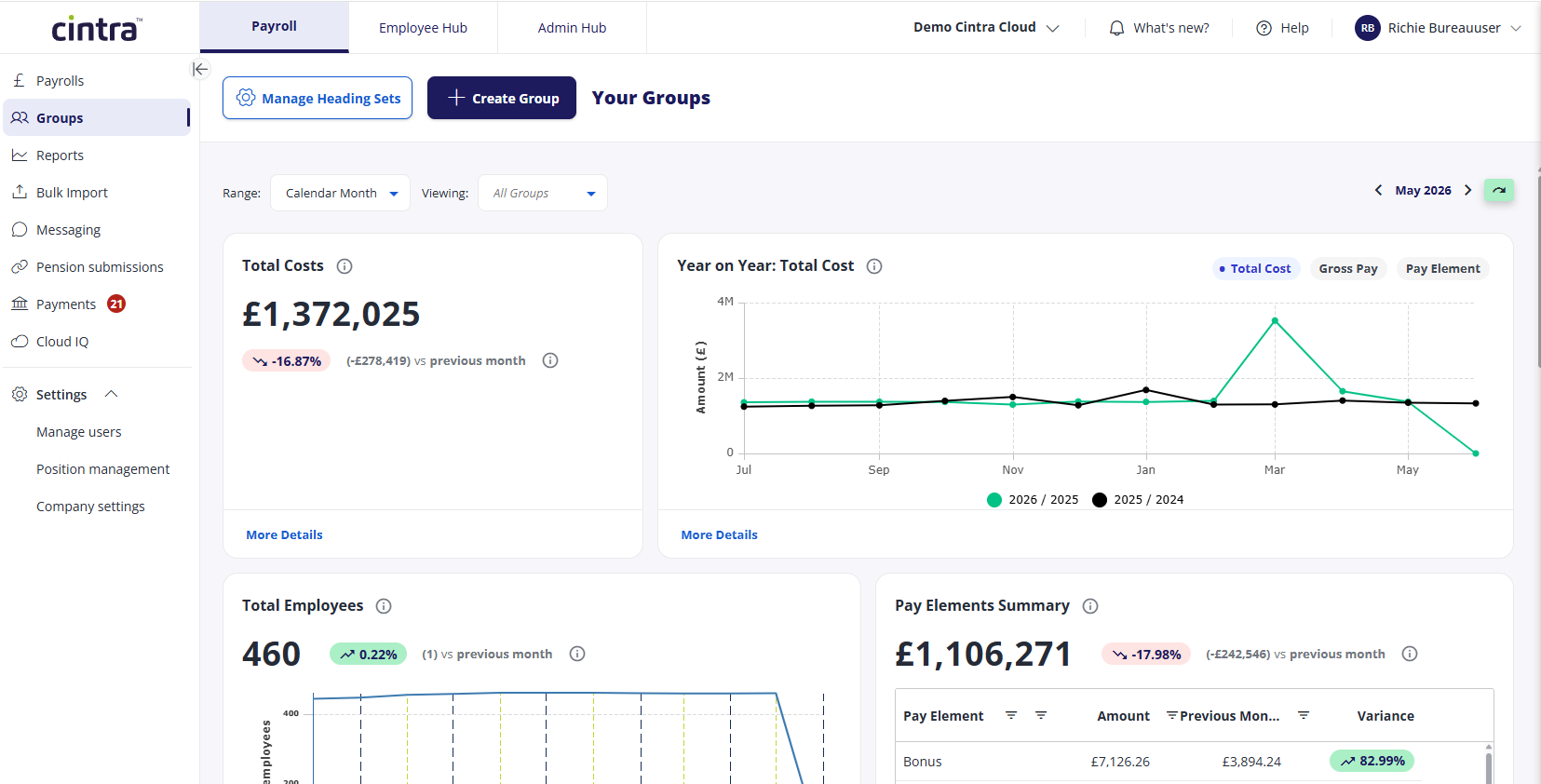
When you log into Cintra People as a Groups user, you will access your Cintra Groups dashboard, which contains a series of components, including:
Total Costs
Year on Year overview
Total Employees
Pay Element Summary
Each of these components is interactive and can be modified using the available filters.
Dashboard filters

You can adjust the information you can see in the dashboard by changing the following filters:
Range: Select how long the dashboard will display data for (weekly, monthly etc).
Payroll: If you select any range except Calendar Month, select which payroll’s data you want to use.
Group: Select one or more groups.
The date selector on the right lets you view previous periods (if you have selected Calendar Month or if you have selected a specific payroll).
Accessing groups
At the bottom of the main Groups page, you will see a list of all groups you have access to. From here, you can assign it a sub-group, move the group, or delete it.

Click any group name to open its details.
Individual group view
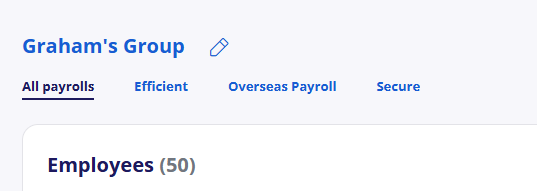
When you open a group, if it has multiple payrolls, they will each be shown within a tab. If the group only contains one payroll, it will be opened automatically.
When you select a payroll, at the top it will display a series of tiles showing key information at the top, and a list of employees below.
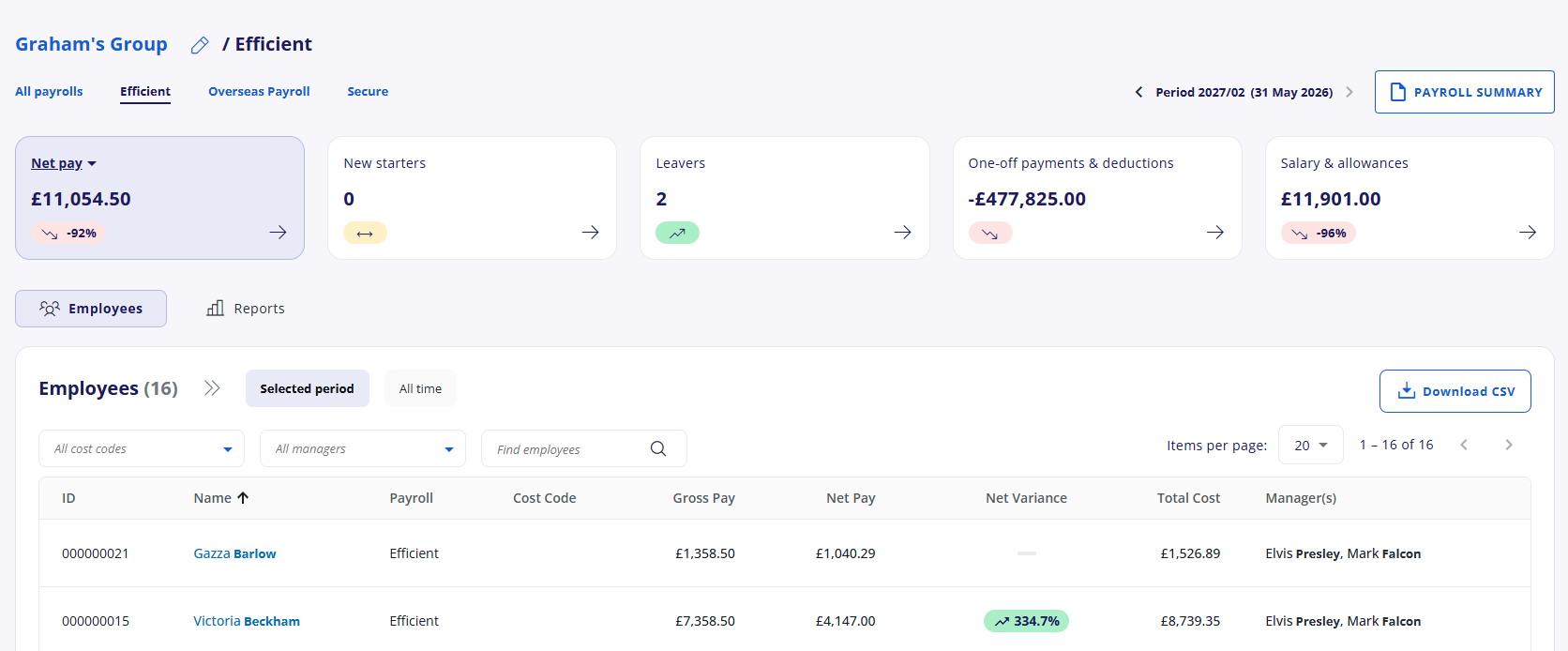
This view is the same view that is used to display payrolls. For more information, see Payroll screen overview.