This article explains how to use this help site and how to contact Cintra support if you need additional assistance.
Using this help site
Quick search
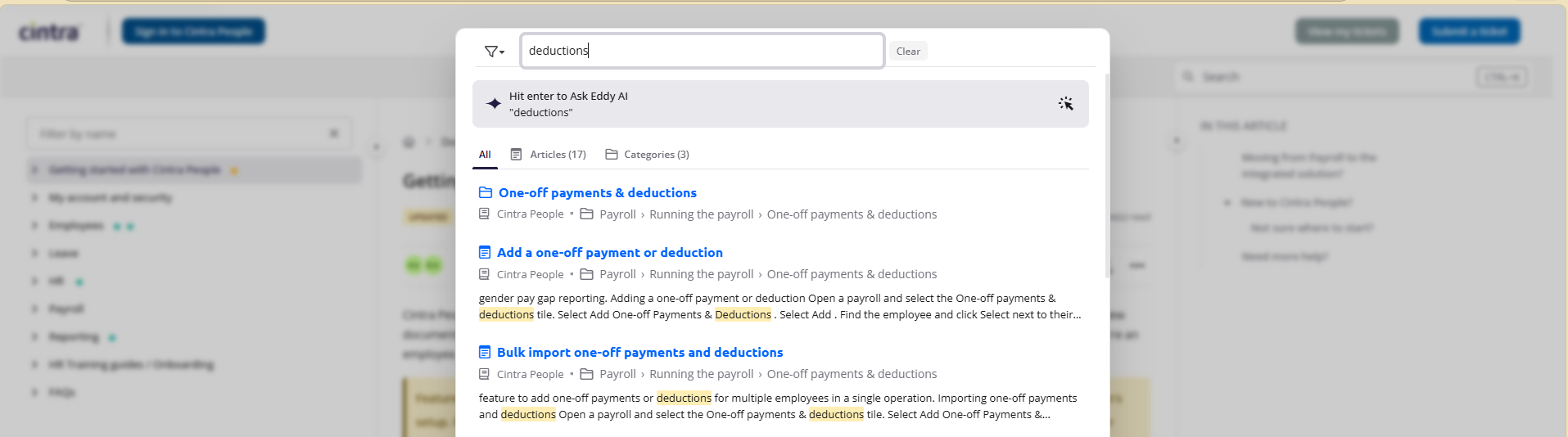
Typing a search term into the Search box at the top-right of the screen will return all matching articles immediately.
AI search
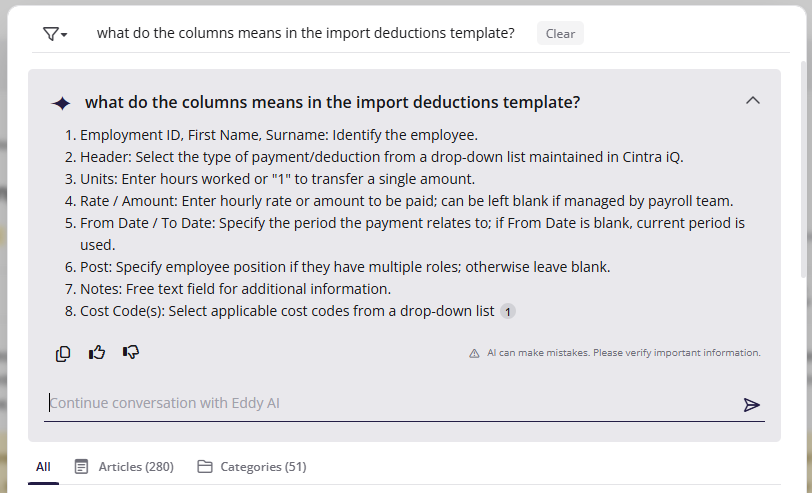
When you type, the help will automatically return matching articles. However, if you’d like to ask AI, you can simply type a query then press ENTER. The AI search will then scan the entire help to build a bespoke answer for you. You can also ask follow-up questions.
Navigate the help
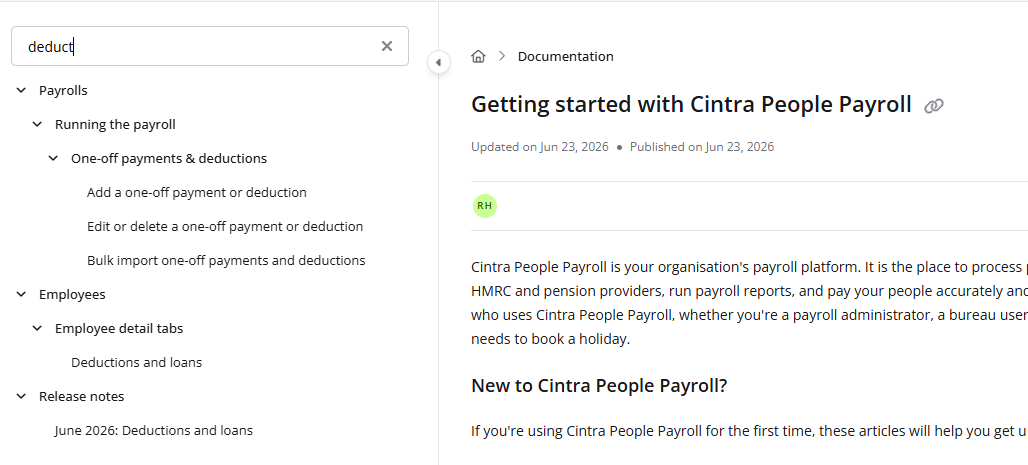
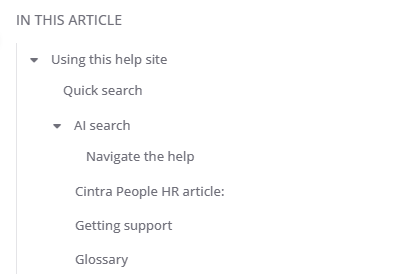
Table of contents: Use the left sidebar to browse articles by topic. You can also filter the list of articles by title.
Page sections: Use the bookmarks on the right to jump to specific sections within longer articles.
Screenshots: Click any screenshot to view it full size.
Getting support
If you can’t find what you’re looking for in this help, contact our friendly support team.
To do this
Click Submit a ticket at the top-right of the help.
You’ll be directed to our support portal. Enter your details and all relevant information about the problem, then click Submit.
A member of our support team will be in touch shortly.

Glossary
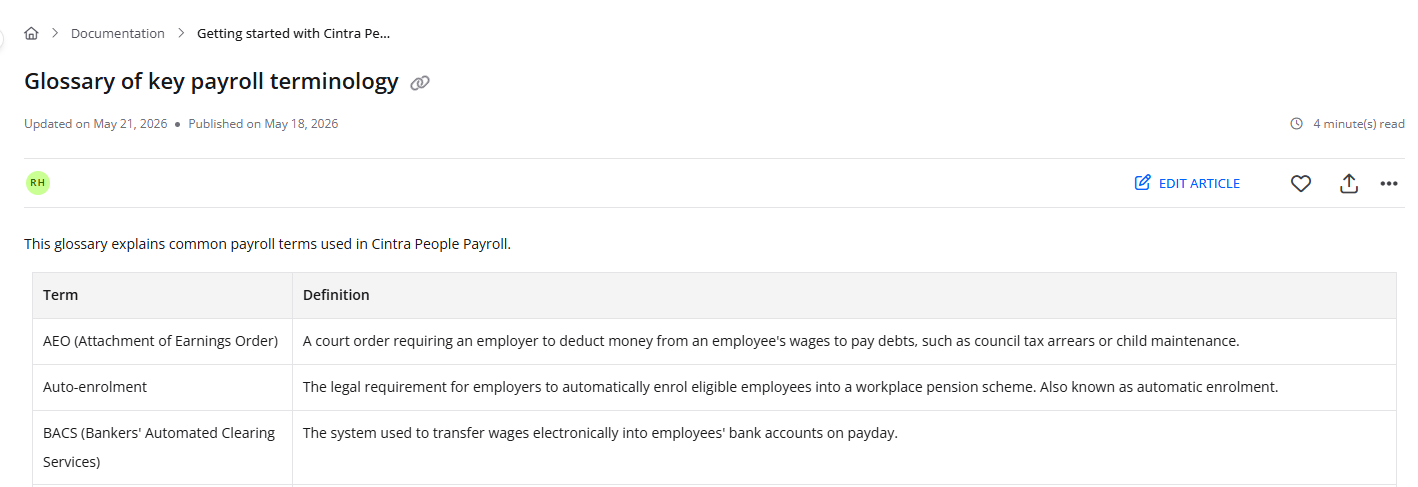
If you’re unfamiliar with any of the terminology used, check out our glossary, either by clicking this link or clicking Glossary at the top-right of the screen.