Cintra People supports two ways of running payroll, and you will see them referred to by the following names:
SaaS: Where your organisation processes its own payroll.
Source: Where a bureau supports you with more complex payroll tasks.
This article explains the difference between the two, and how it affects what you'll see during the payroll cycle.
SaaS customers
If you are a SaaS customer, you are generally responsible for the entire payroll cycle, although you may still outsource BACS payments.
If you have full payroll access, you can calculate the payroll directly within Cintra People Payroll.
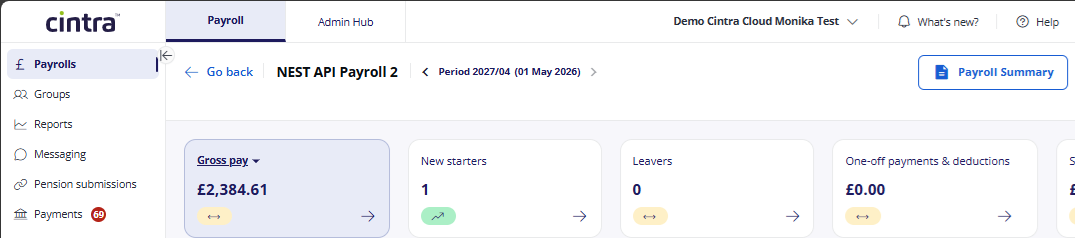
As calculation now takes place within Cintra People, you can view the current status of each payroll with payroll status symbols:
Authorise payments
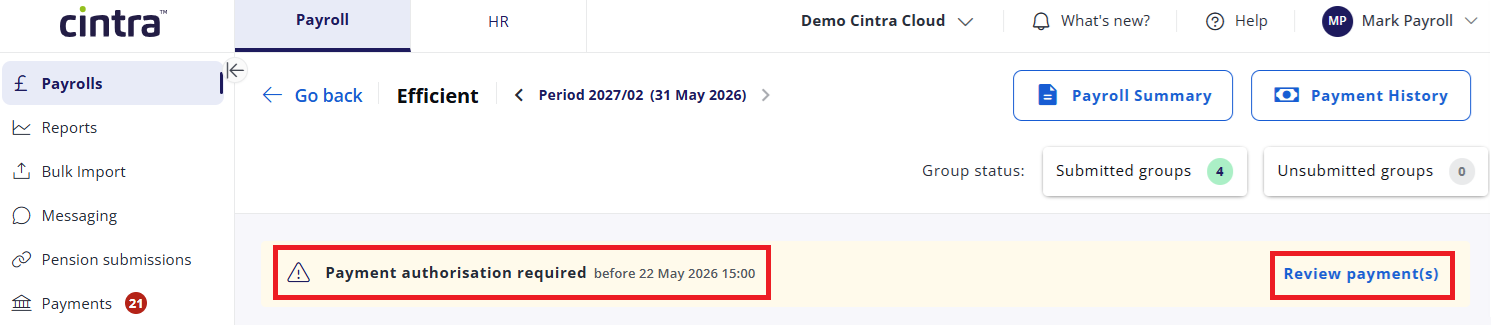
If the bureau processes BACS payments on your behalf, you will receive a notification that you need to review and authorise the payment.

If you process your own BACS payment, you won't see a "Payment authorisation required" banner and you won't be required to authorise anything.
Source customers
Source customers use Cintra People for payroll processing, supported by a bureau (such as Cintra Outsourced Services) for more complex payroll tasks.
You can view the current status of each payroll with payroll status symbols:
Authorise payments
As a Source customer, your BACS payments will usually be made by the bureau. Therefore, you will be required to review and authorise the payments.
If you are a Source customer but your BACS payment payment is made elsewhere (e.g. internally or by a bank), then you will still be required to submit and approve the payroll to the bureau, but not authorise the payment. You will instead receive a payment file from the bureau.