Manage users is available under Settings > Manage users and is an admin-only area. Depending on your set-up, it can have the following tabs:
Employee Hub users
Payroll access users
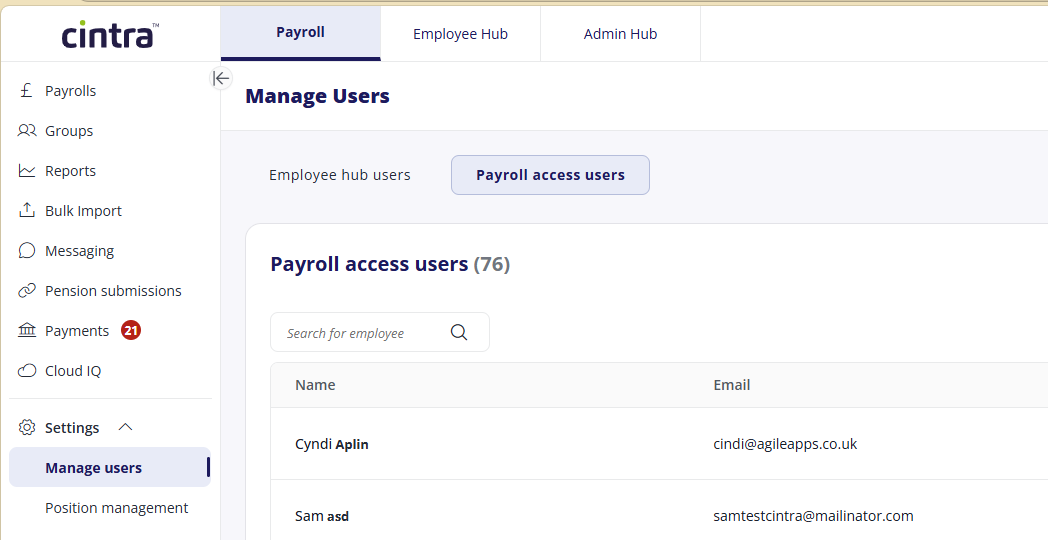
Payroll access users
The Payroll access users tab lists all users with payroll access, showing their name, login email, and linked Employee Hub accounts (where applicable). Not all payroll access users will have a linked account.
For more information, see Manage Payroll user accounts.
.png)
Employee Hub users
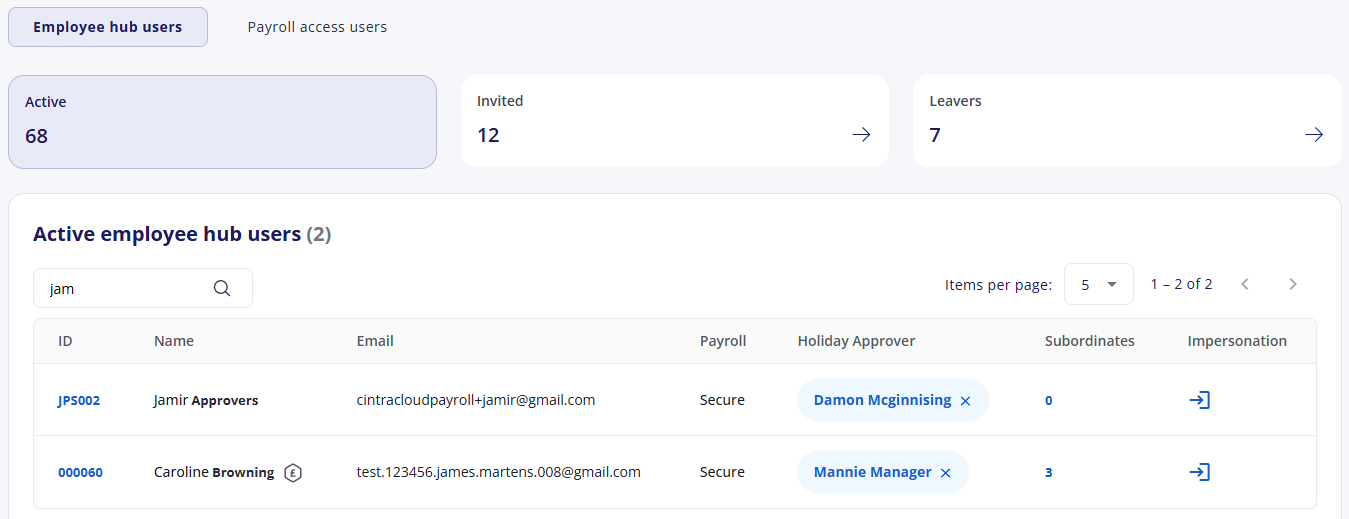
If your organisation uses Employee Hub (that lets employees view their payslips and request holidays), then you can see a list of all users in the Employee Hub users tab.
For more information, see Manage Employee Hub user accounts.
Bureau users
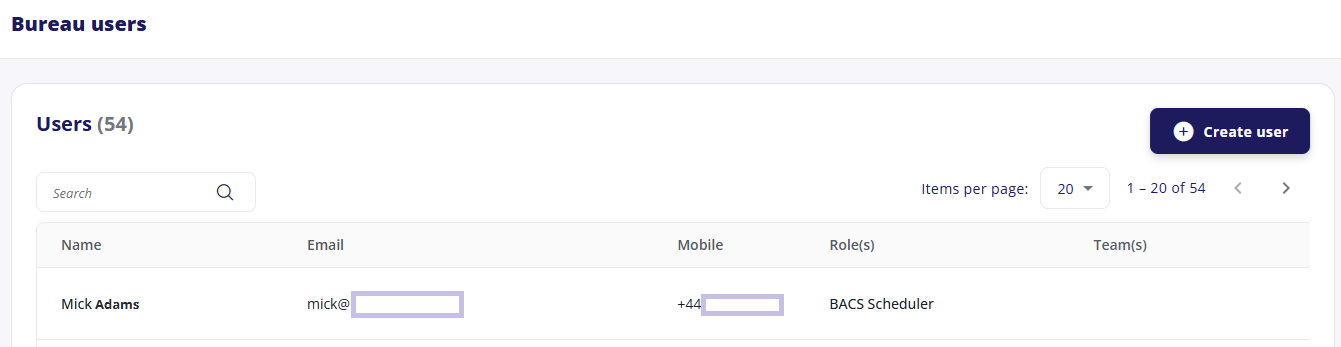
If you have access to Bureau then you can manage your users from the Bureau tab > Settings > Users.
For more information, see Bureau user management & impersonation.
Expenses admin
If your organisation uses the Expenses module, you can also create an Expenses admin.