If an employee is going to leave - or has already left - the company, marking their leaving date will record them as a leaver for payroll purposes.
Note: You will not be able to add leaving details when creating the employee, only when editing them.
Open the relevant payroll and edit the employee.
Select the Employment & position tab.
In the Employment details section, click Edit.
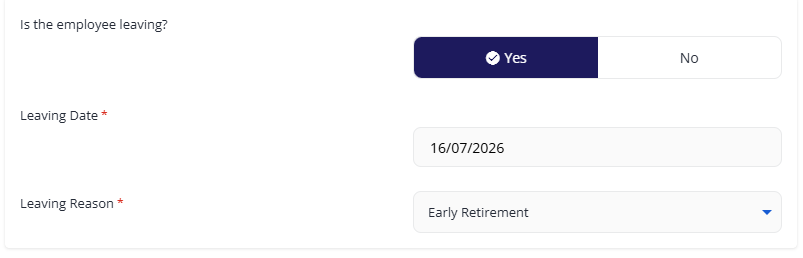
In the Is Employee Leaving? section, click Yes.
Enter the Leaving Date and Reason, then click Save & Continue.
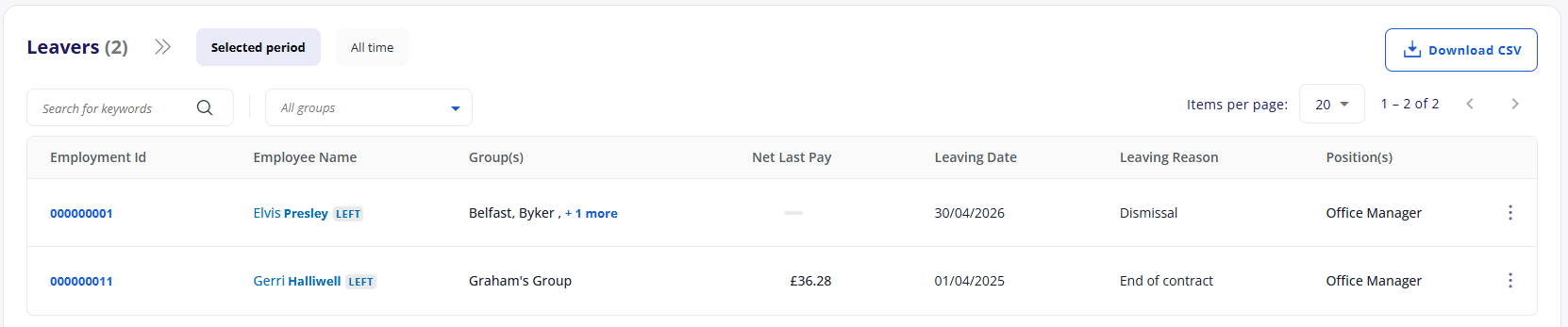
You can view all leavers by returning to the Payroll screen and clicking the Leavers tile.