Edit an employee to keep their record accurate as their circumstances change, from a pay rise or a new working pattern to updated personal details.
You edit an employee against the payroll they belong to, so open the correct payroll first and select the employee from there.
Editing works through the same record tabs as adding an employee, but a few differ. Some tabs are only available once an employee exists, and others behave differently when you are maintaining a record rather than creating one. Each tab article notes where this applies.
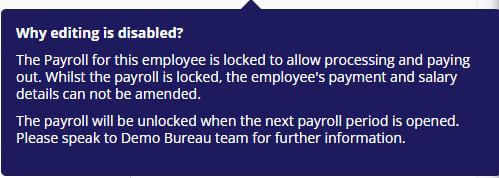
Why can’t I edit an employee?
Some changes can be made while a payroll is locked for processing, such as costing or personal details. Others, including benefits and salaries, cannot be changed until processing is complete.