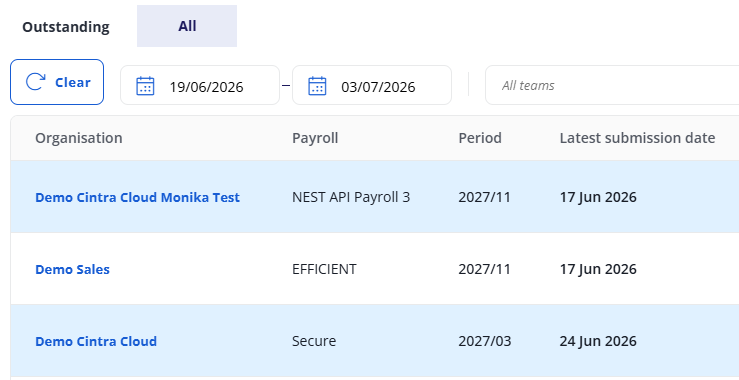
Salary payment schedule helps Bureaus users track outstanding and upcoming payroll payments for their organisations.
In the Bureau tab, within the Payments section, click Salary payment schedule.
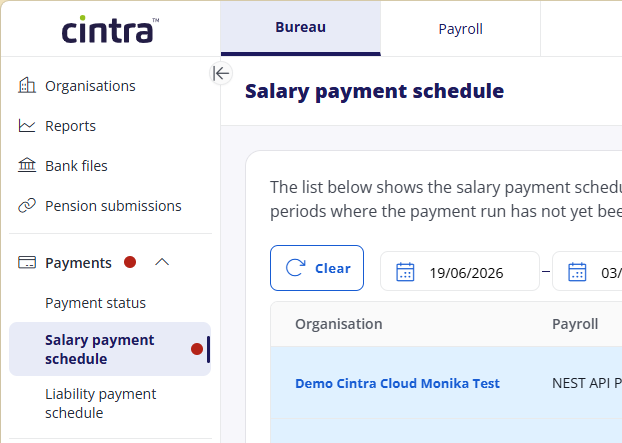
The Salary Payment Schedule screen helps you identify organisations whose current period is open and for which the salary payment run has not yet been created in Cintra IQ. This is crucial for Bureau users to track any missing payment runs.
Outstanding Tab
The Outstanding tab displays only organisations where the payment run has not yet been created on Cintra IQ payroll and the payment date is either overdue or approaching.
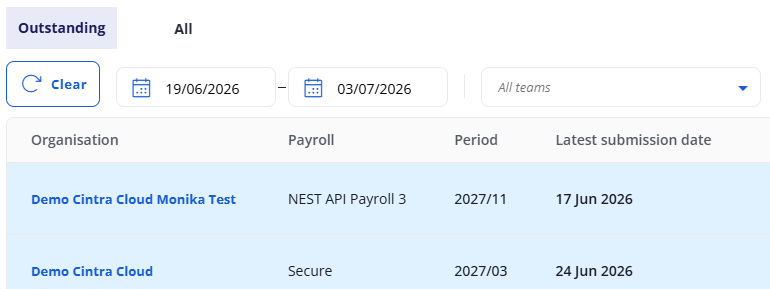
Colour coding
Organisations are colour-coded to highlight their payment status:
Red: Indicates that the payroll payment is overdue or the BACS submission is due now.
Blue: Indicates that the payroll payment is due soon.
Weekly payroll pay date is due in 3 days.
Other (non-weekly) payroll pay dates are due in 5 days or less.
Default filter
By default, the Outstanding tab applies a 14-day date range filter, covering 7 days before and 7 days after today's date. This ensures that only relevant current payrolls are displayed. You can adjust this date range if needed to view a broader period.
All tab
The All tab includes all organisations, regardless of whether the payment run has been created in Cintra IQ payroll for the selected date range. This provides a comprehensive view of all organizations' salary payment schedules.