The Directory is where you can find other employees in your organisation.
Depending on your role and permissions, you may not be able to view all people in your organisation
Employee directory
On this screen, you can:
Filter the list by division and/or team.
Search for a specific employee
Filter the list to show joining, active, or former employees.
Click any name to view more information
.png)
Switching employees
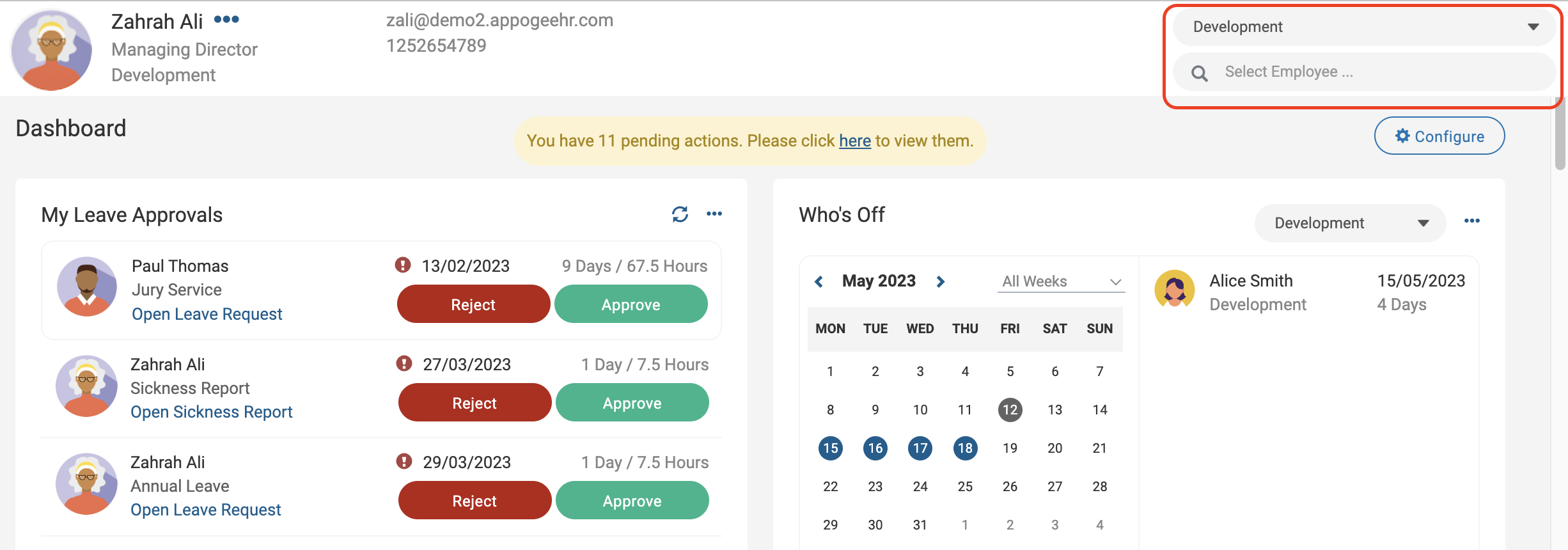
The employee switcher can be found in the top right-hand corner of the employee ribbon. Using this employee switcher will respectively change the ribbon to the selected employee. Either type an employee name or use the lookup. Alternatively, select the employee team and then select the applicable employee.
Teams
Select a team to view all its members.
.png)
For help setting up the directory, see Managing the employee directory.
Org chart
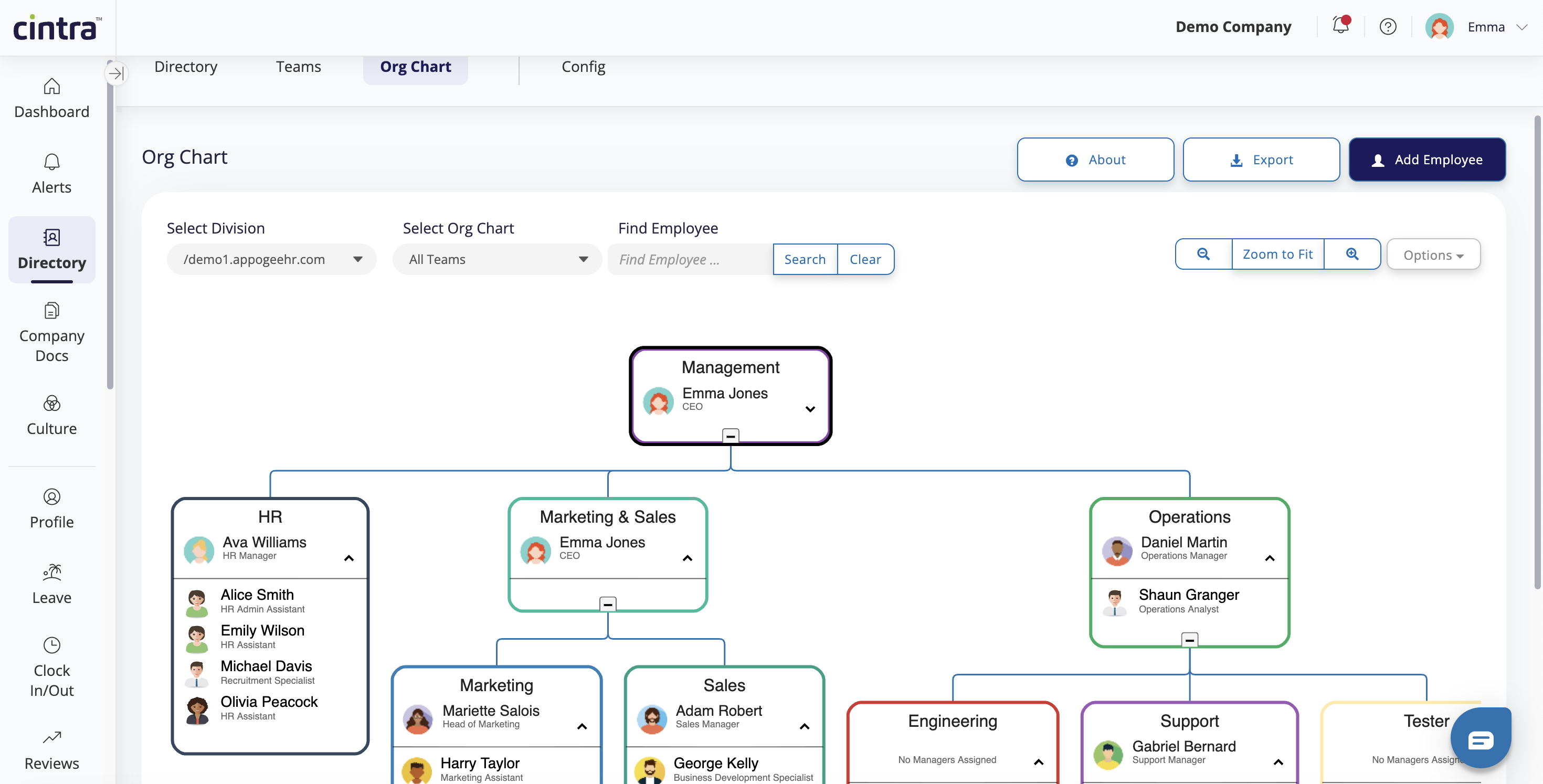
The org chart provides a visual overview of your organisation. On this screen, you can:
Click on areas or people within the chart to view more information
Search for people by name / division or team.
Export the org chart as a PDF or image file.
For more information, see configuring the org chart.